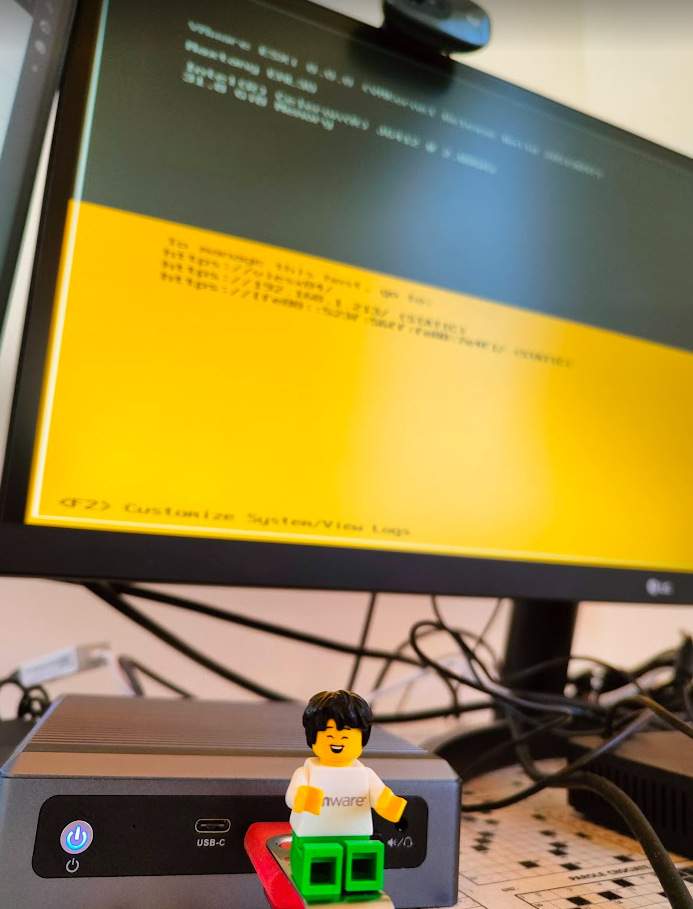
Until a few weeks, my Home Lab was composed of two physical ESXi nodes (respectively an INTEL NUC NUC8i3BEH and an HP Desktop HP ProDesk 600 G2 DM), with 32 GB of RAM each and 5 TB of total disk.
For my testing activities, especially in VDI (Horizon) and some vSAN (implemented a 2-node cluster to test the operation of Shared Disks for Microsoft clusters) could be enough.
But the desire to test vSphere 8 (vSAN etc …) and the possibility of trying the Kubernetes world was pushing me to evaluate an expansion of my Home LAB ……….
………. And thanks to COHESITY and the vEXPERT community at VMware EXPLORER in Barcelona I was able to have my expansion…. a beautiful Maxtang NX6412 NX6412-Maxtang-A premier manufacturer (maxtangpc.com)
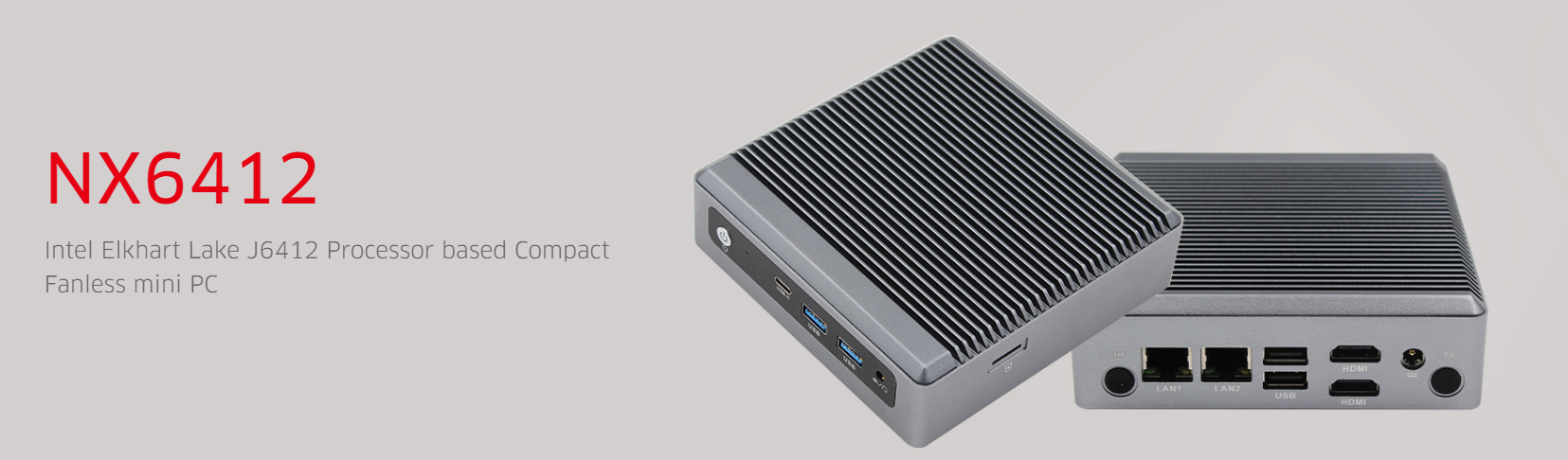
here’s how I activated the new HW:
- Equipment
- Being barebones I had to buy RAM and DISK, taking advantage of Black Friday I bought:
- Timetec 1TB SSD 3D NAND TLC SATA III 6Gb/s M.2 2280 NGFF 512TBW

- Transcend JM3200HSE-32G 32GB DDR4 3200MHz SO-DIMM 2Rx8 1.2V
- Timetec 1TB SSD 3D NAND TLC SATA III 6Gb/s M.2 2280 NGFF 512TBW
- Being barebones I had to buy RAM and DISK, taking advantage of Black Friday I bought:
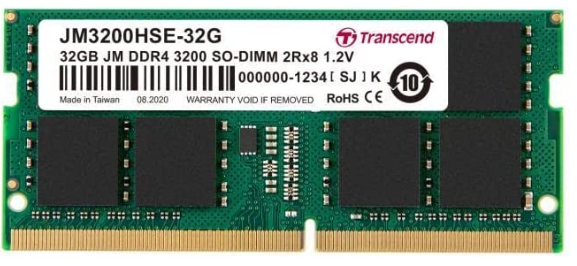
For the RAM I will proceed to evaluate an expansion with an additional 32GB bank
- Installation
- Updated vCenter to version 8
- Installed ESXi version 8 on a USB stick (Using VMware Workstation and installing ESXi from an ISO on my USB stick) and used it to boot from Maxtang.
At this point I encountered the first problem, the two network cards are not compatible… I had to use a USB dongle -> Ethernet and I managed to start everything (Thanks also to the community drivers USB Network Native Driver for ESXi | VMware Flings
-
- I finally added ESXi to my vCenter
- First use
- The first thing I did was use William Lam’s script to deploy a vSAN 8
Automated vSphere & vSAN 8 Lab Deployment Script (williamlam.com)
-
- I configured the HA of my vCenter
- Now I’m trying to improve my know-how on Tanzu and WorkSpace One





![Notepad
File Edit Format
[General]
netlnternet=
View
Help
ipø=192.168.247.54
diskMode=
ip1=192,168,246.54
defaultGateway=192.168.247.1
target=
ds=
routes
2.168.246.1,192.168.4.0/24 192.168.246.1,172.25.2.0/23 192.168.246.1,172.25.6
netmaskØ=255.255.255. or
netManagement etwor
net3ackendNetwork
• pØA110cationMode=STATICV4
name=
deploymentOption=twonic
forceNetmaskØ=255.255.255. or
forceNetmask1=255.255.255. or](https://vmvirtual.blog/wp-content/uploads/2022/05/notepad-file-edit-format-general-netlnternet.png)
![Notepad
File Edit Format View Help
l[Generate1]
net Internet—DPG - EXT•4Zjjj)
ipe=192.168.247.55
diskMode—thick
source—E : - unified - access - gateway- 22.03. 1955Ø 91_OVFI Ø. Ova
ip1=192,168,246.55
default-Gateway=192.168.247.1
target—vi : / /vcaØ7
ds=vsanDatastore
routes1=172.16.e.Ø/16 192.168.246.1,192.168.4.0/24 192.168.246.1,172.25.2.0/23 192.168.246.1,172
netmaskØ=255.255.255. and
netManagementUetwork
net8ackendNetwork=DPG - INT - C*IZ
ipeA110cationMode=STATICV4
name-VilJAGØ3-22Ø3
deploymentOption=twonic
forceNetmaskØ=255.255.255. and
forceNetmask1-255.255.255. and
ip1A110cationMode=STATICV4
net-maski=255,255,255. and
authenticationT imeout—3ØØØØe
fipsEnab1ed—fa1se
sys L ogType=UDP
uagName=viuage3
clockSkewT01erance=6Øe](https://vmvirtual.blog/wp-content/uploads/2022/05/notepad-file-edit-format-view-help-lgenerate1.png)