Converge vSphere 8 to VMware vSphere Foundation 9.1.x

.

ATTENTION!!

This is a document that was created from a Home Lab.

My Home Lab:

vSphere 8u3i

One vCenter

Two ESXi hosts (Nested)

One NFS datastore (TrueNAS)

Official Documentation

Source Converge a vCenter Instance and ESX Hosts to vSphere Foundation

Verify upgrade path from Product Interoperability Matrix

Requirements

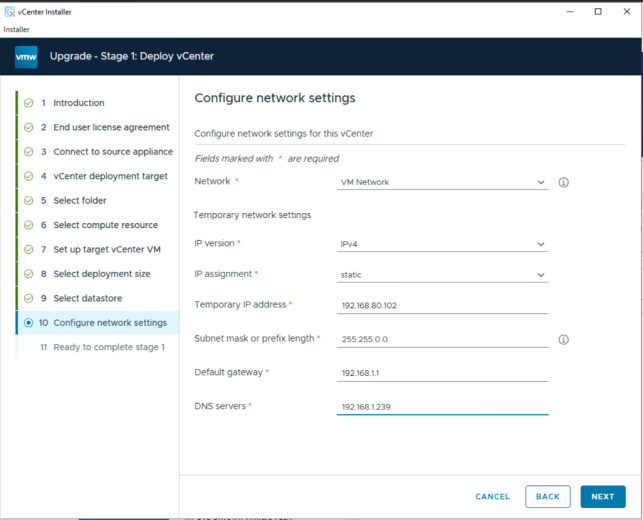
Prepare a temporary IP for vCenter

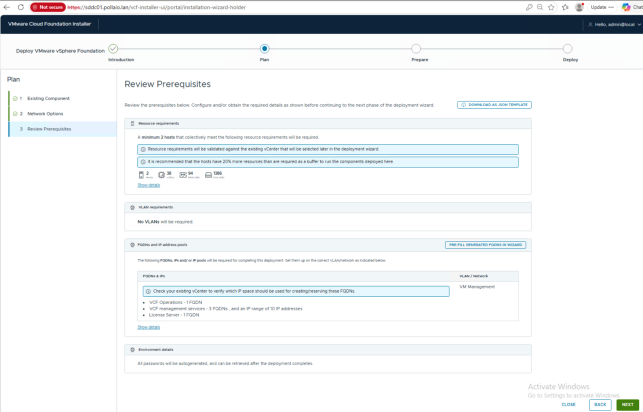
Prepare five FQDNs and register on DNS (with reverse) for:

1 VCF Operation

3 VCF Management Services

1 VCF License server

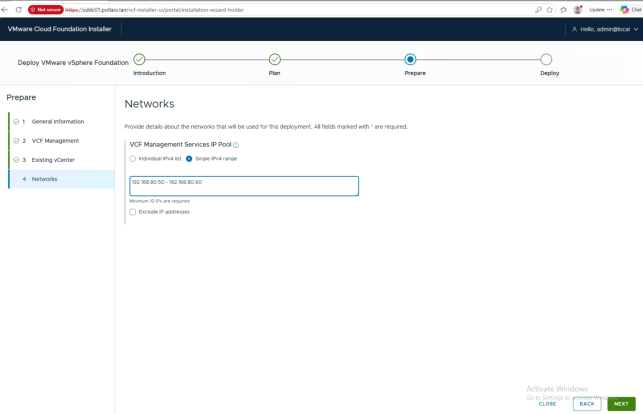
And ten IP addresses (minimum) for Management Services

.

UPGRADE STEP

• vCenter Upgrade
• Install VCF Installer
◦ Install VCF Operations
◦ Install VCF Management Services
• Upgrade ESXi
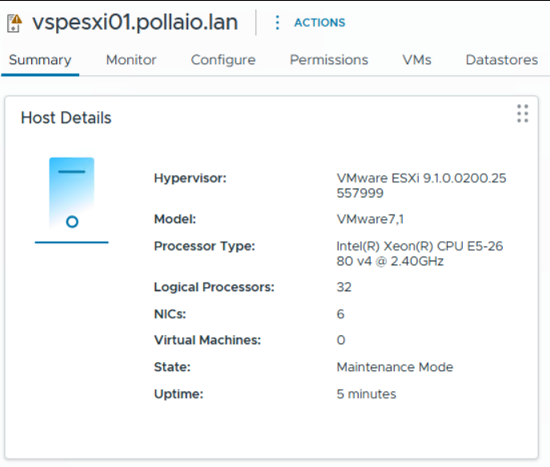
◦ Upgrade ESXi Hosts
◦ Upgrade vDS
◦ Upgrade VMware Tools
◦ Upgrade Virtual HW

.

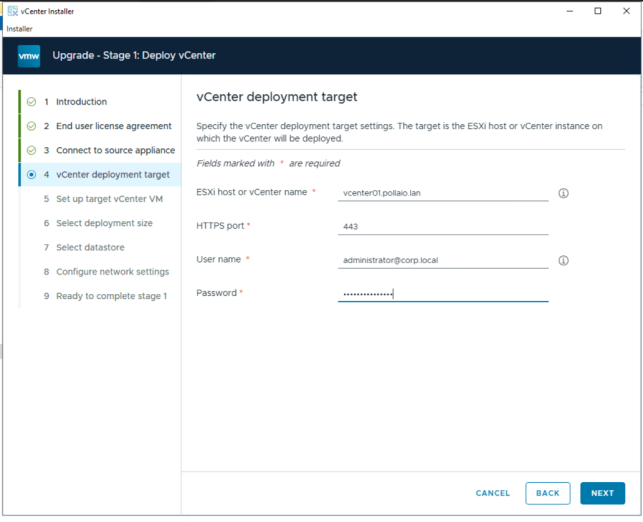
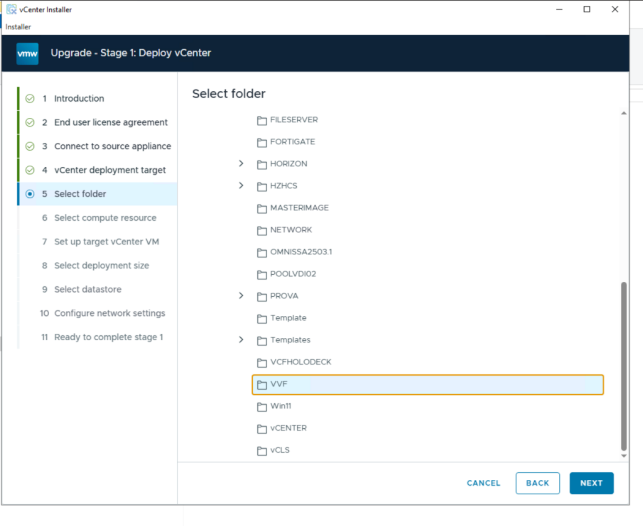
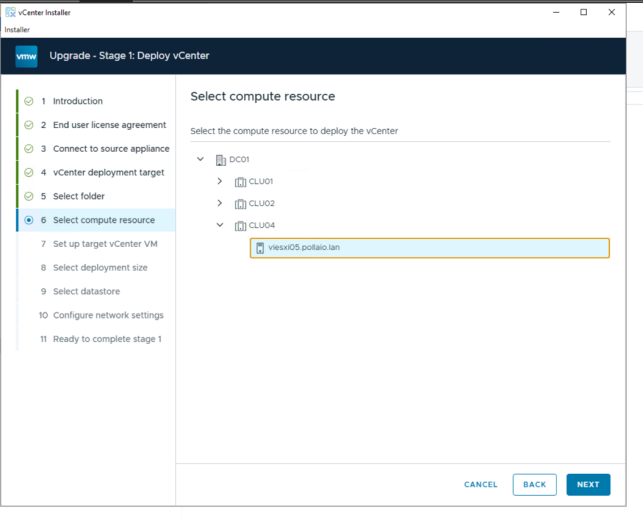
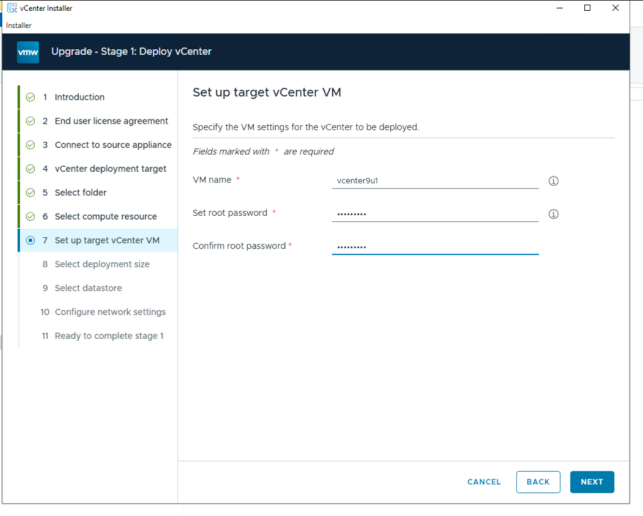
vCenter Upgrade

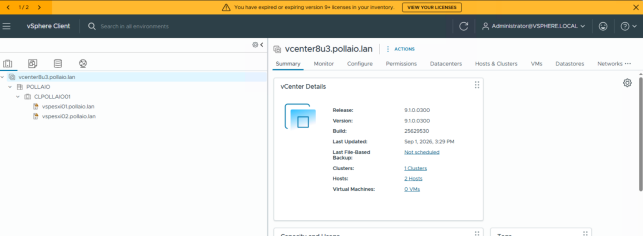
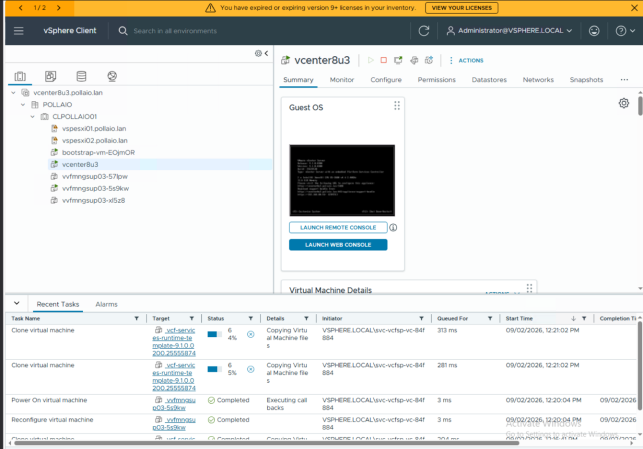
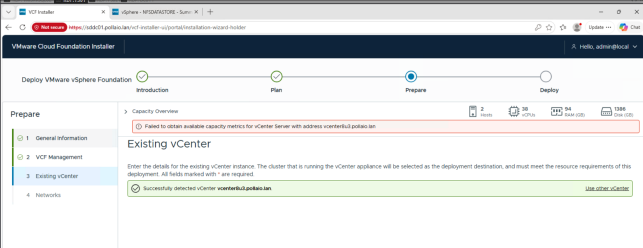
You must deploy the new vCenter in the vSphere Cluster that you need to upgrade at VVF. In my test, I deployed the new vCenter in another vSphere infrastructure, and the VCF Installer reports an error.

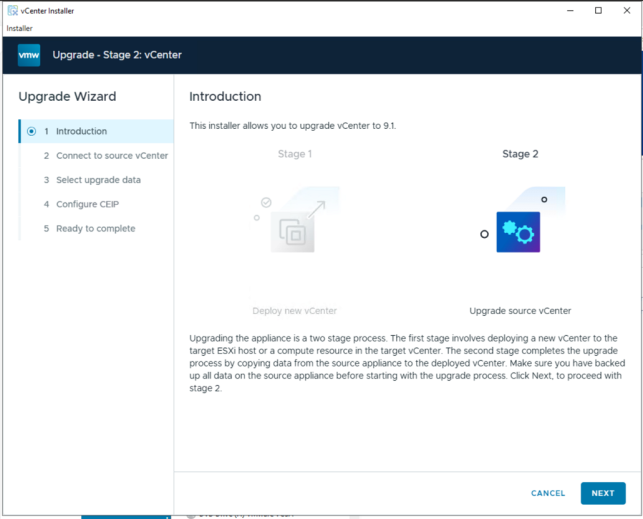
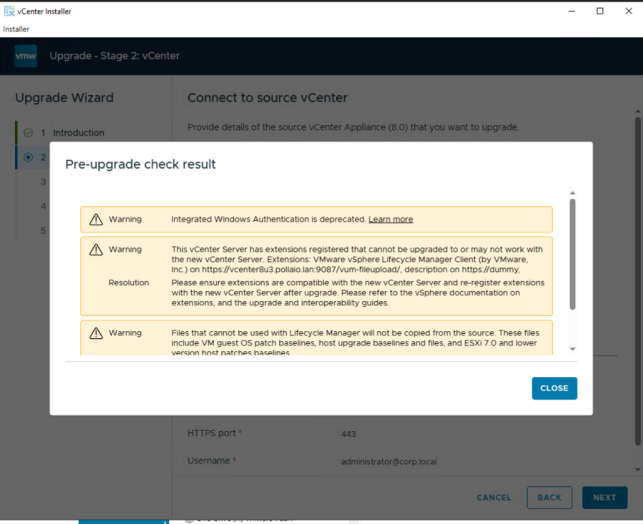
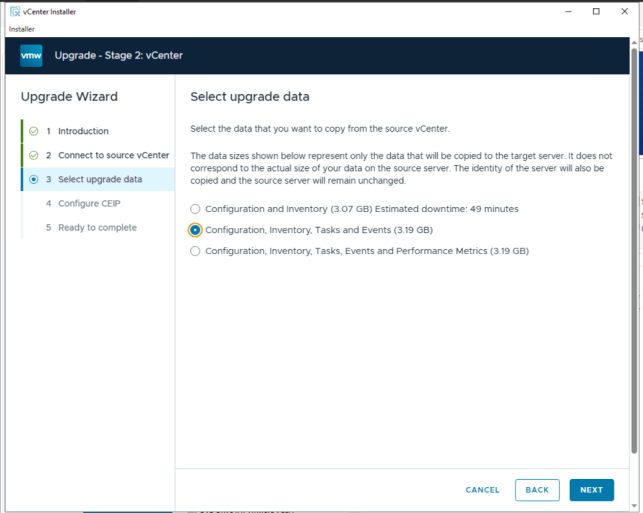
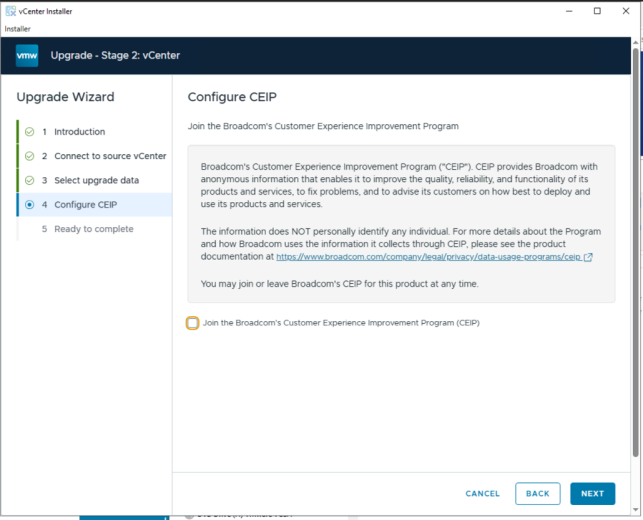
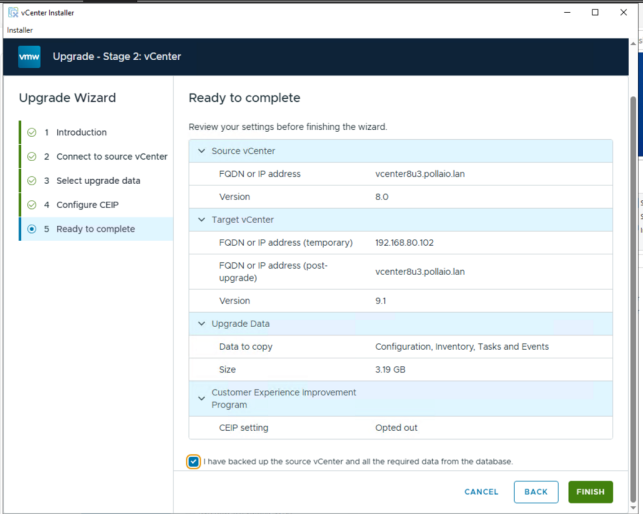
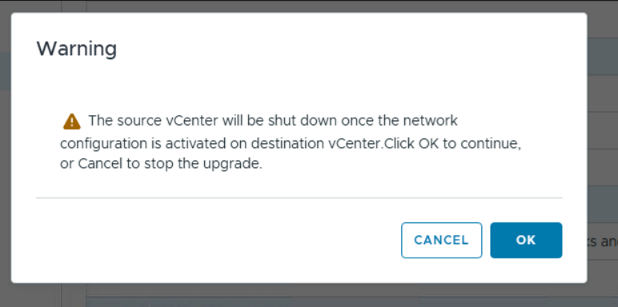
The vCenter upgrade process is a classic vCenter upgrade.

.

Download vCenter 9.1 from the Broadcom Support Portal

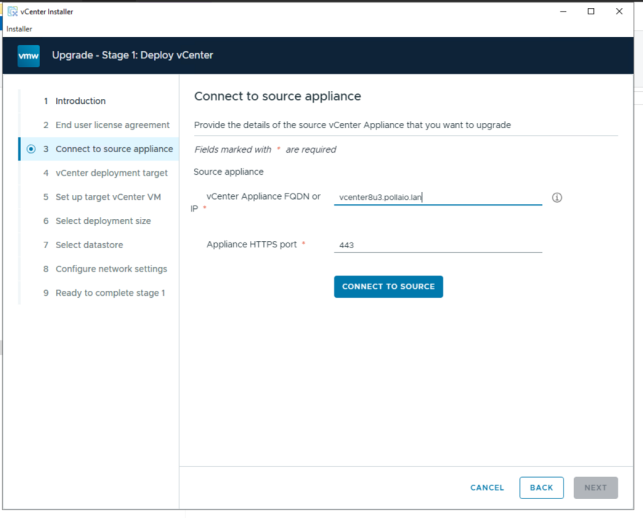
Dedicate a temp IP address and FQDN name (need to register in DNS) for deployment

Mount the downloaded ISO on a bridge PC or Virtual Machine

Start the UI installer
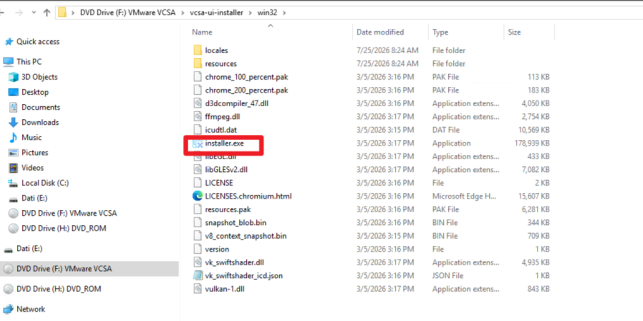
 .

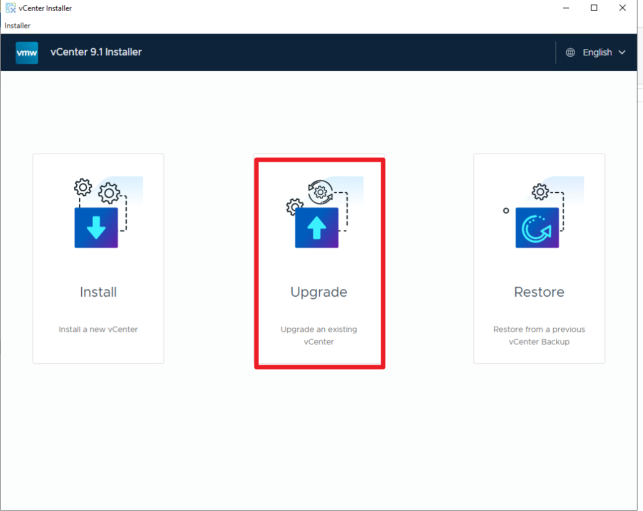
Select upgrade

 .

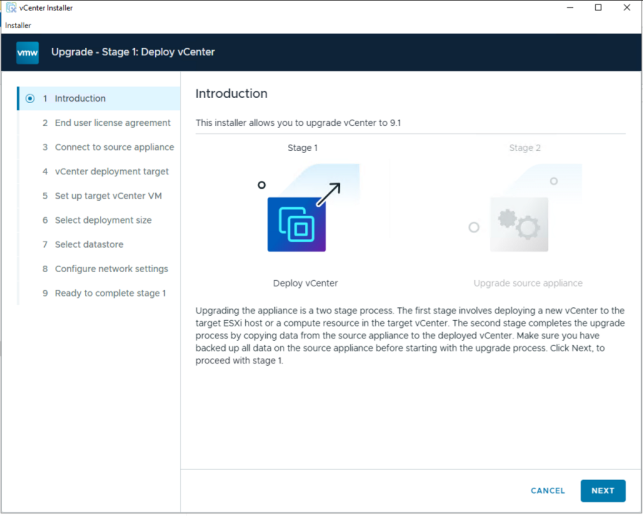
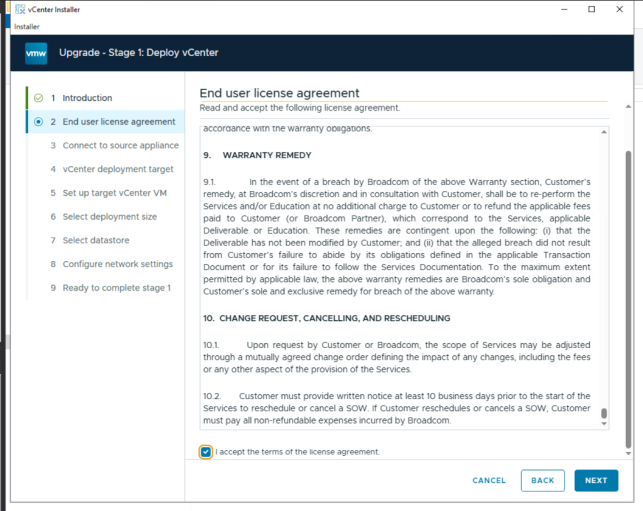
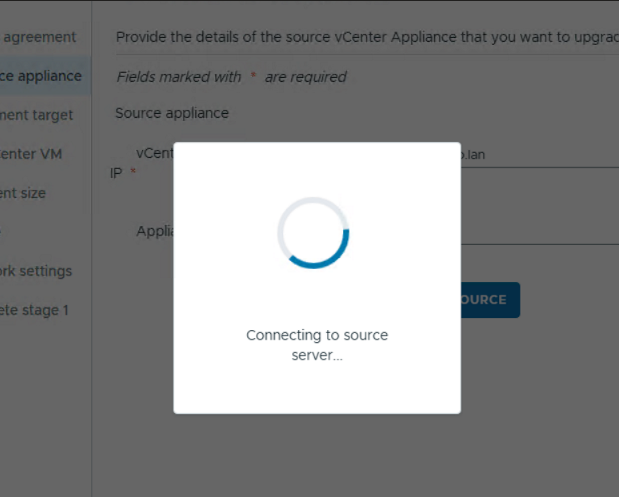
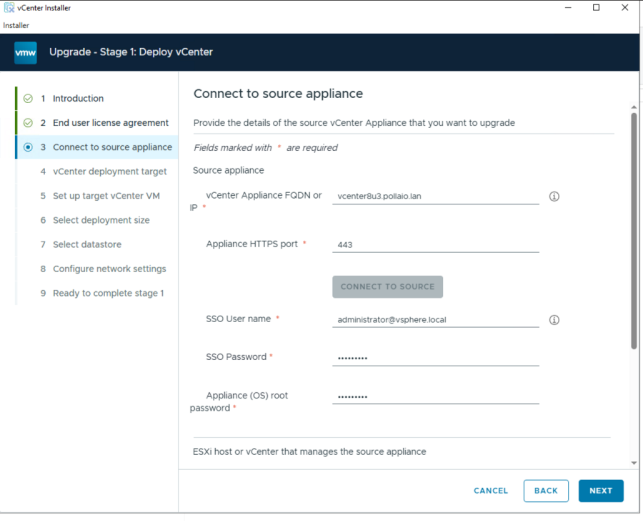
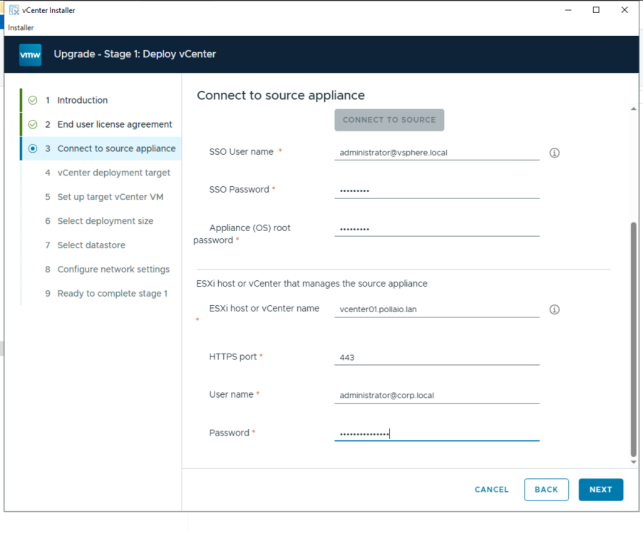
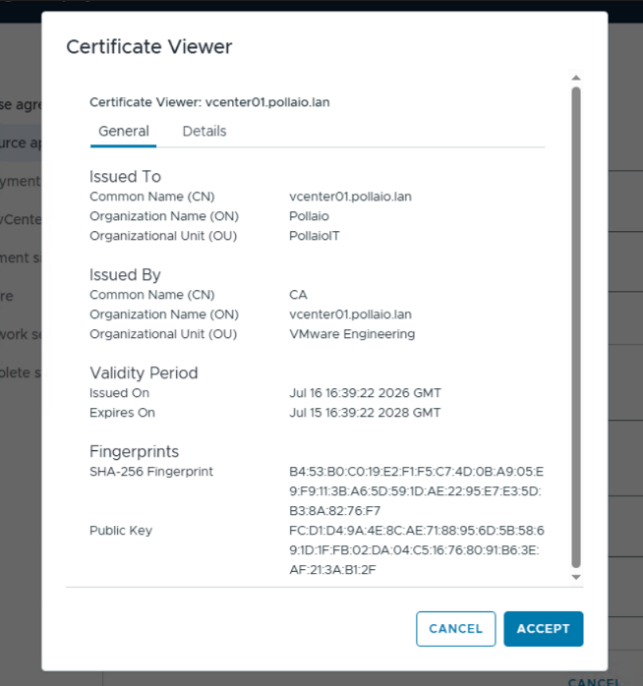
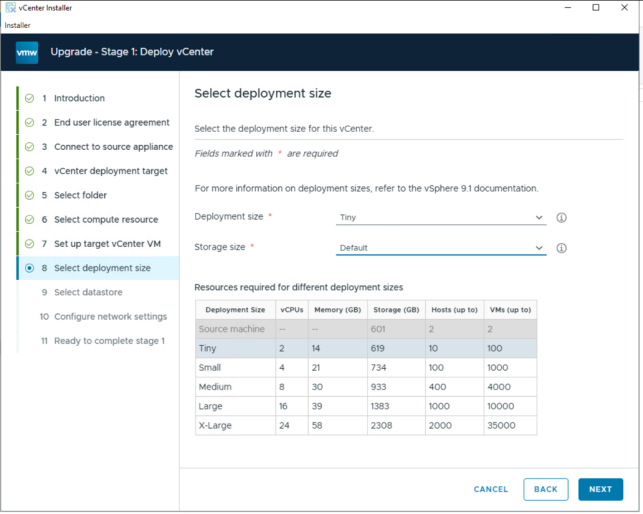
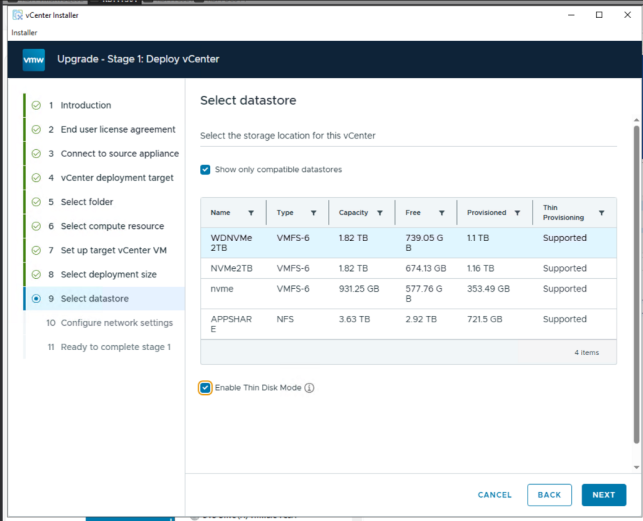
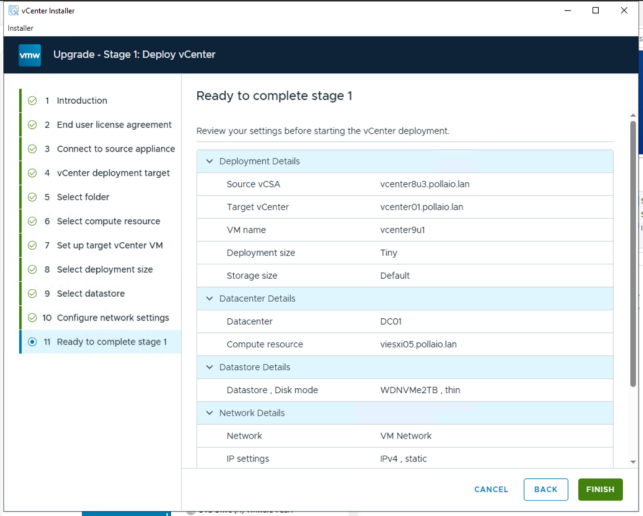
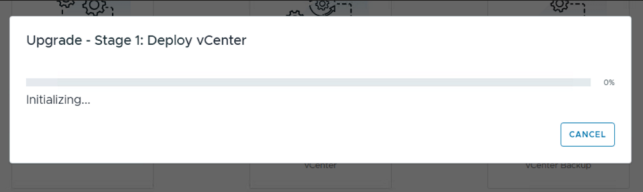
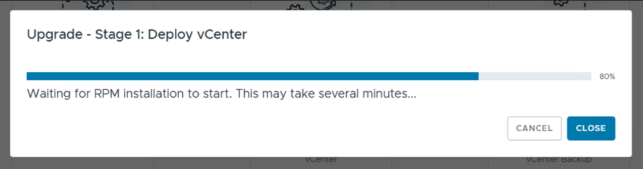
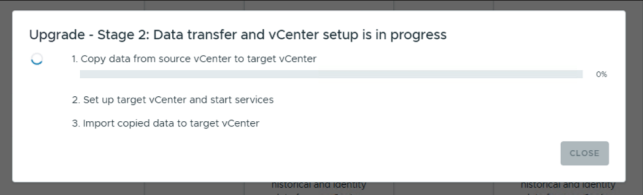
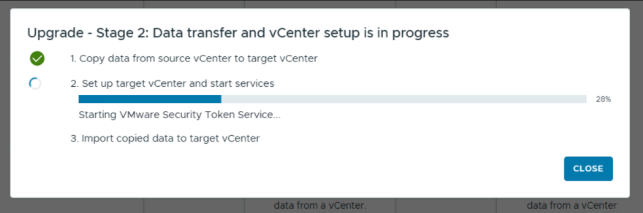
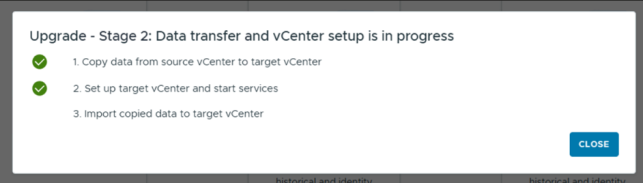
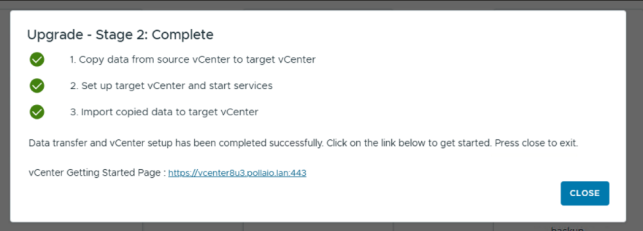
Start the deployment
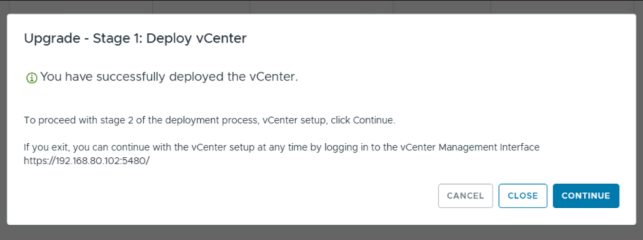
.

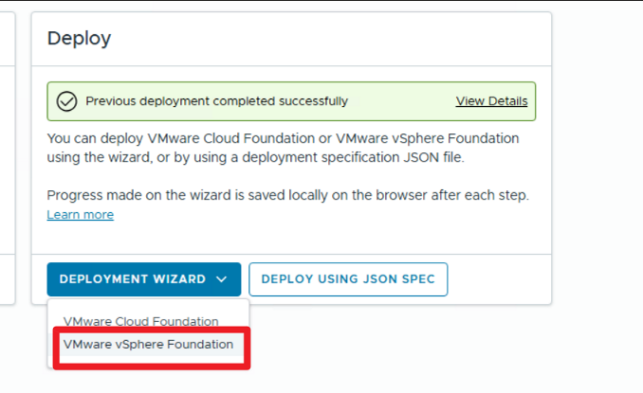
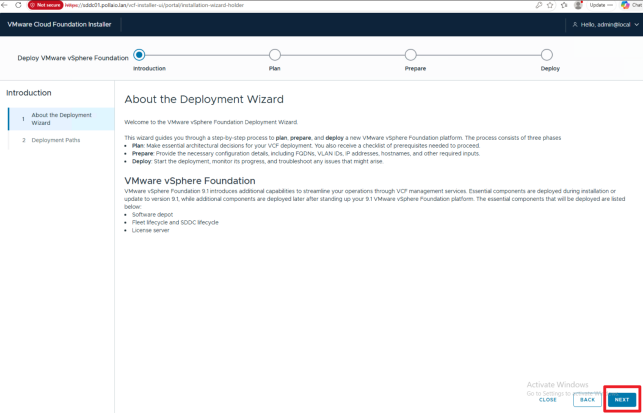
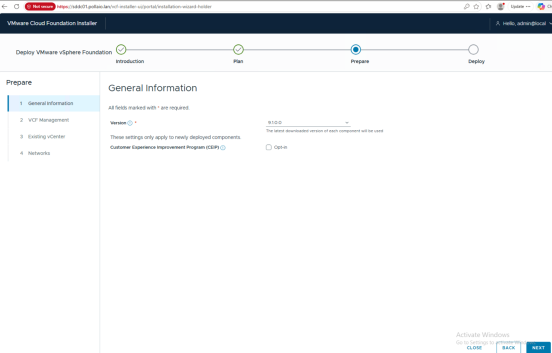
Deploy the VCF Installer appliance.

I covered this installation in another Post; read this post:

Start a New vSphere Foundation Deployment by Using the VCF Installer Deployment Wizard – BIOLNX

Deploy VCF Operations

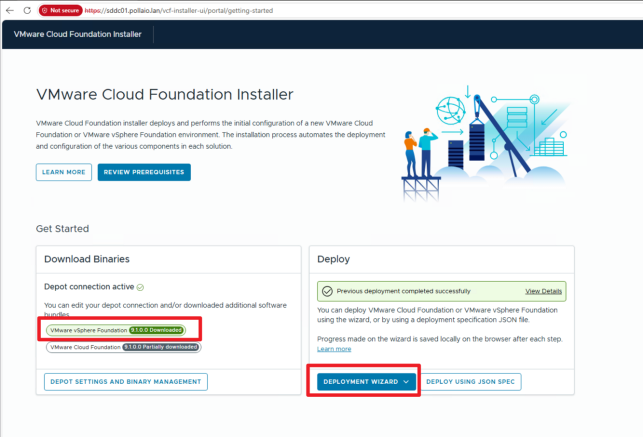
Log in to VCF Installer
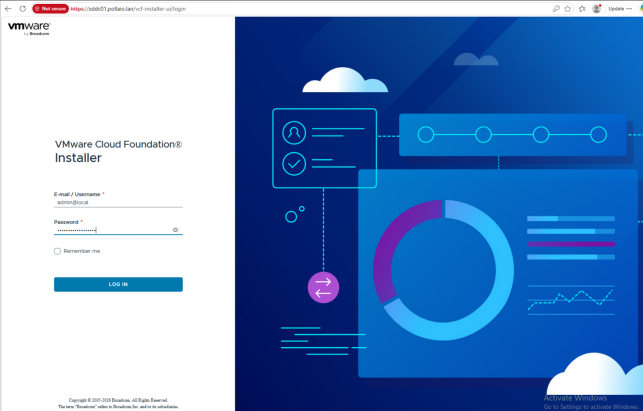
Download bundles for the VCF Installer appliance (Read this post: Start a New vSphere Foundation Deployment by Using the VCF Installer Deployment Wizard – BIOLNX)

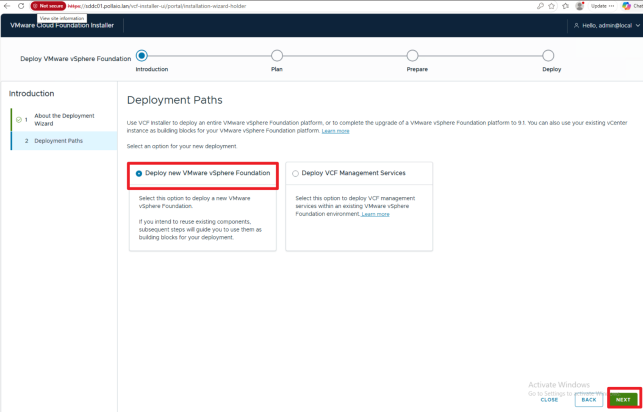
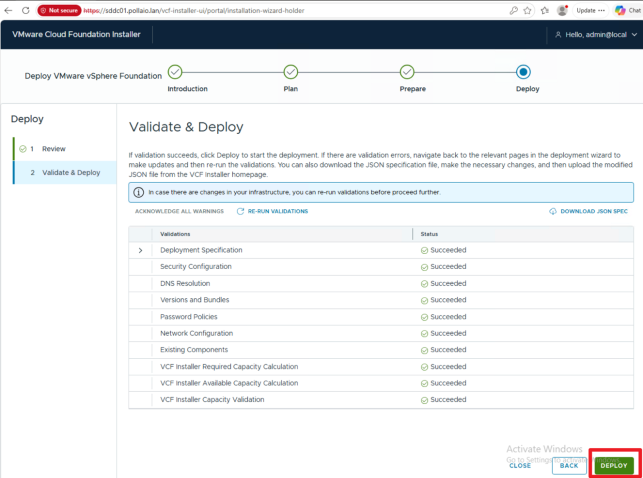
Use VCF Installer to deploy your vSphere Foundation platform.
.

.

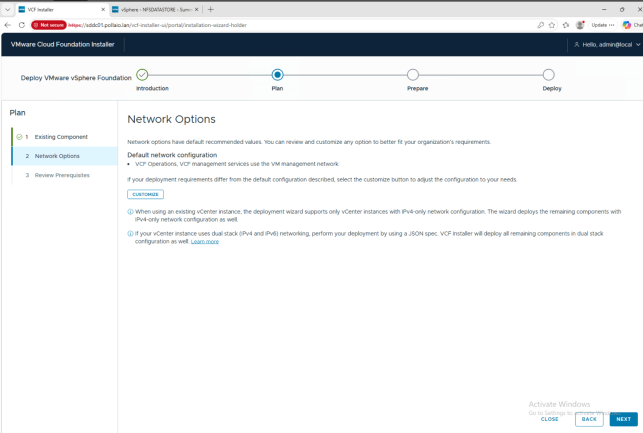
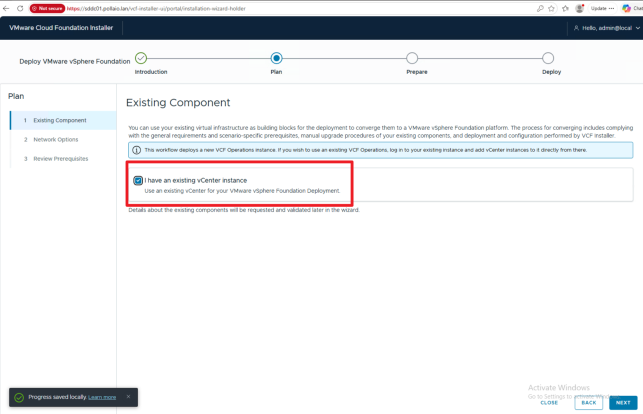
Select I have an existing vCenter
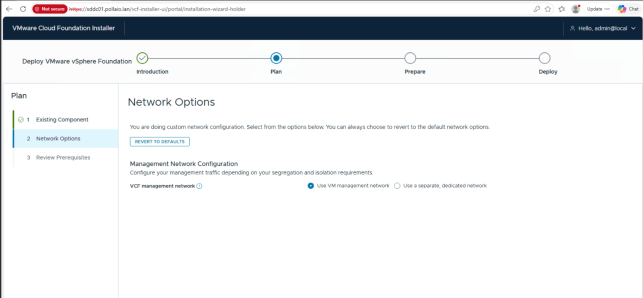
Select the network infrastructure for the Management Services and Operations component in my Home Lab. I choose the network where the VM is deployed (otherwise, create a dedicated network; check the firewall configuration in the official documentation)
.

.

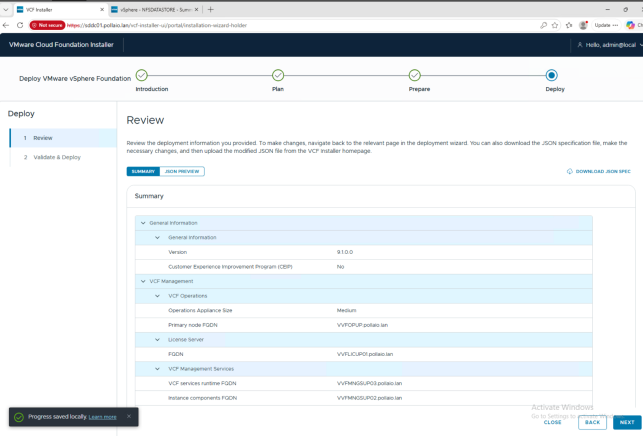
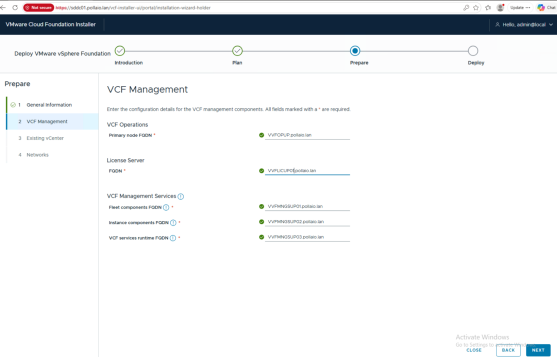
Dedicate IP address and FQDN (with reverse)

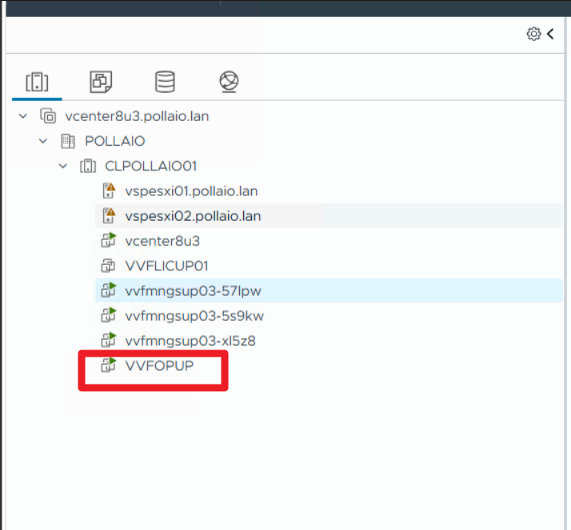
VVFOPUP.pollaio.lan 192.168.80.110

VVFMNGSUP01.pollaio.lan 192.168.80.111

VVFMNGSUP02.pollaio.lan 192.168.80.112

VVFMNGSUP03.pollaio.lan 192.168.80.113

VVFLICUP01 192.168.80.114
.

.

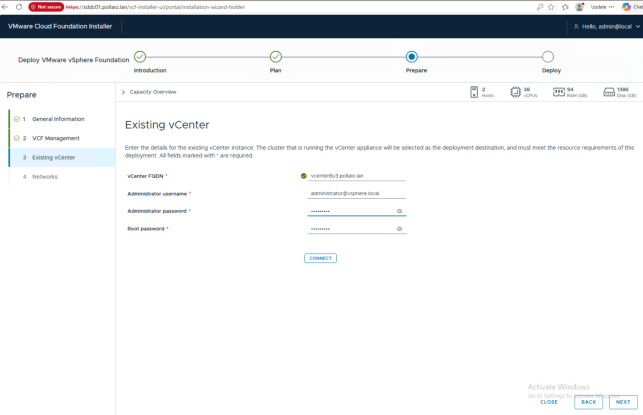
We enter the FQDN names of the objects; if entered correctly in the DNS (with the reverse), they have a green tick
.

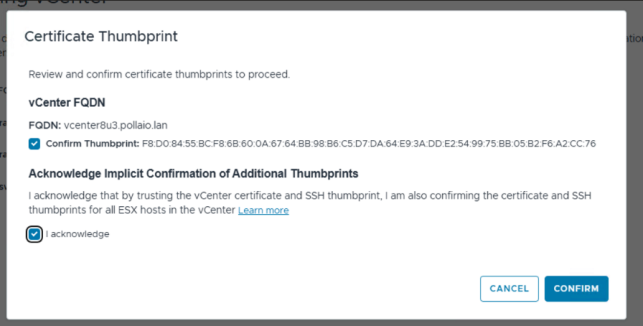
In my case, if the new vCenter is not deployed in the cluster that we want upgrade, we see an error.
.

After vCenter migrating to the vSphere cluster object for the upgrade
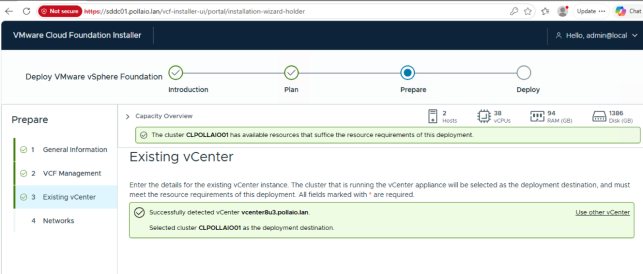
.

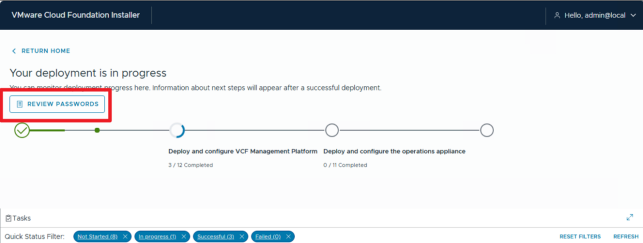
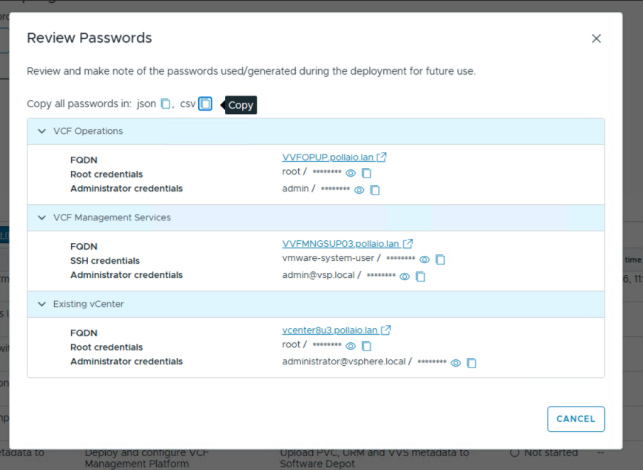
Save the Password!!!!

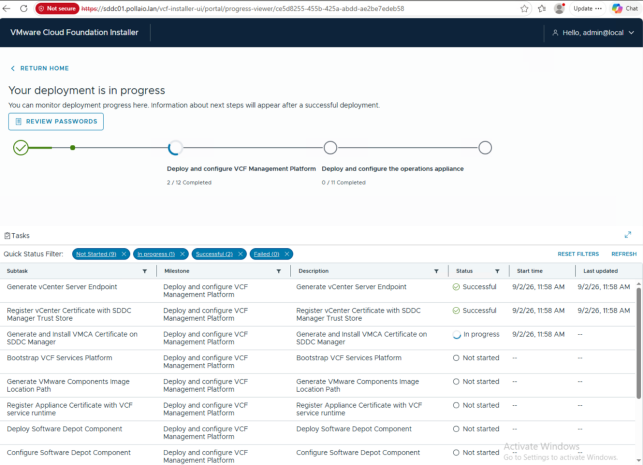
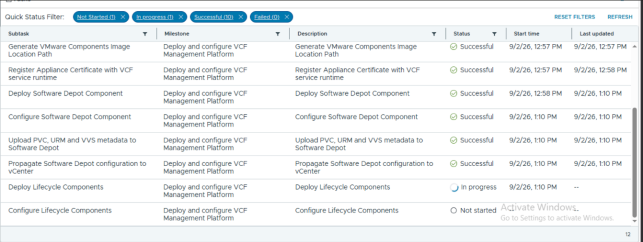
Start the VCF Operation appliance installation
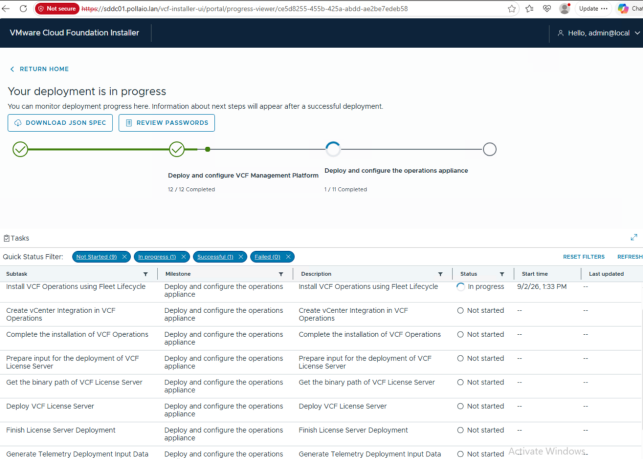
.

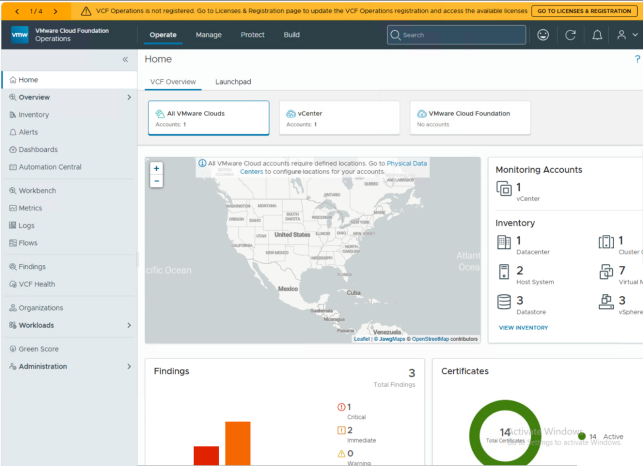
At the end of VCF operation Installation, we can log in to the VCF Operations UI
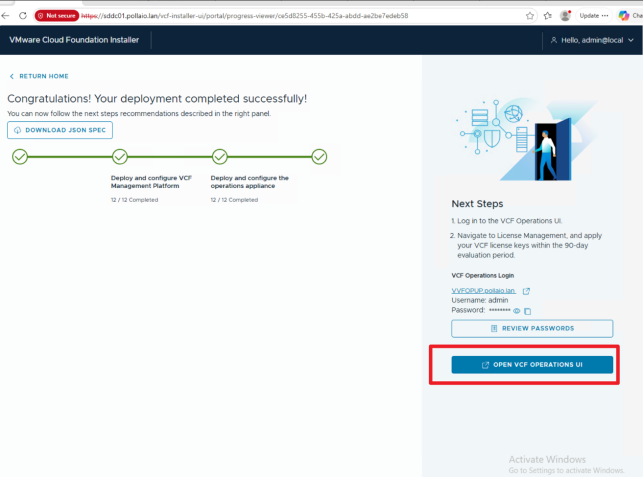
Now we can configure the License (See this post)

Register VCF Operations and Your License Server in Connected Mode – BIOLNX

.

Upgrade ESXi

Log in to vCenter and select the Lifecycle Manager
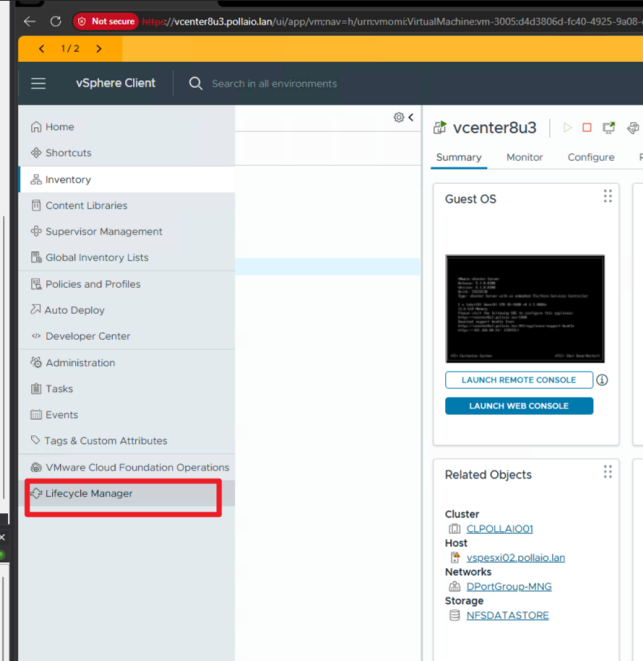
After some time, under Software Depot, the new ESXi version appears
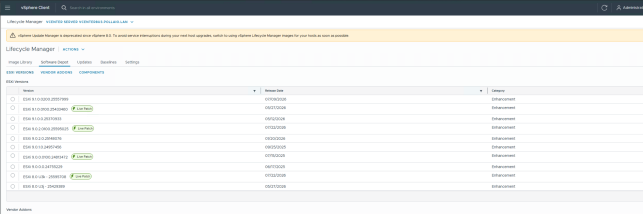
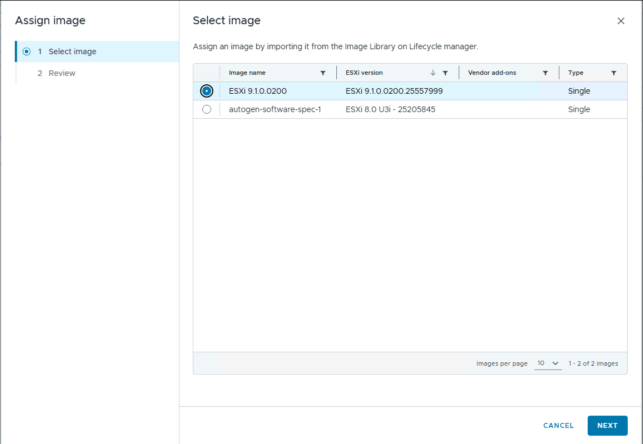
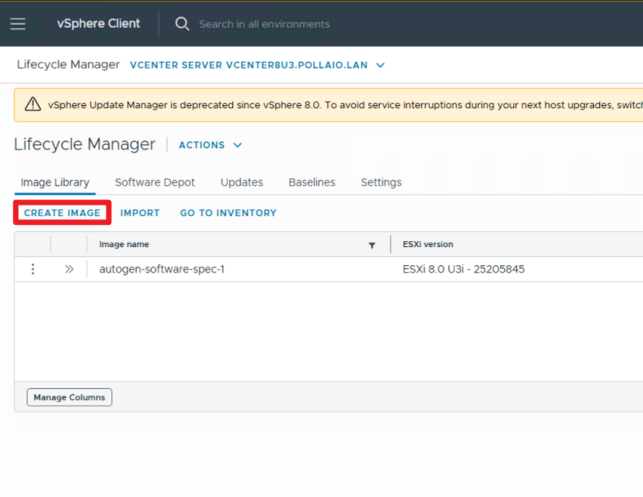
Now we create a new Image; go to Image Library and select Create Image
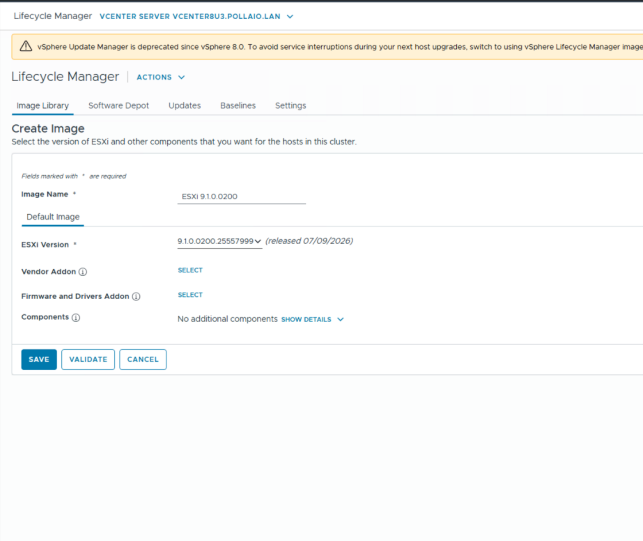
 

Validate and save
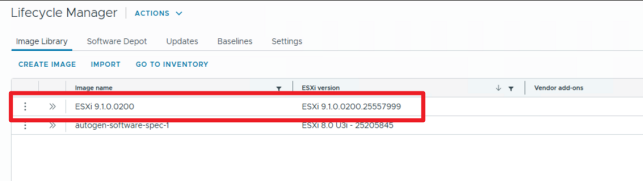
.

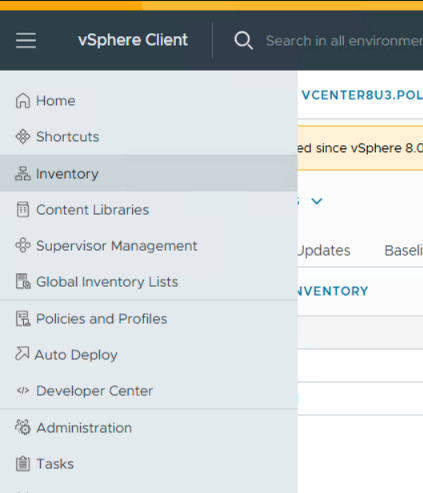
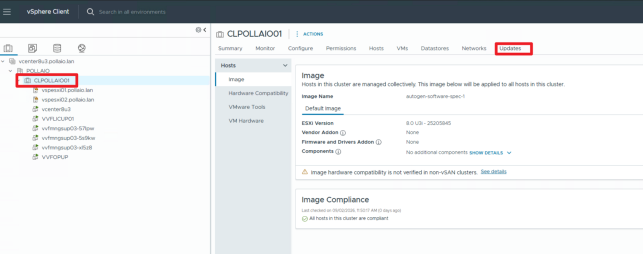
Go to Inventory

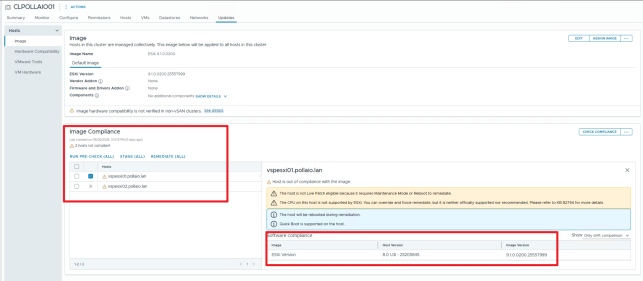
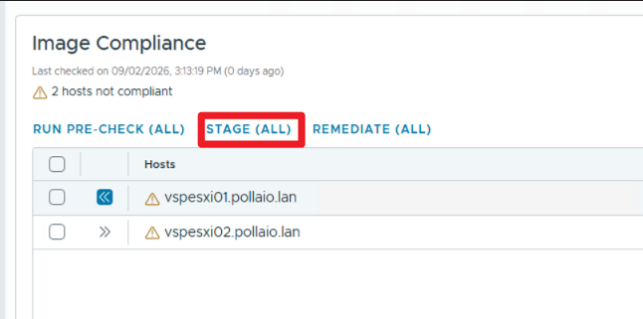
Select the cluster and after updates
.

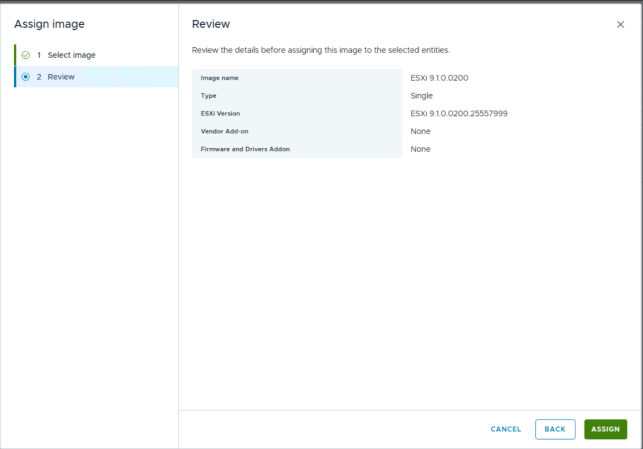
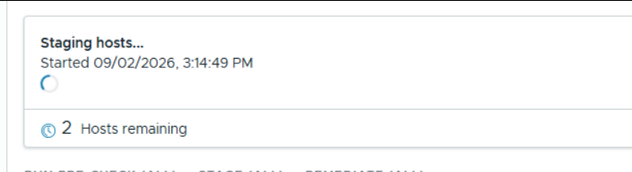
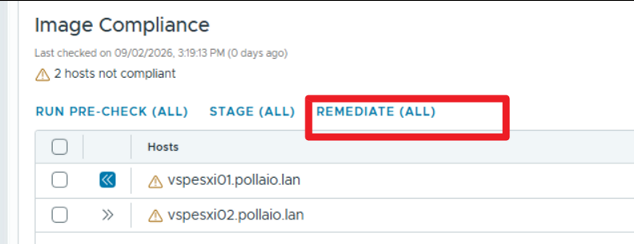
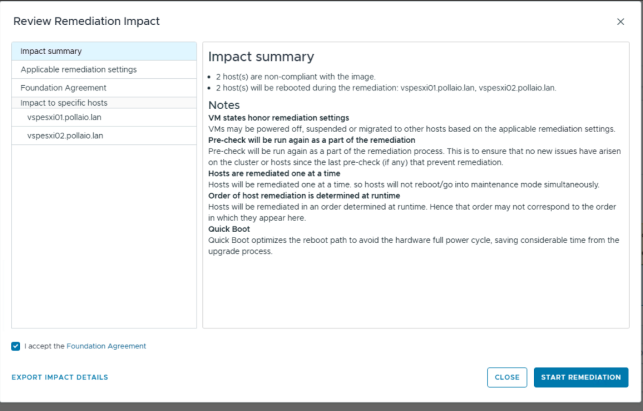
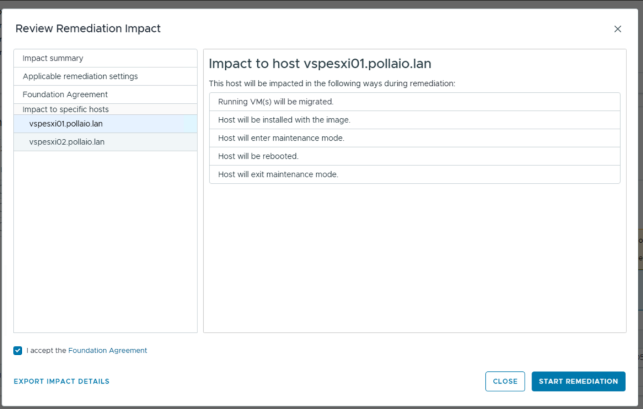
Now the upgrade will start if the cluster is correctly configured

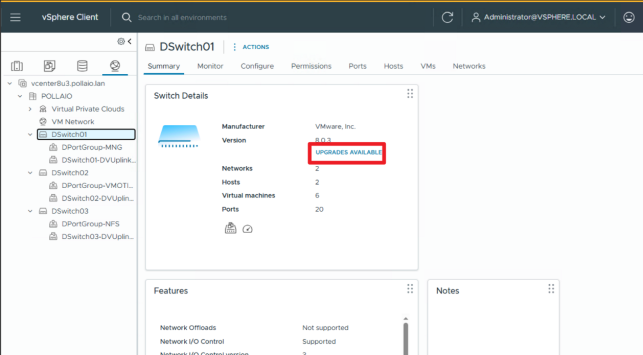
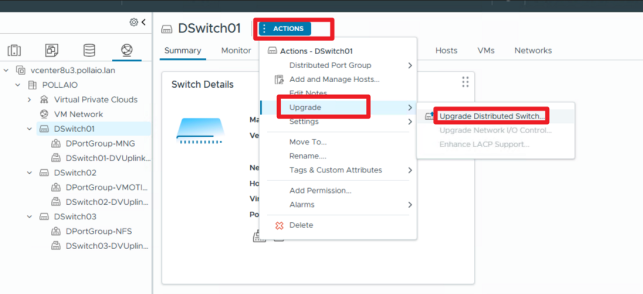
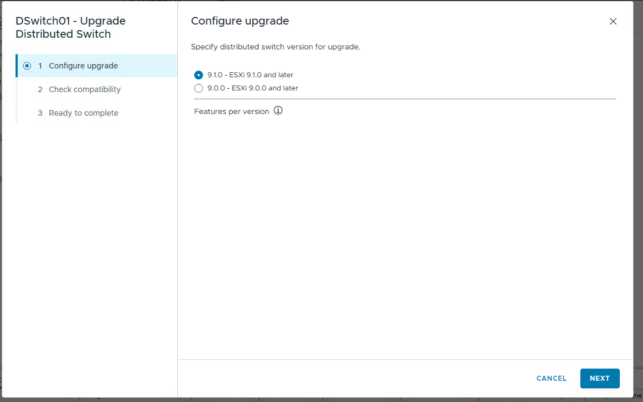
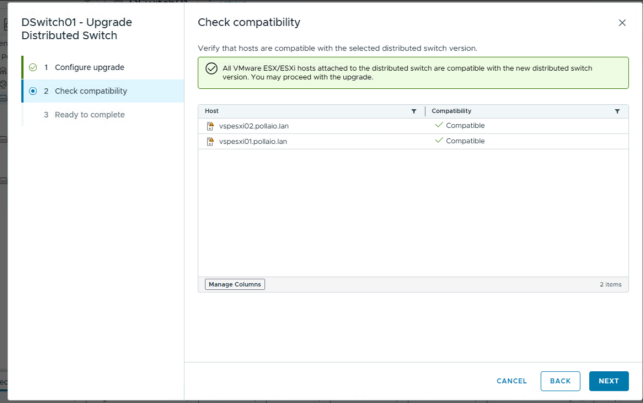
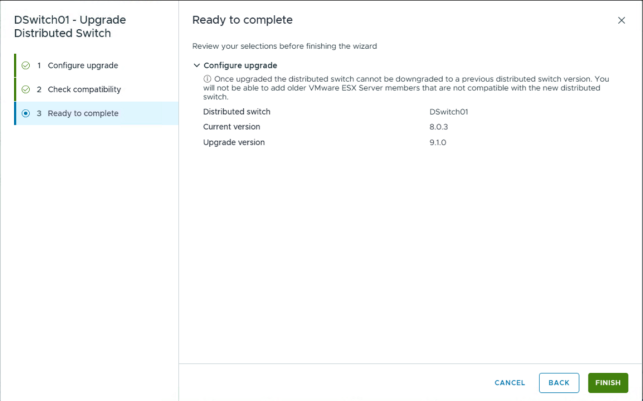
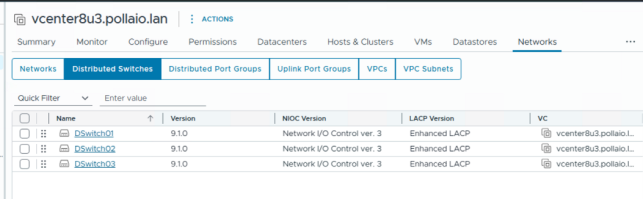
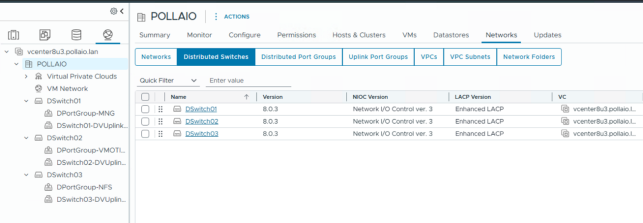
Upgrade Virtual Distributed Switch
.

.

Next step

Upgrade VMware Tools

Upgrade Virtual Hardware

.

Converge vSphere 8 to VMware vSphere Foundation 9.1.x

VMware vSphere Foundation for VDI (VVF for VDI)

A blue and white logo

Description automatically generated

A black text on a white background

Description automatically generated

The exit of EUC services from Broadcom (after the acquisition of VMware by the US giant) has brought a situation of uncertainty for all those who have been appreciating for years the features of the VDI/Applications published with Horizon and all the products of the EUC ecosystem that were from VMware.

The birth of Omnissa (effective from the beginning of July) bodes well for the future (more information in this post of mine from a few weeks ago).

Of the many synergies that were natural when vSphere and Horizon were children of the same mother, the first uncertainty was the licensing issue.

VMware gave the possibility, once a specific Horizon license was purchased, to have the vSphere virtualization infrastructure licenses, practically a solution ready to be only implemented. (I remind you that Horizon also goes on other Hypervisors… obviously exploits 10% of the potential… on this issue. I expect news from Omnissa since vSphere and Horizon are no longer brothers). The only limitation of the vSphere license included in Horizon was the need to run on the vSphere platform, licensed with Horizon, only VDI environments and the servers necessary for operation (Connection Server ,,, App Volumes Manager etc ..)

Now that vSphere and Horizon no longer have the same mother, what happens to these licenses? Will I still be able to buy a bundle with Horizon and vSphere together?

This link explains that the best of the matter:

Setting the record straight: EUC to continue to offer Horizon with vSphere and vSAN (omnissa.com)

Where it is indicated that there will be a collaboration between Omnissa and Broadcom to allow the presence of a bundle with Horizon and vSphere.

A green and white logo

Description automatically generated

So it is still possible to purchase one of the following licenses:

  • Horizon Enterprise term
  • Horizon Universal,
  • Horizon Enterprise Plus
  • Horizon Standard Plus
  • Horizon Apps Universal

What is the name of the vSphere package included in Horizon Solutions?

VMware vSphere Foundation for VDI (VVF for VDI)

What does it include?

• vSphere Enterprise Plus

• vCenter Standard

• vSAN Enterprise (100 GB) (licensed per Core)

So how much space have I included in vSAN?

Well, the game is quite simple: for each core of my vSphere cluster on which I host VDI and on which I have the VVF for VDI licenses, just multiply 100GB by the number of CORES. (there are no restrictions on the number of cores)

Let’s focus on the vSAN Enterprise license… what difference do we have from the previous Bundle?

  • vSAN Enterprise includes the same features as vSAN Advanced plus all those of vSAN Enterprise which are:
    • Data-at-rest and data-intransit encryption
    • File services
    • VMware HCI Mesh™2

In this link more information:

VVF_VDI_SPD_July2024.pdf (broadcom.com)

VMware vSphere Foundation for VDI (VVF for VDI)