Horizon Agent Upgrade
If you have a Horizon Enterprise Plus or Horizon Universal subscription license, the last Horizon versions have a function to manage the Horizon Agent Update.
You have two scenarios:
- Automatic map the upgrade to your Connection server infrastructure
- Manually add the Agent upgrade package
I tested this feature in my Home Lab
Enable Automatic upgrade to your Connection server infrastructure
Enable Omnissa Horizon Cloud Portal form of Horizon Agent Auto Upgrade feature
https://cloud.horizon.omnissa.com/

With enabling the Agent Auto Upgrade you can see, without any action, the Horizon package to use for upgrade (this new package is directly downloaded from the Omnissa Site)
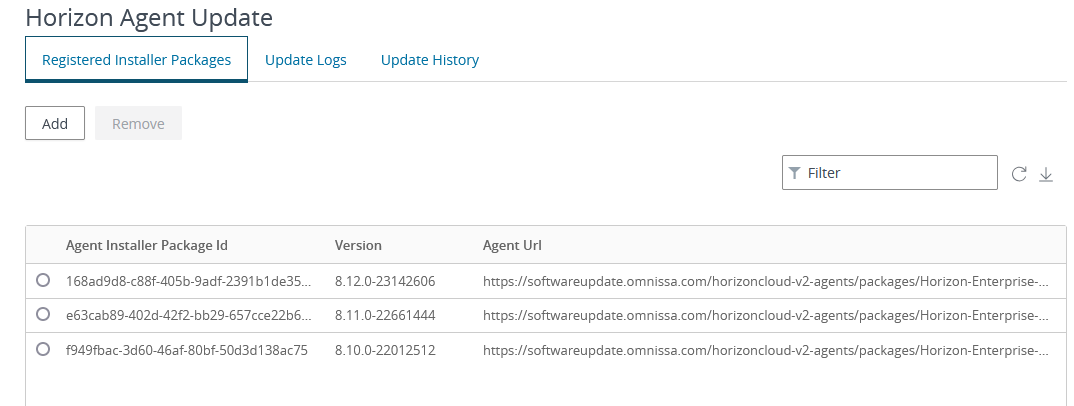
If you use this method you can skip the next paragraph and go to Schedule Agent upgrade
Manually loaded the JSON and agent file
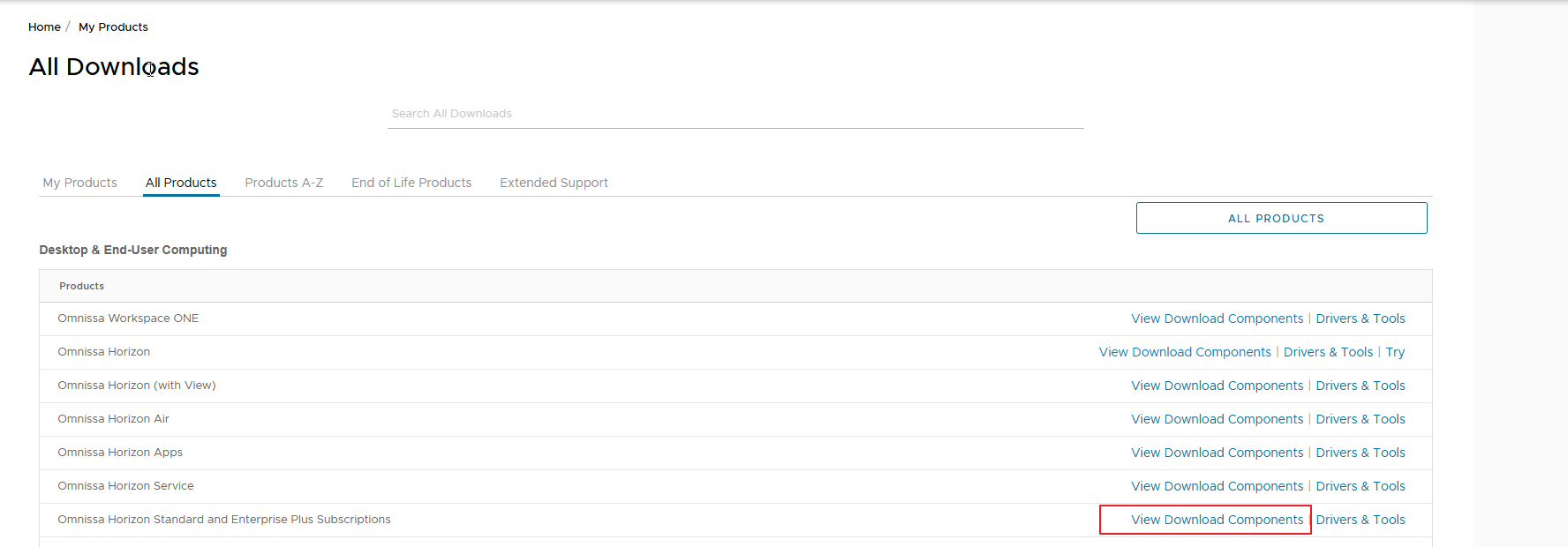
Otherwise, you can manually download the JSON file from the customer portal by Omnissa
Omnissa Horizon Standard and Enterprise Plus Subscriptions

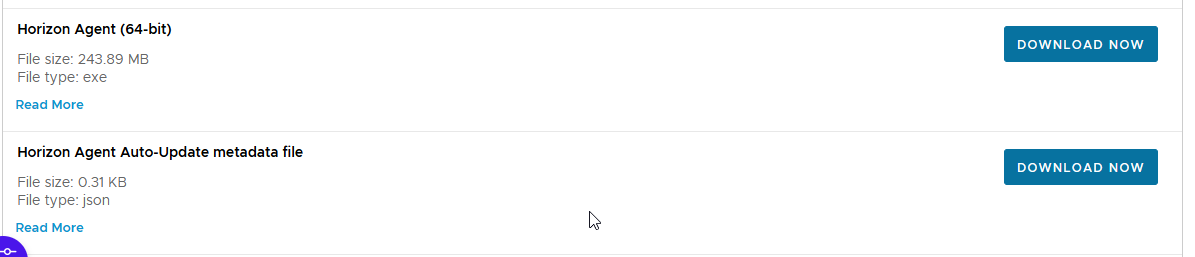
Download the files you need
Upload them to a WEB site (Local/Internal or Public), in my case I use an Azure storage account
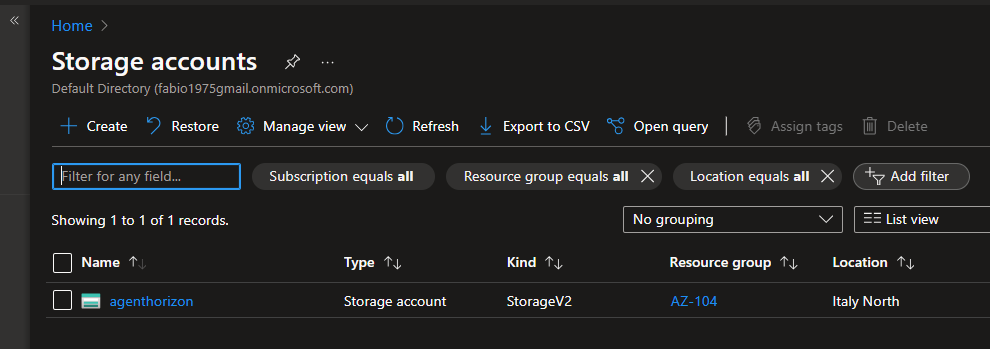
As blob containers

Which are accessible via WEB (obviously I recommend putting special restrictions)


Let’s configure our POD by entering the appropriate section of the interface via WEB of the connection servers

Enter the URL of our storage account with the name of the JSON file indicated

Schedule Agent upgrade
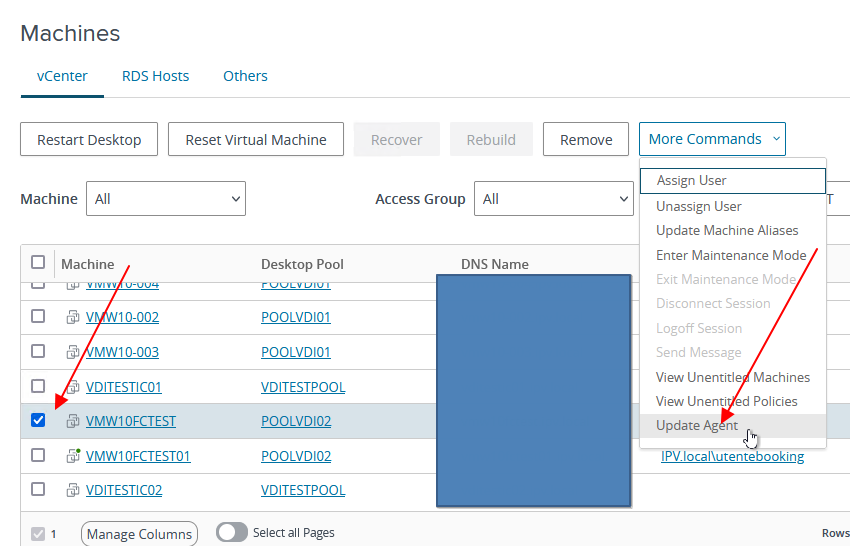
Let’s proceed with updating the Agent of a VDI by going to the list of our VDI.
We select the VDI or VDI on which we want to update the agent

Then select Update Agent
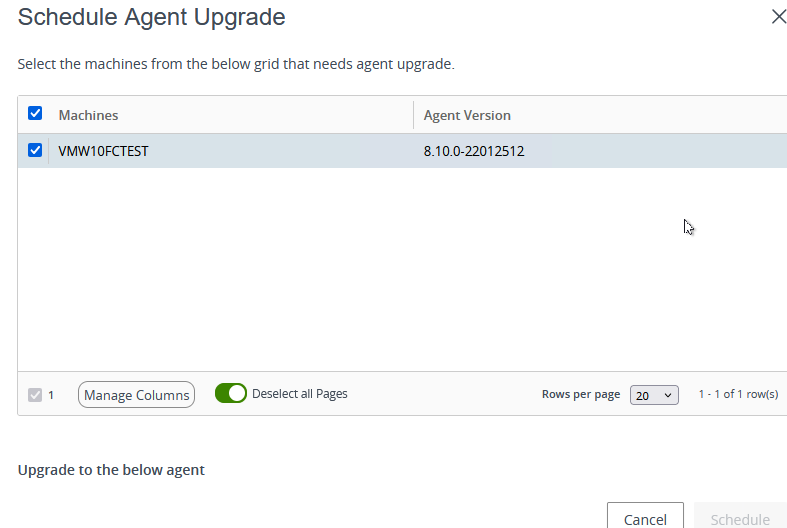
We select the update package (we can also have multiple versions of agents) and proceed with the planning
There are some safety rules if you do massive updates
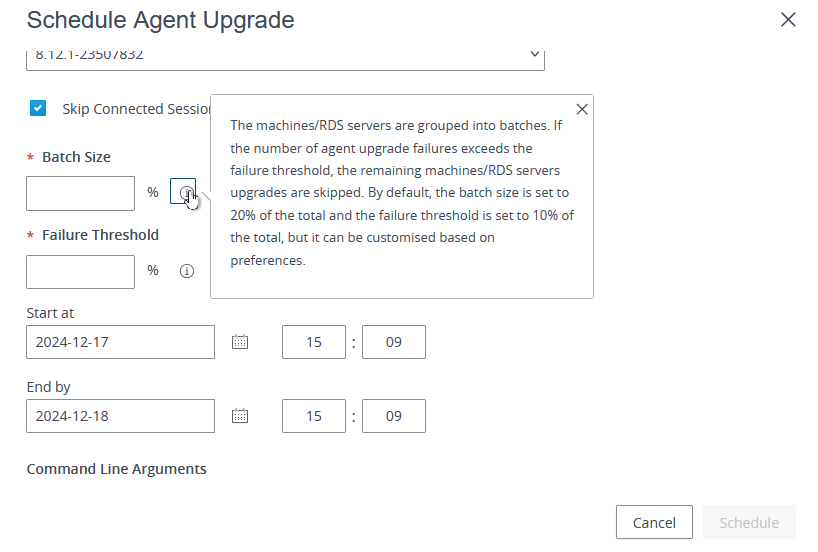
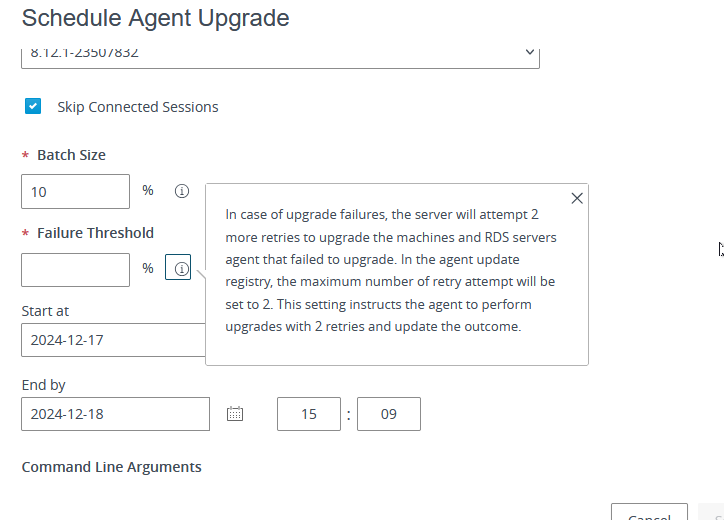
Now schedule when will start the upgrade

From the Horizon agent update section, we see the Scheduled task

When the time is coming the job will start and the task state is “in Progress”

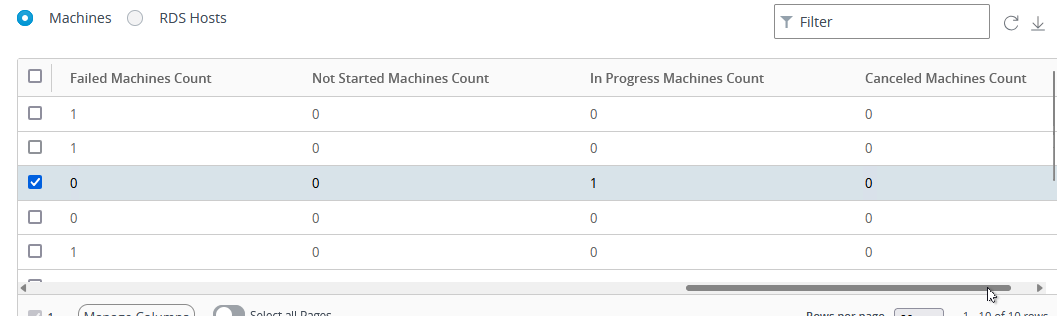
Now from the list of VDI machines, we can check the upgrade process.
The user is currently logged in to the machine and waiting for the user logoff or reboot

Now the VDI machine is ready for the upgrade


Agent unknown…. Removed and installed the new one

Installed the new

The VDI is restarted the process is completed and we have the VDI with the updated agent

And the scheduled update task is completed
