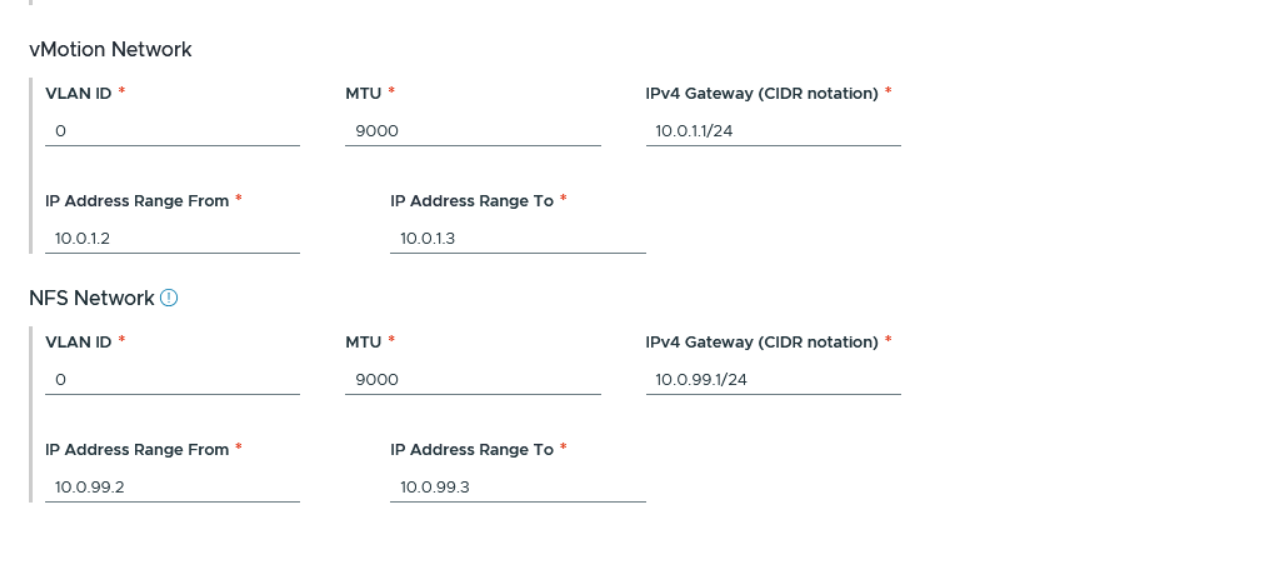
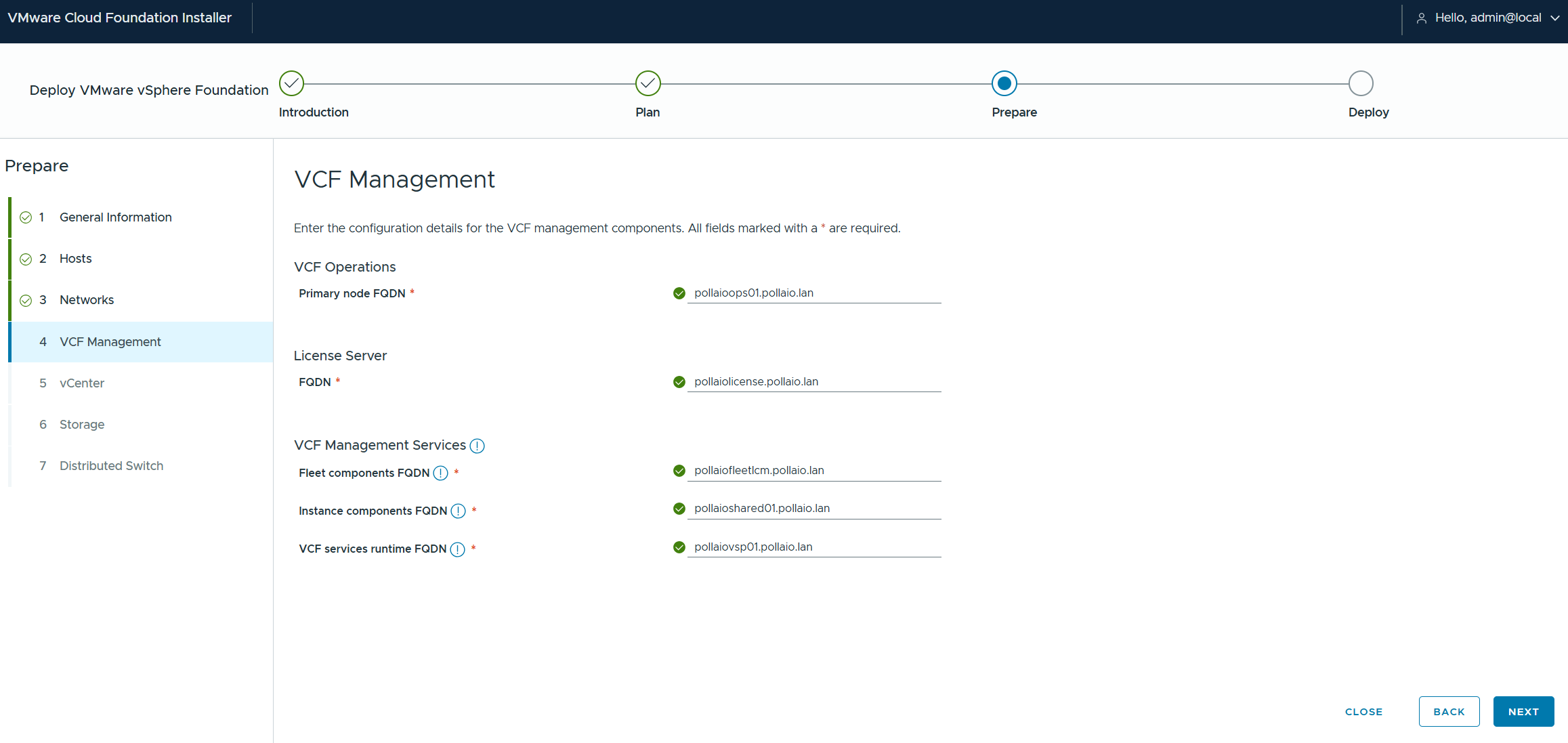
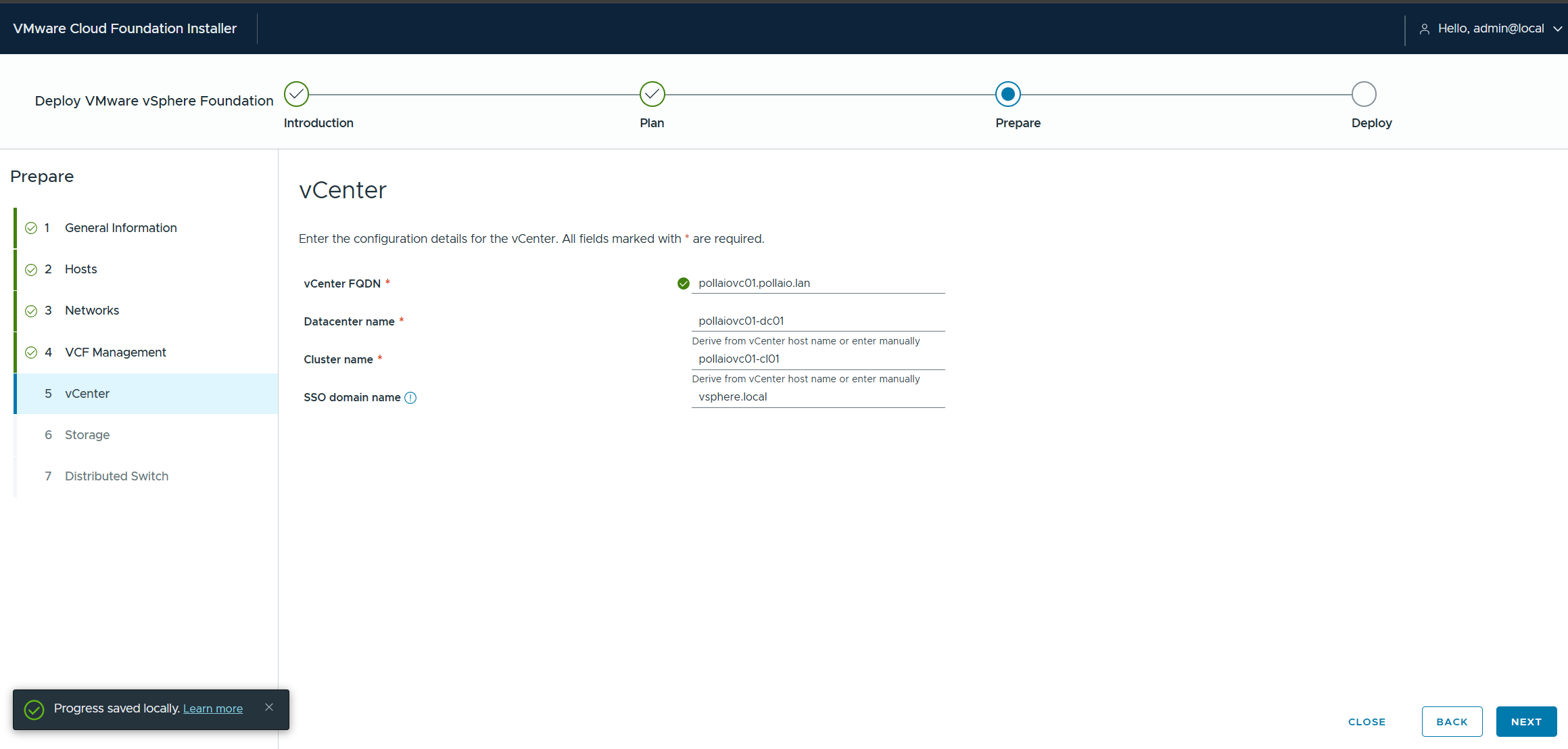
I define the names of my vCenter logical infrastructure
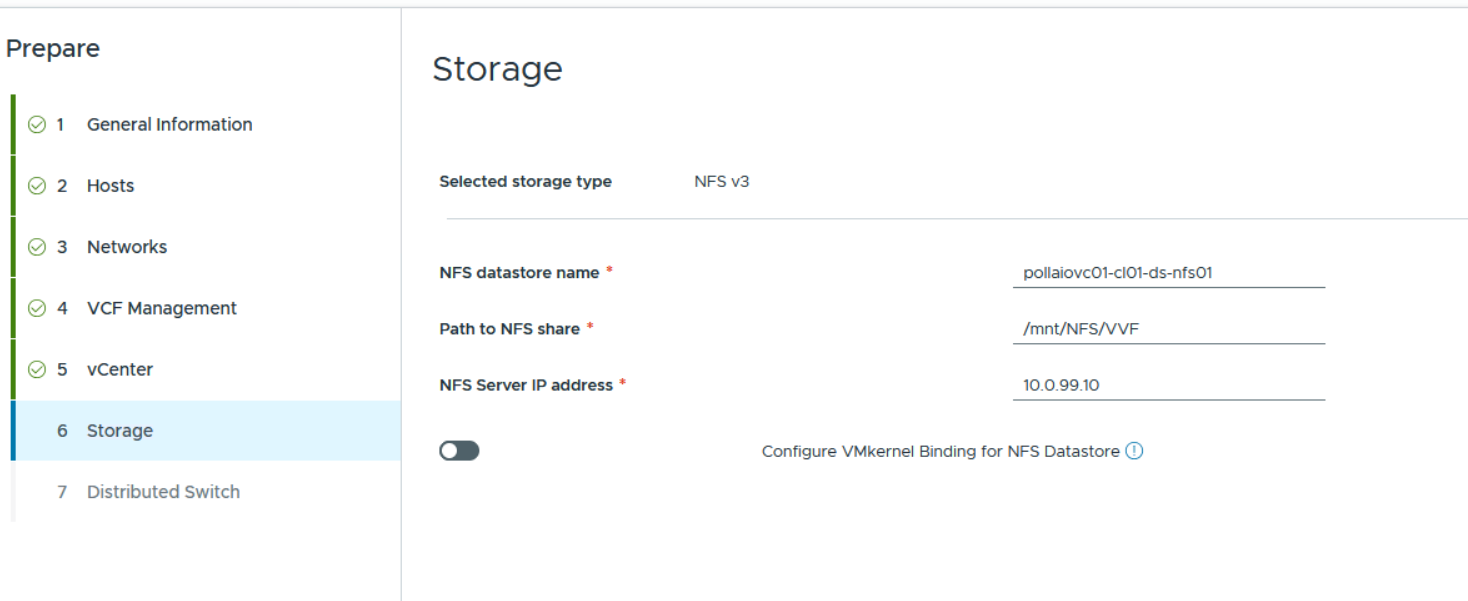
Let’s enter the information of my NFS share
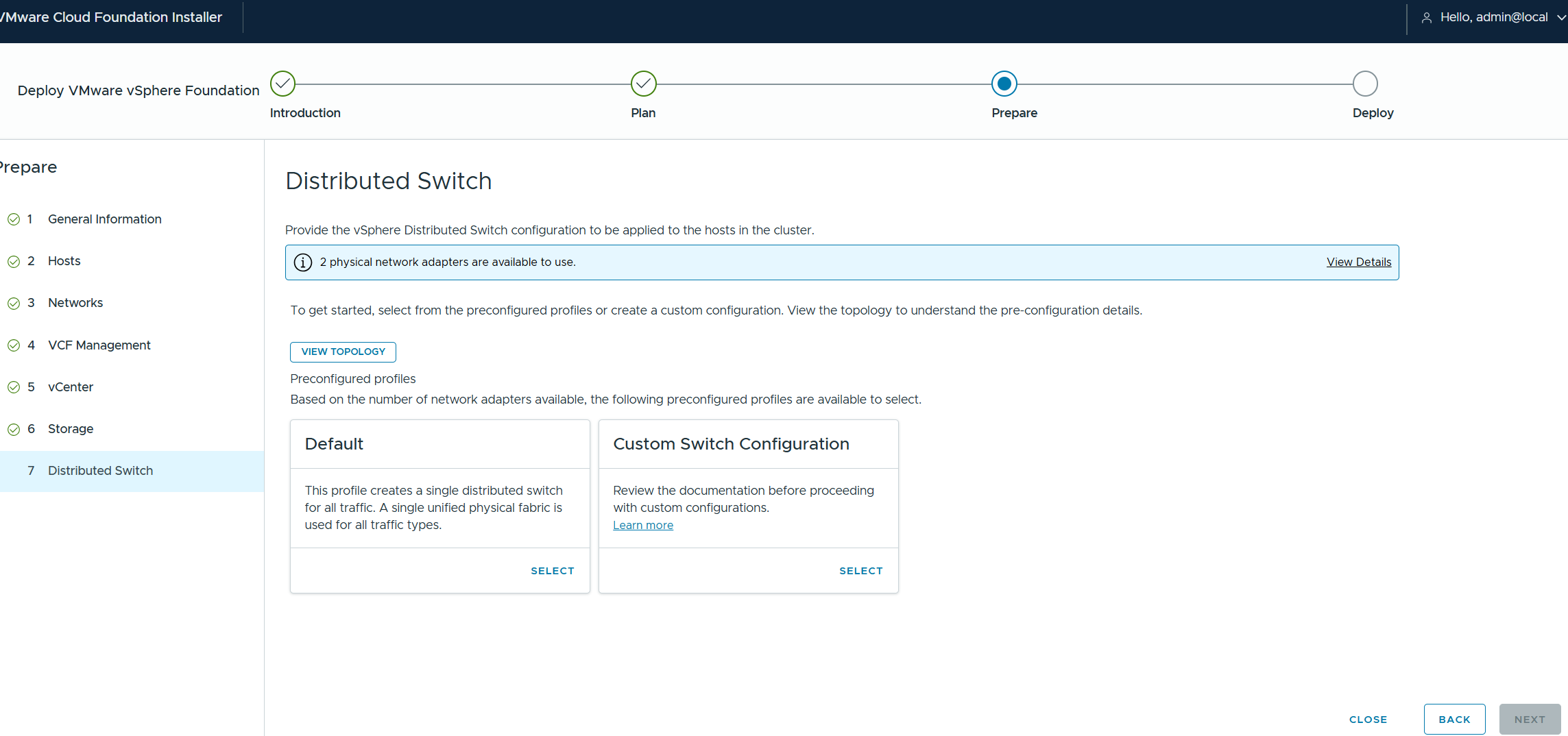
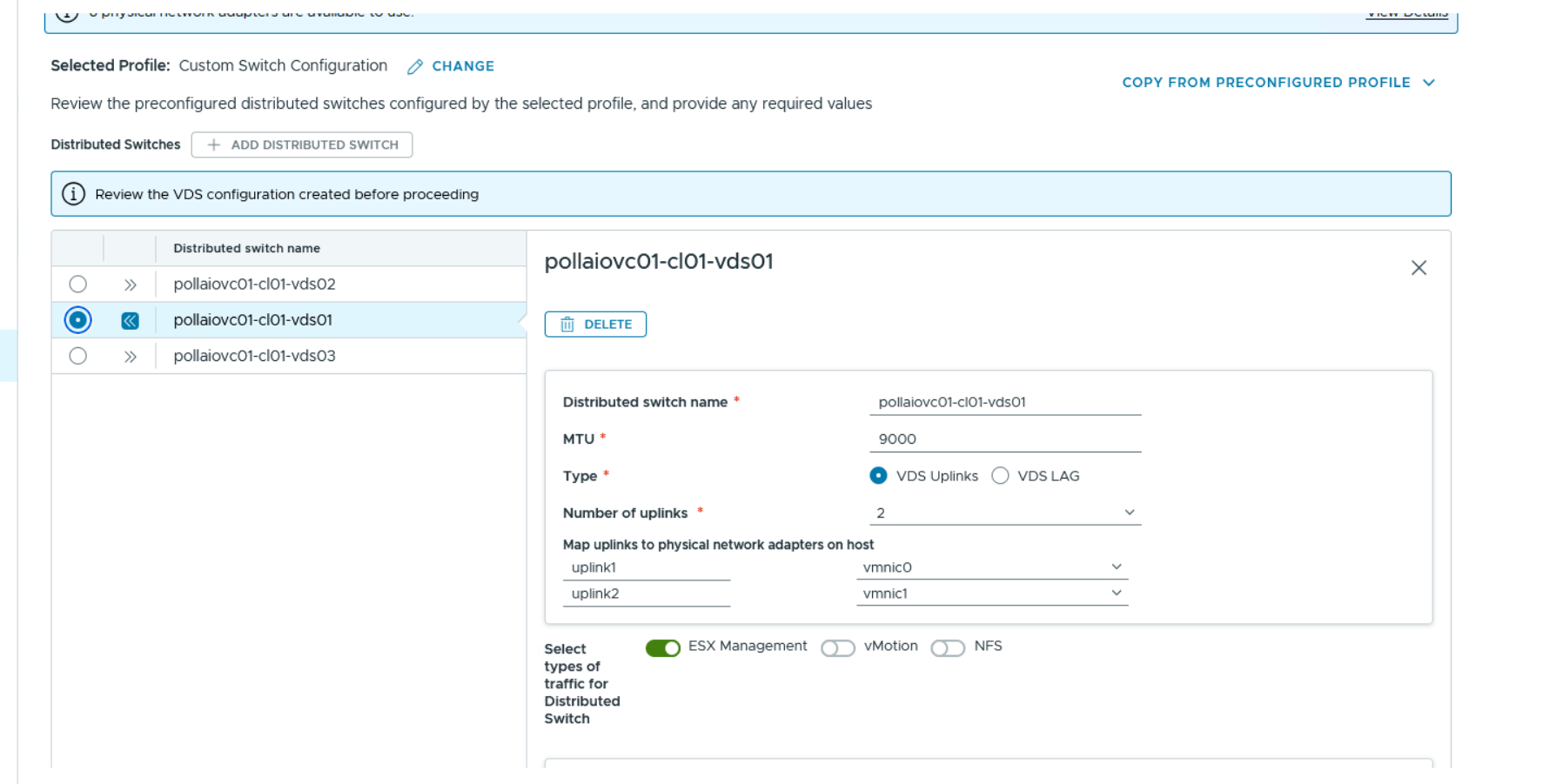
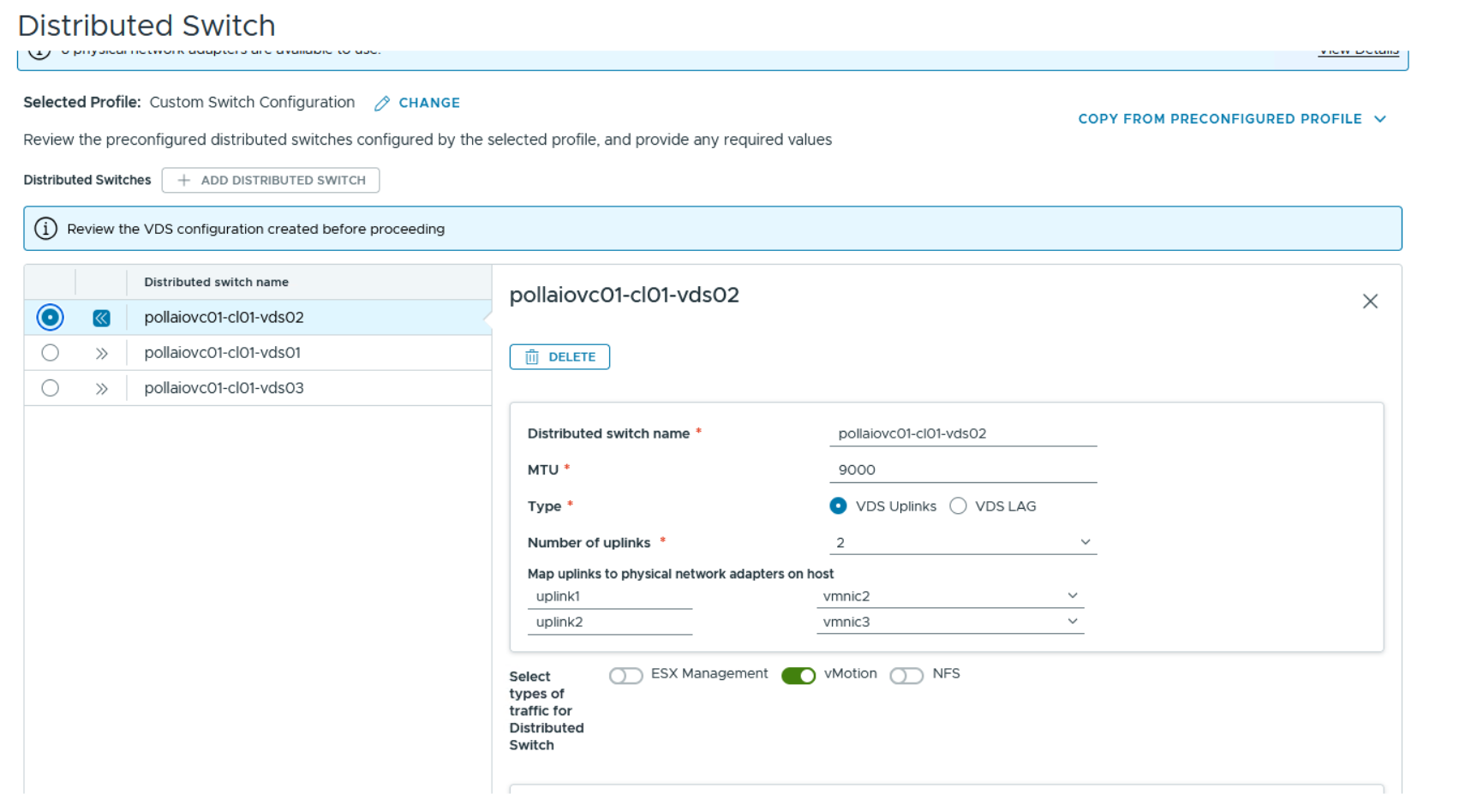
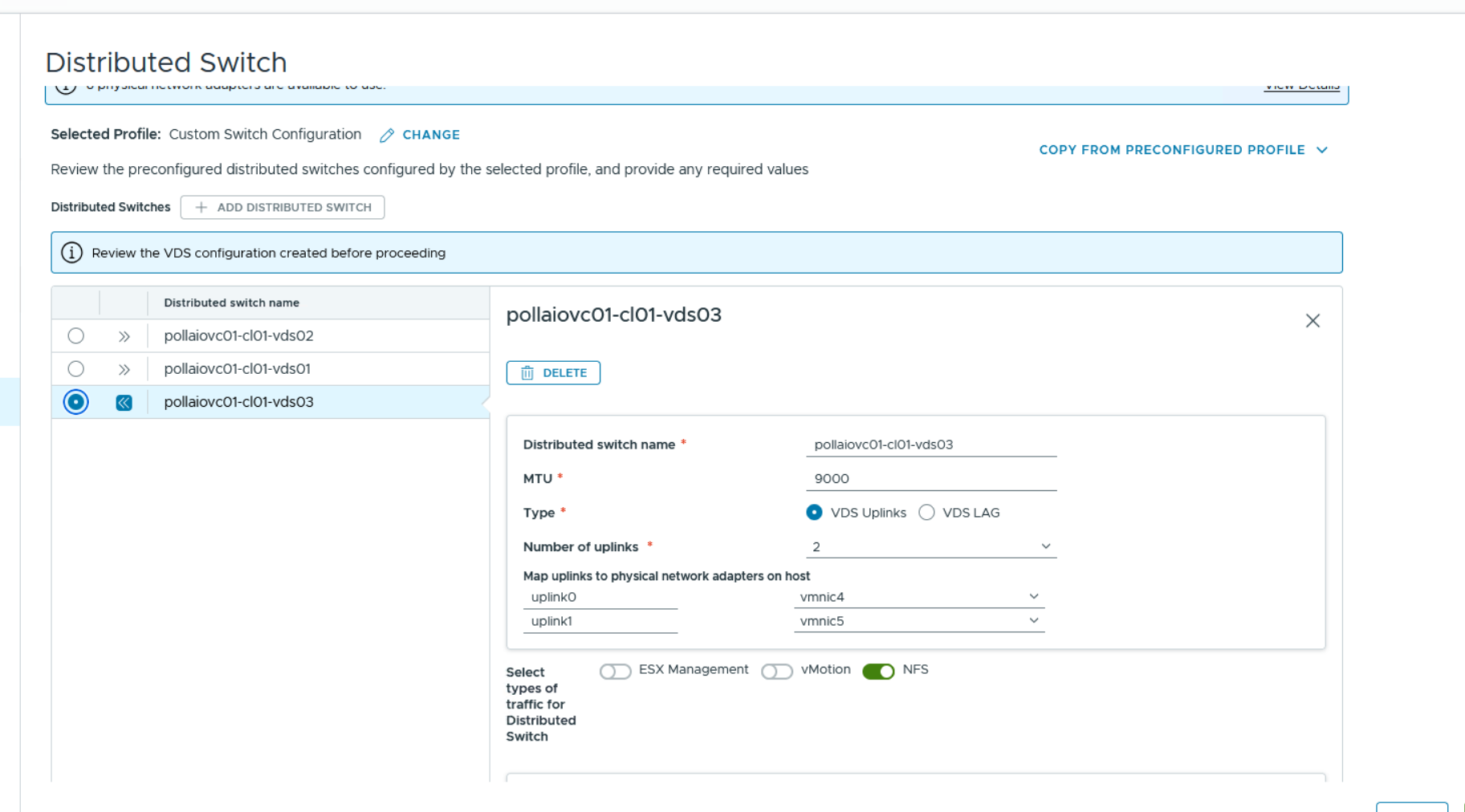
Let’s configure the Distributed Switch part. In my case, I chose a custom one having 2 boards dedicated to the management and workload part of the VMs, 2 boards for the vMotion part and 2 boards for the storage part (NFS), for which I create 3 dVS
Let’s proceed with the validation
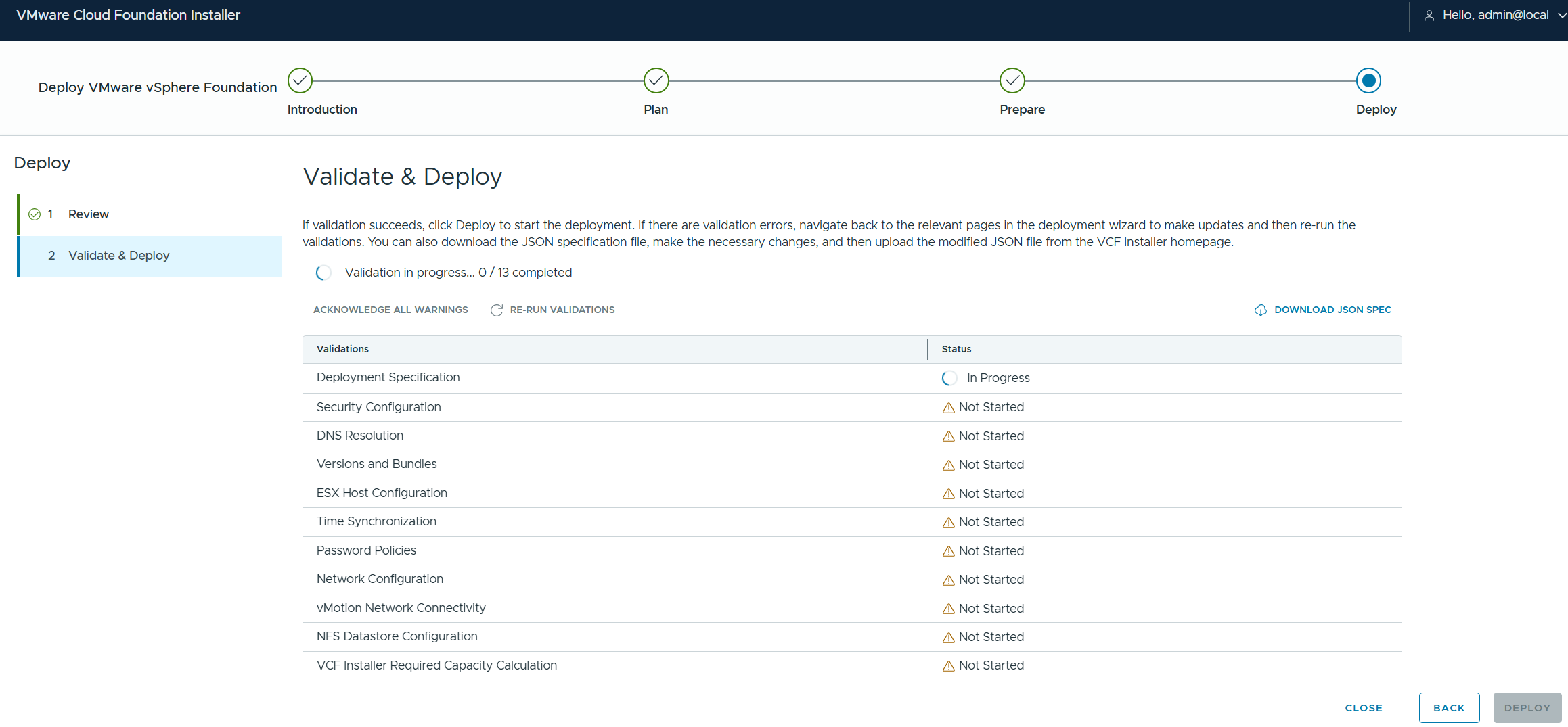
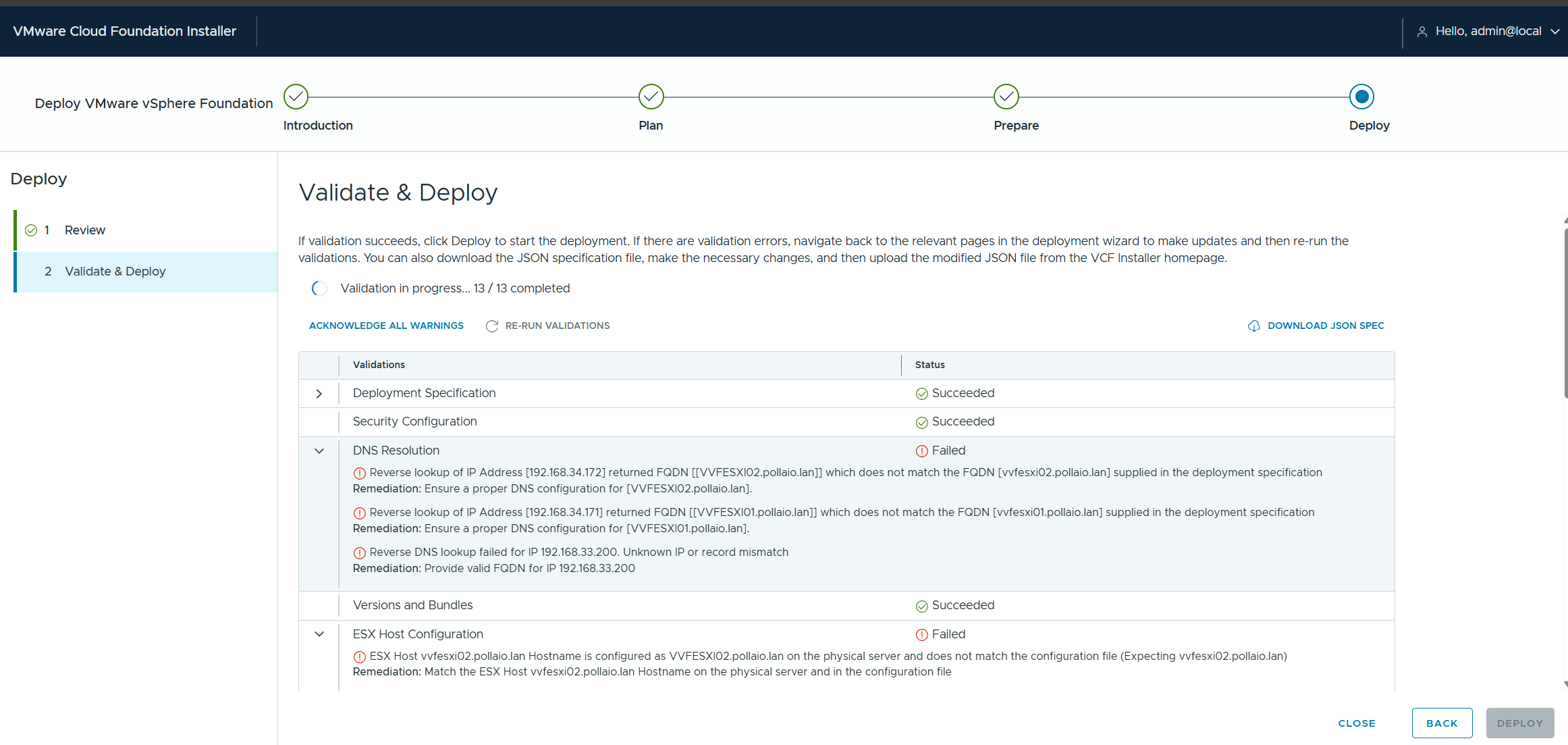
Let’s fix the various errors if necessary; put the ack on some warnings that emerge being a Nested environment
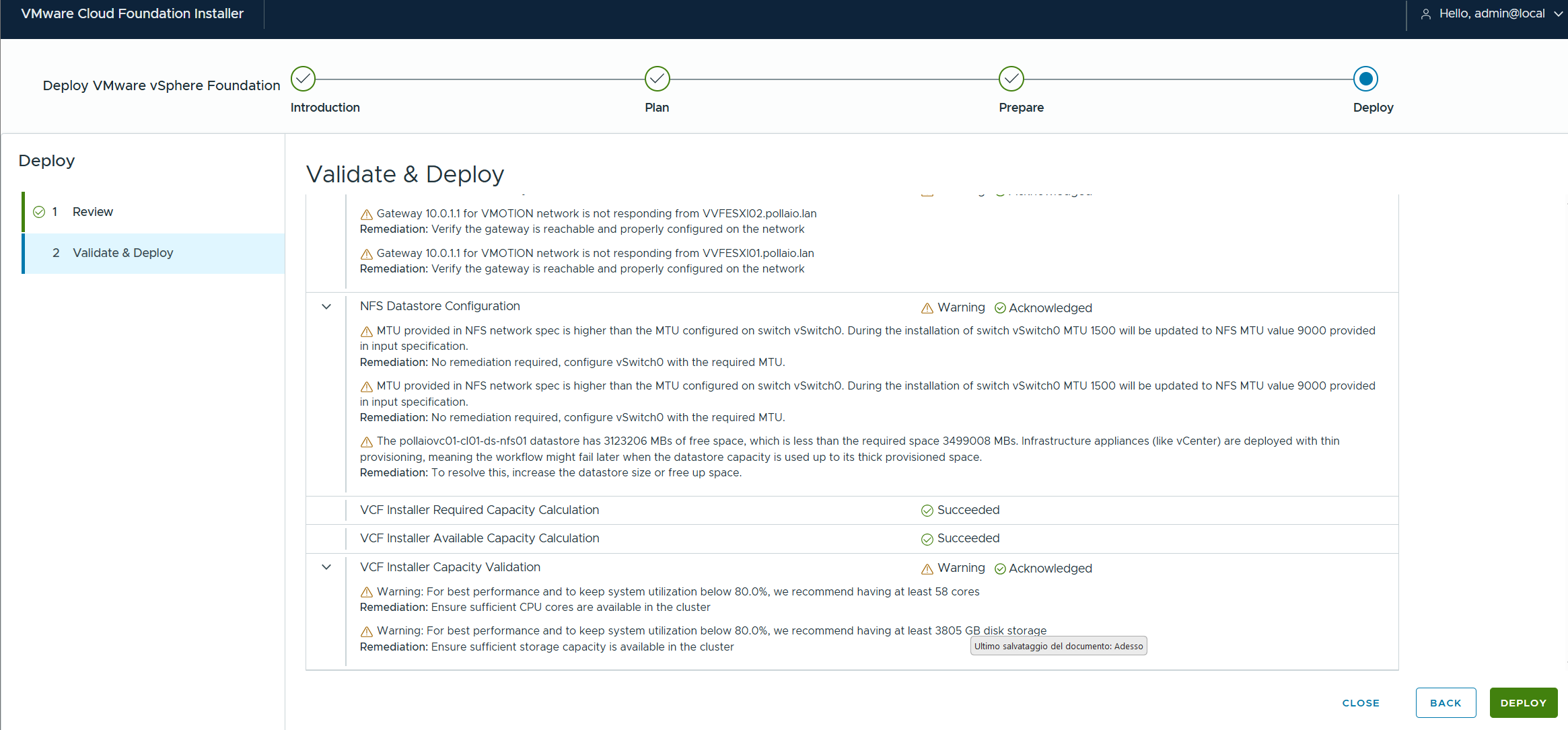
Let’s launch the deploy
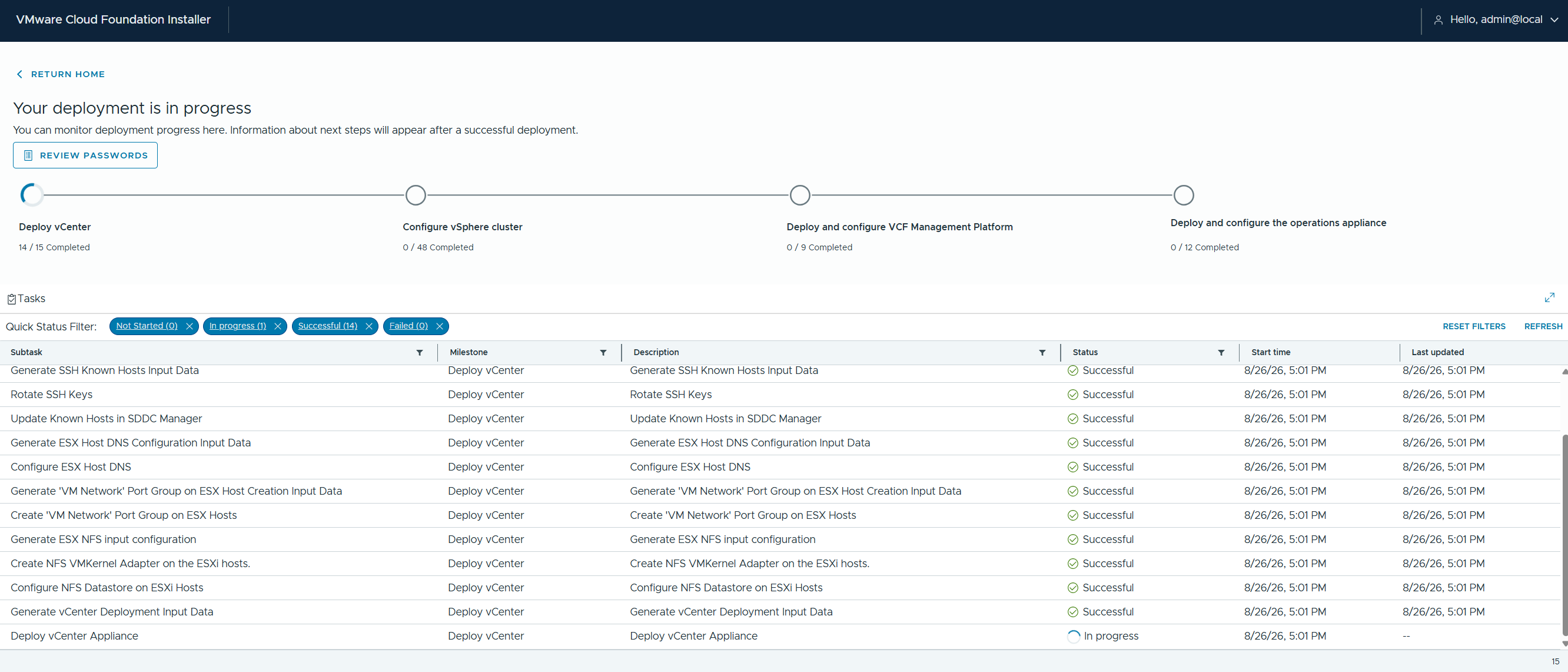
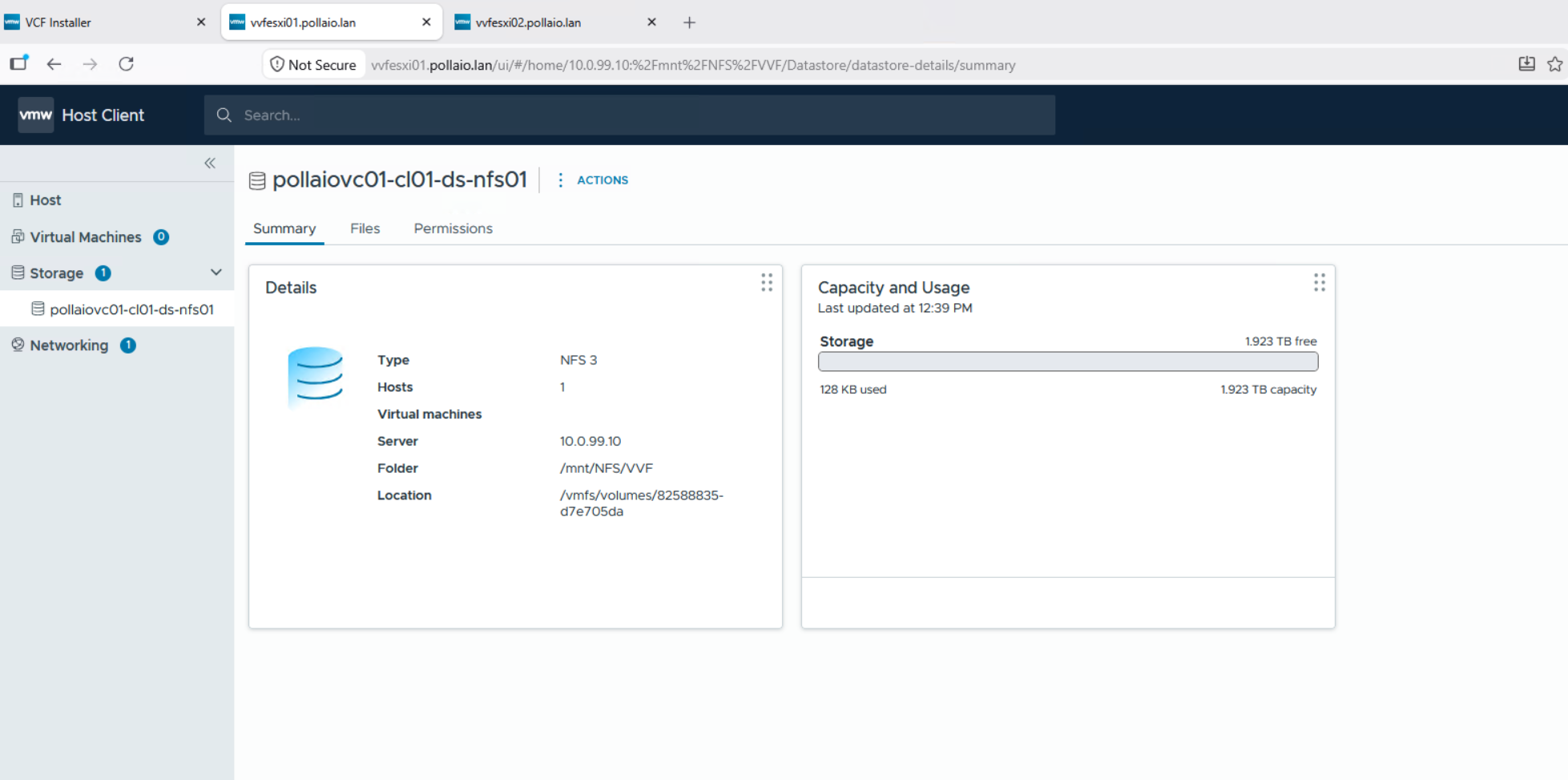
On the exxi hosts we see the resources being created

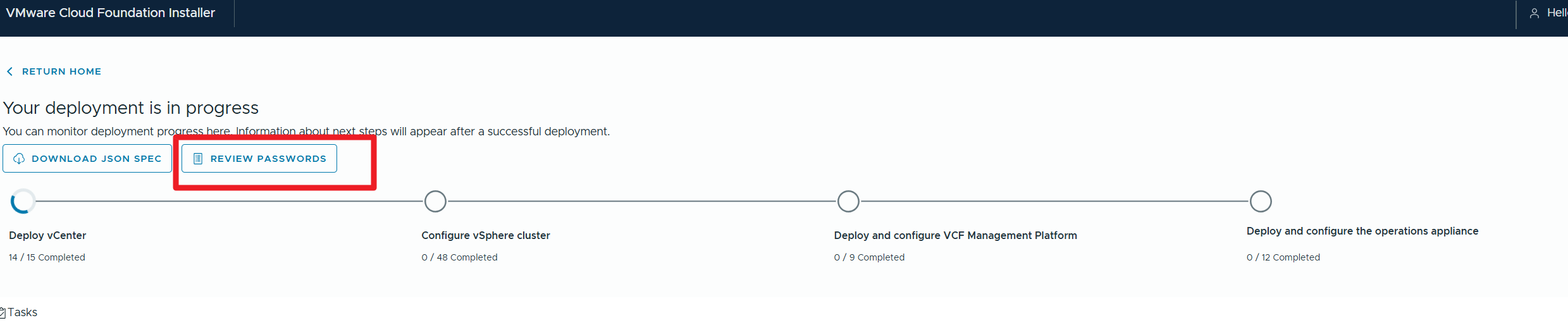
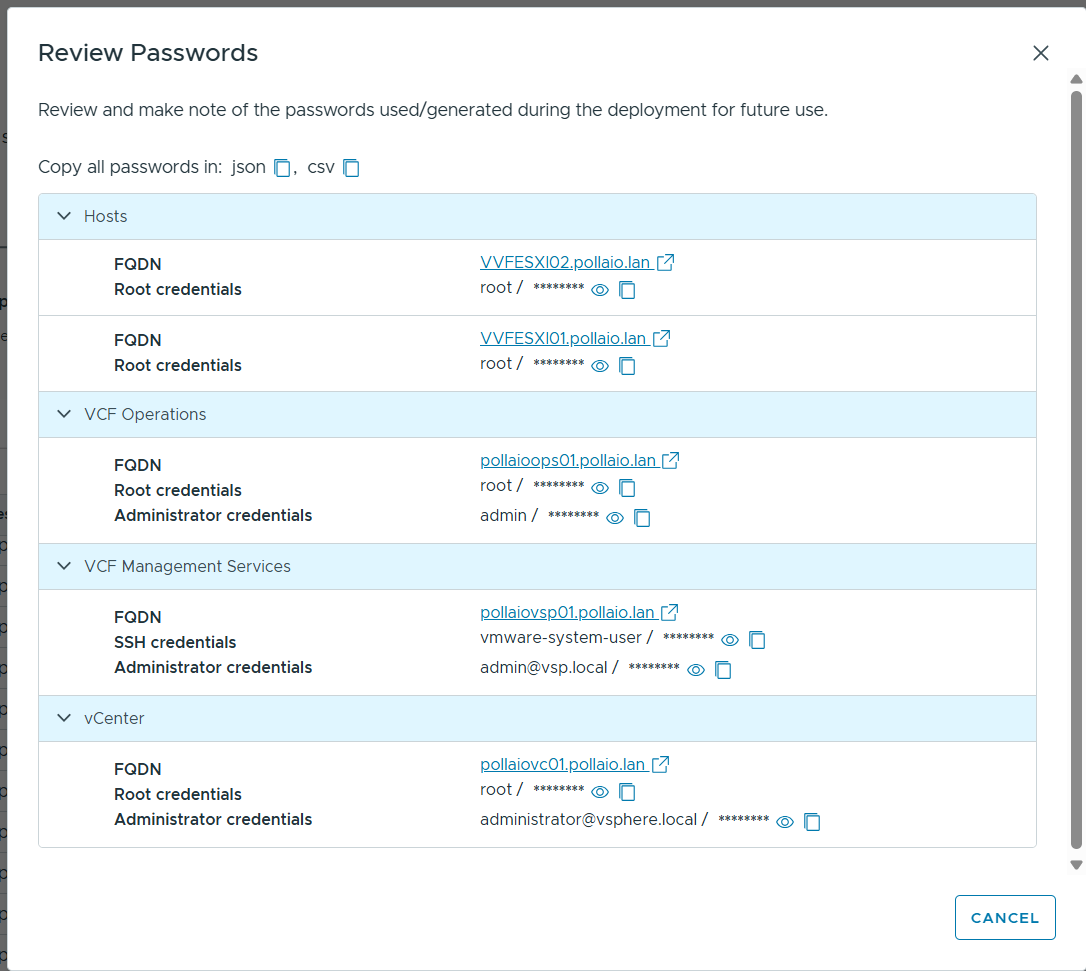
Critical during deployment to recover passwords
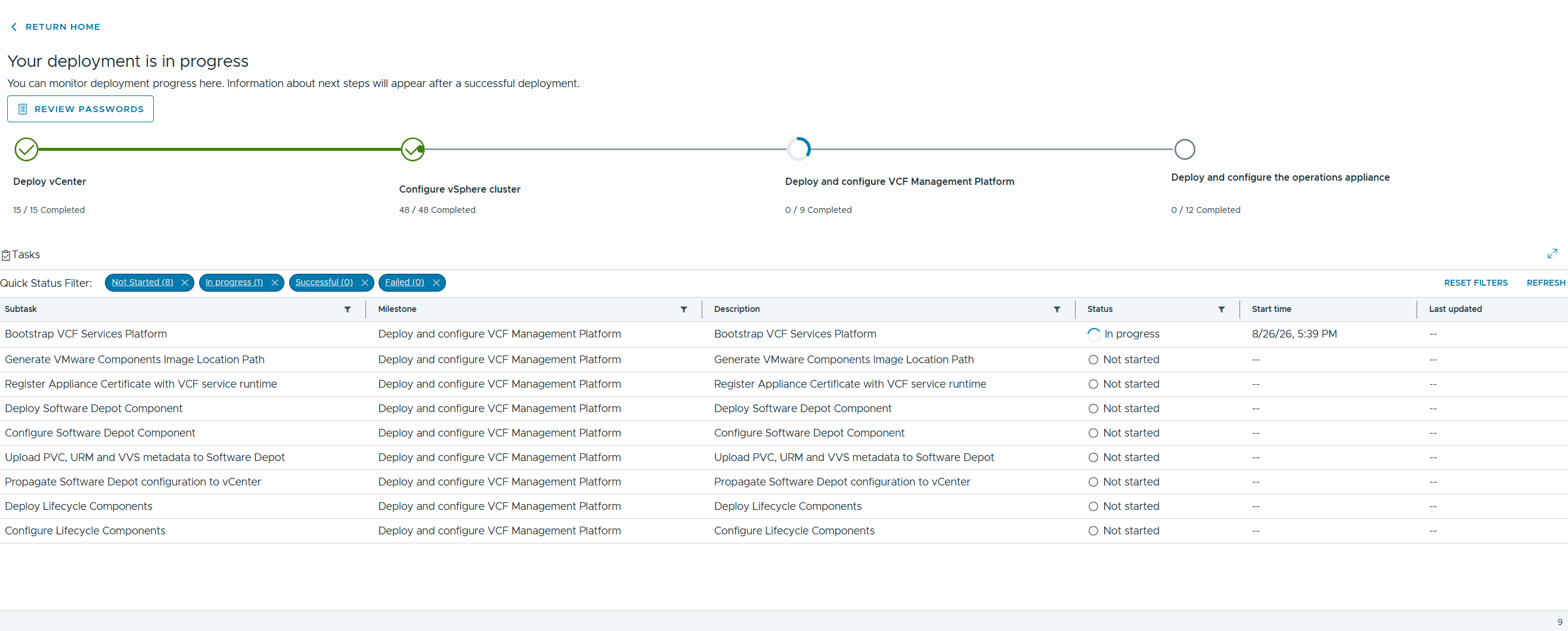
Once the installation is complete
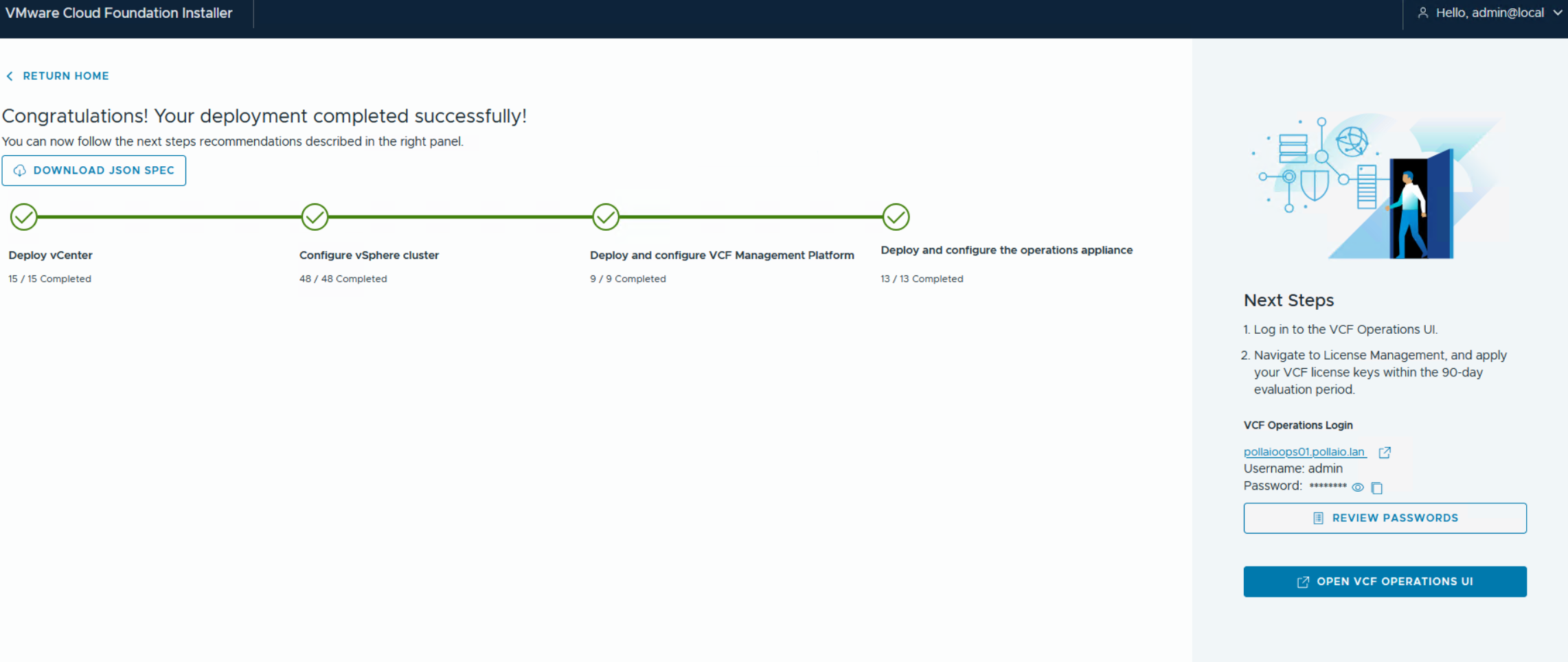
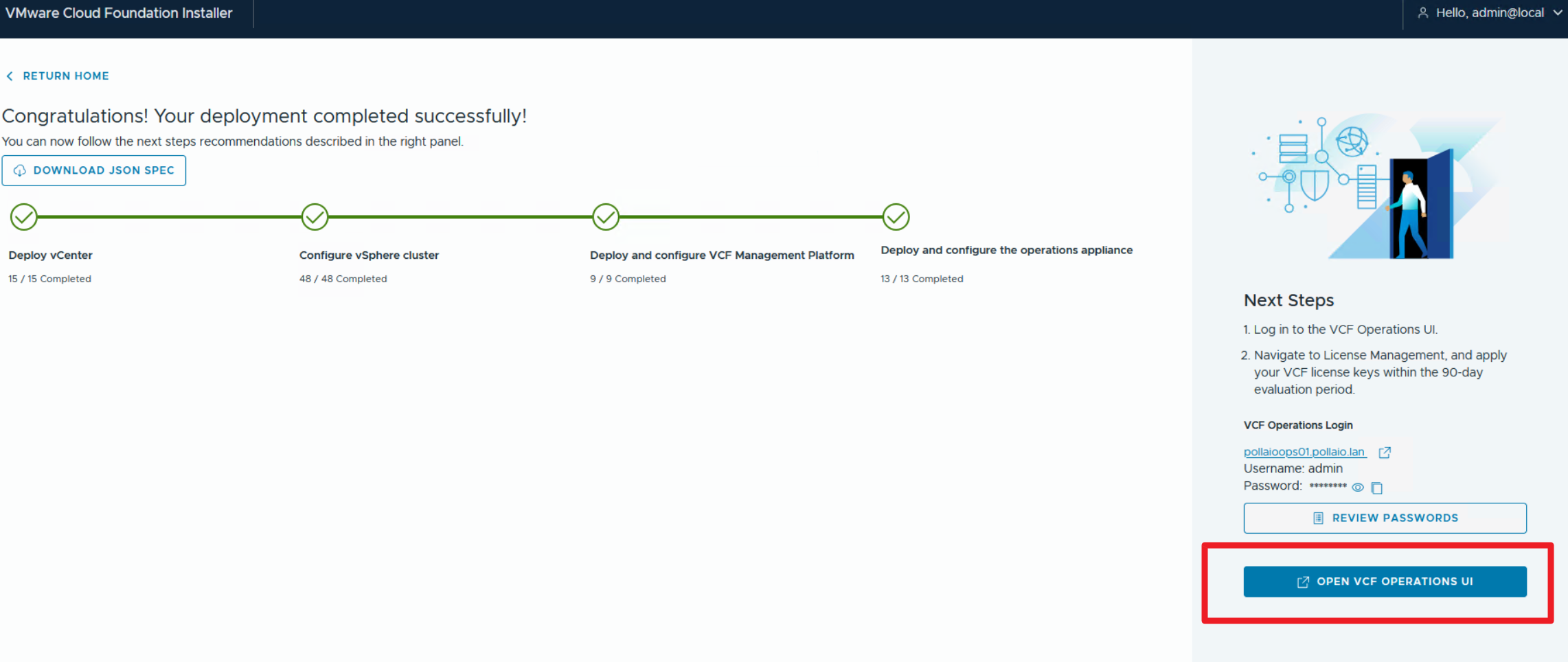
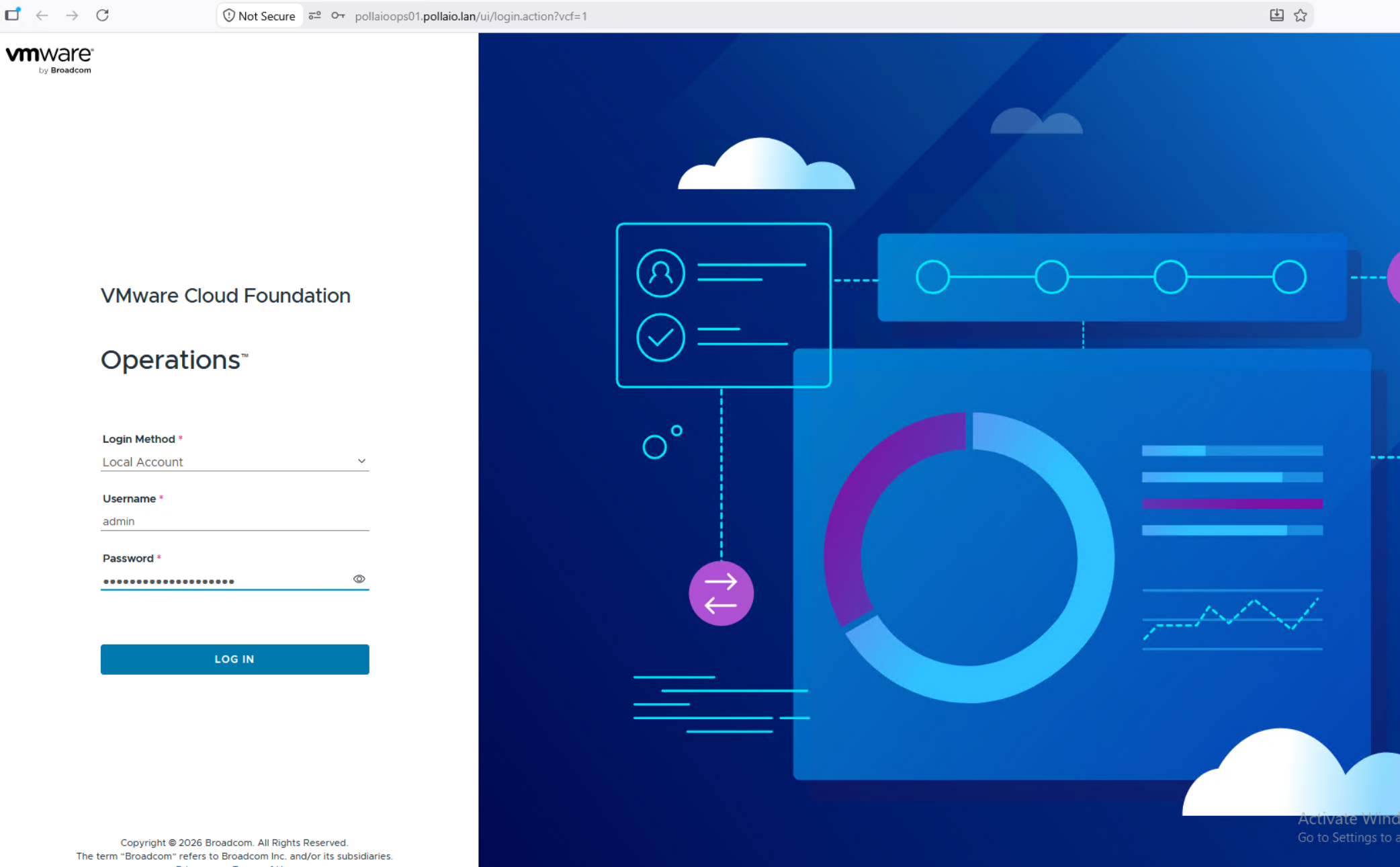
Accessing VCF Operation
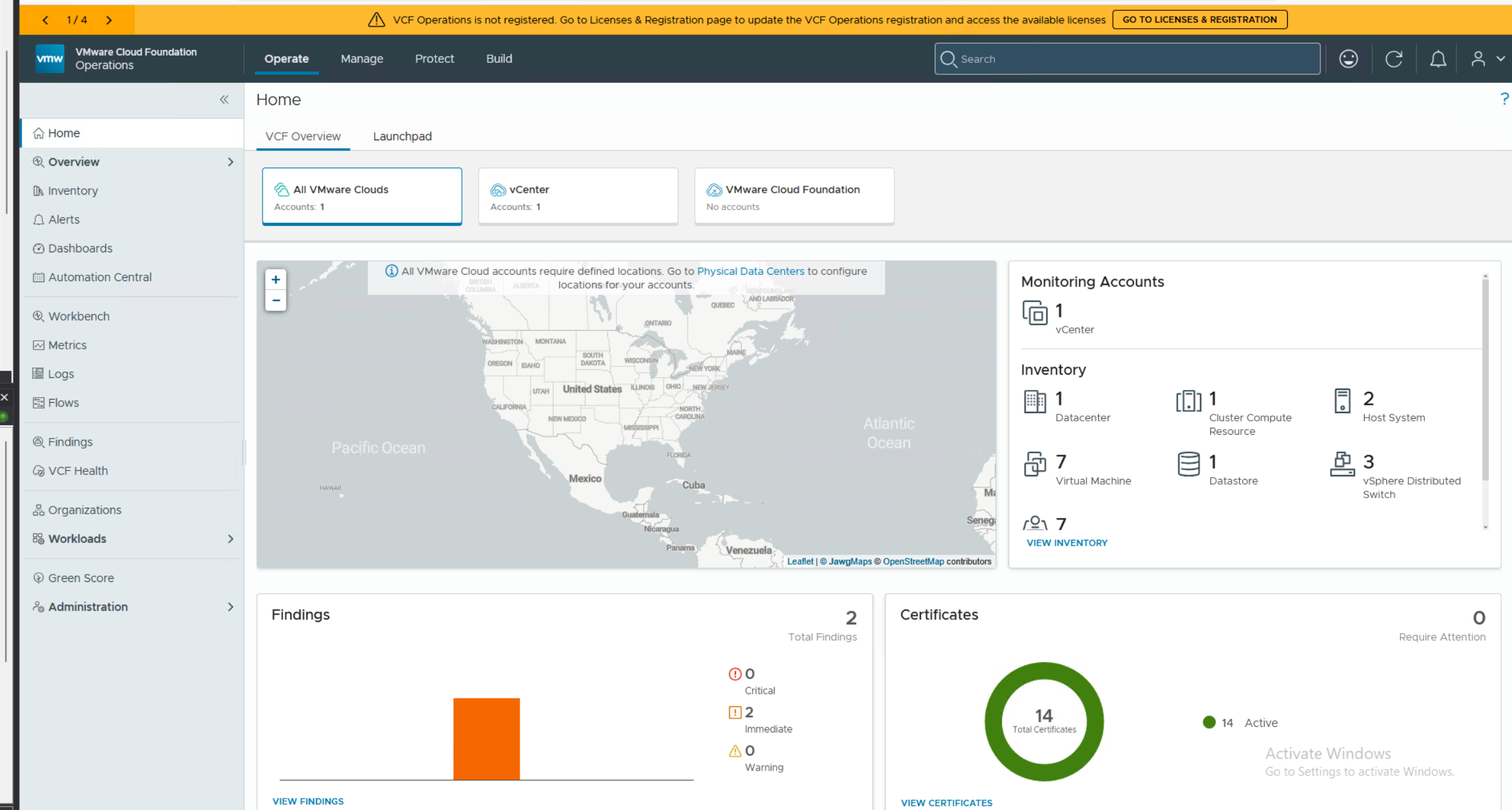
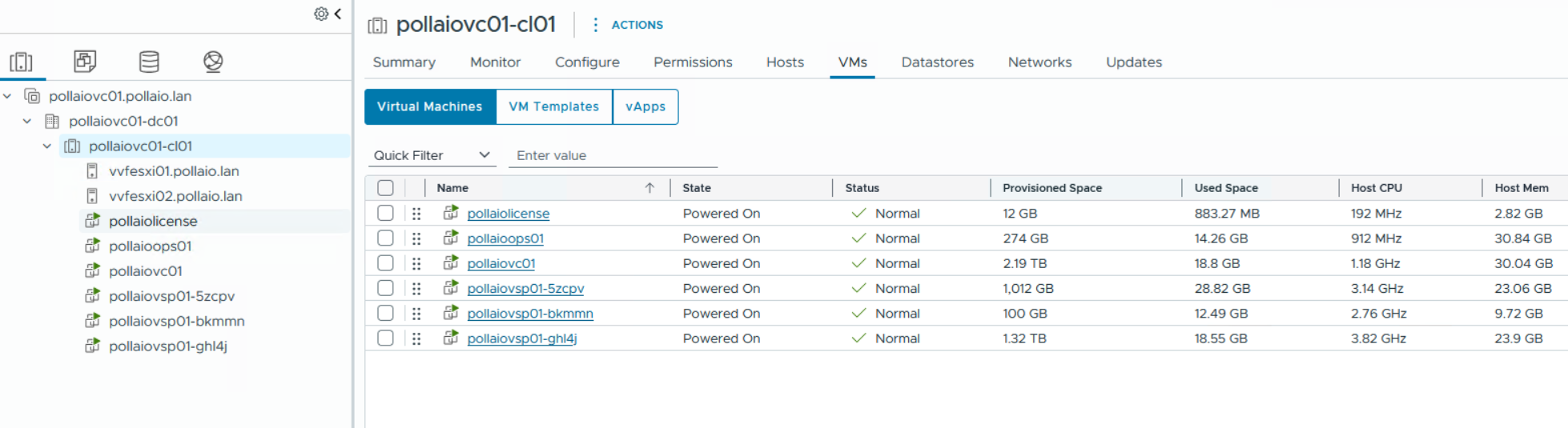
And we will have the following VMs on our vCenter
At this point, we need to activate/install the licenses and install the LOG component
Which we will see in the next posts.