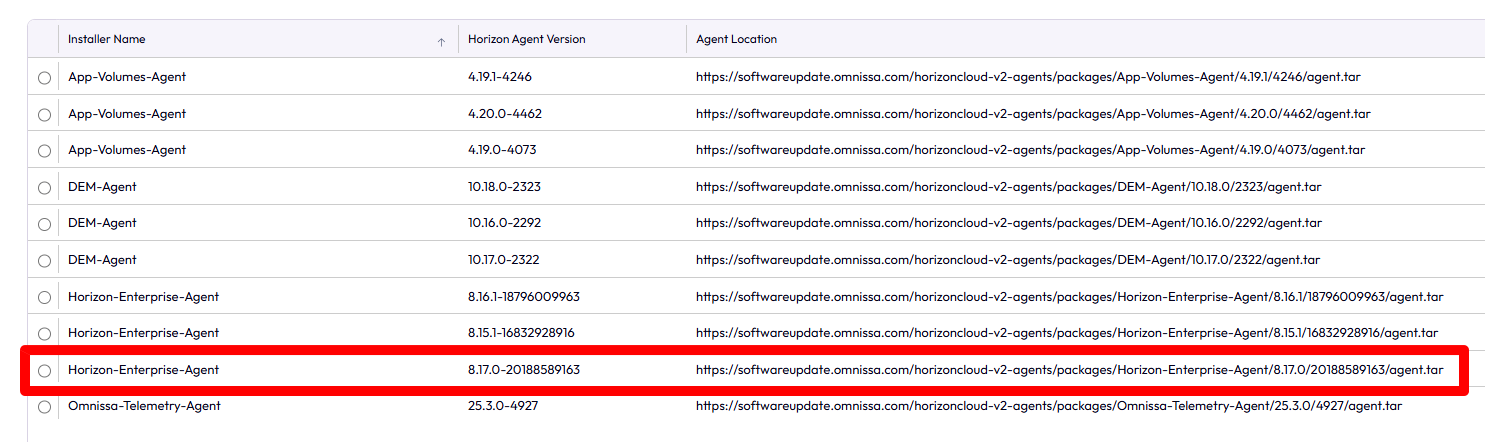
After updating Horizon to version 2512, I noticed that the latest versions (8.17) weren’t being displayed in the Agent Updates section.

To see the latest versions, I had to disable the Agent Update service on the Omnissa Connect side. Simply go to the Capacity section, select the relevant edge gateway,
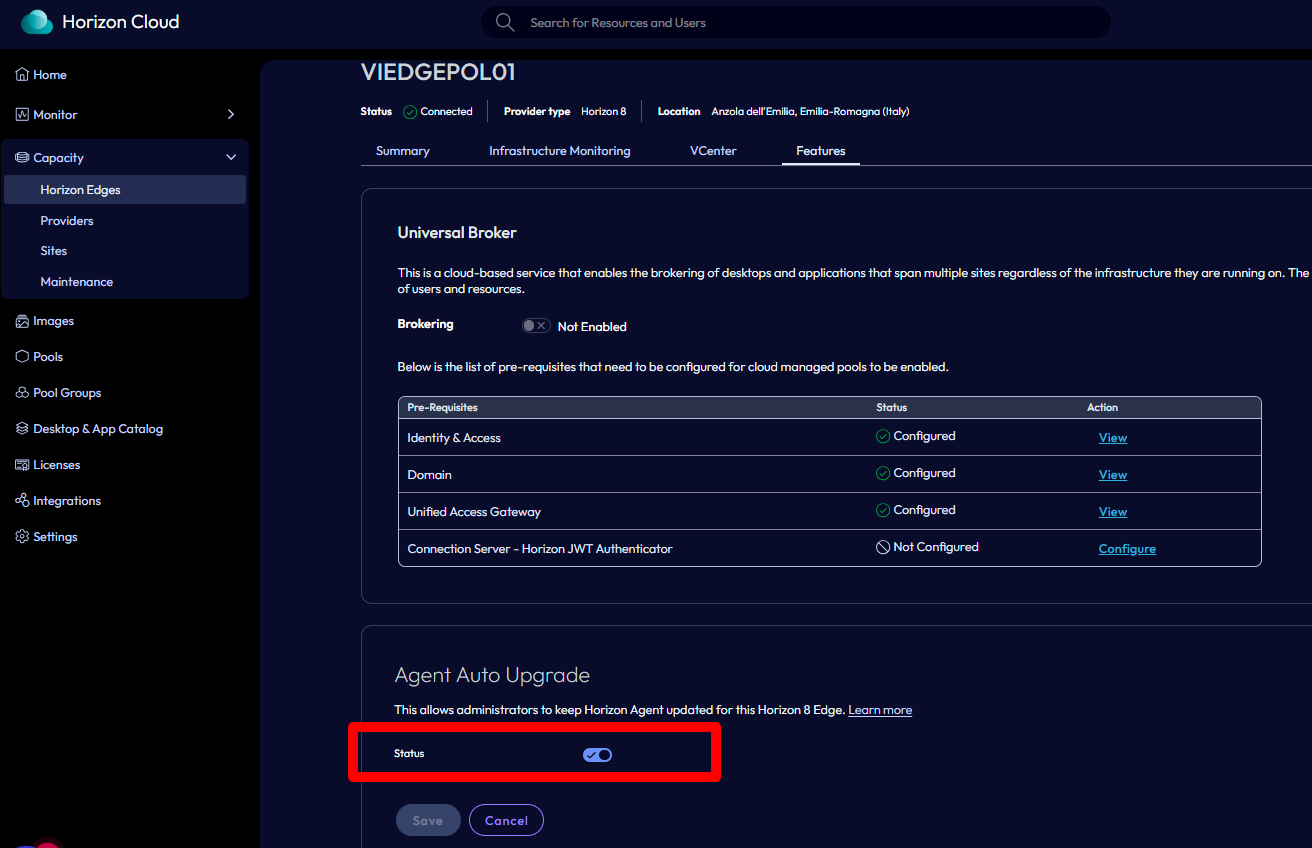
and disable the specific option in the Features section.
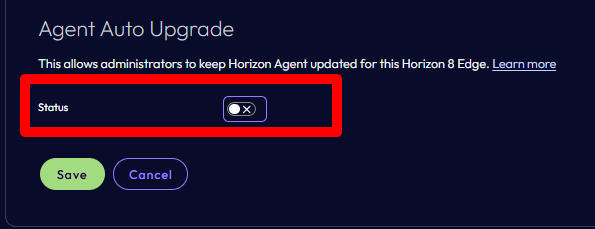
Re-enable it after a few minutes.

After a few minutes, the latest versions also appeared in the Horizon console.