vCenter upgrade Pre-Check fail with “VMDir replication is not working correctly”
When I tried to upgrade my vCenter to the last version of 8u3 on the pre-check command, I found this error
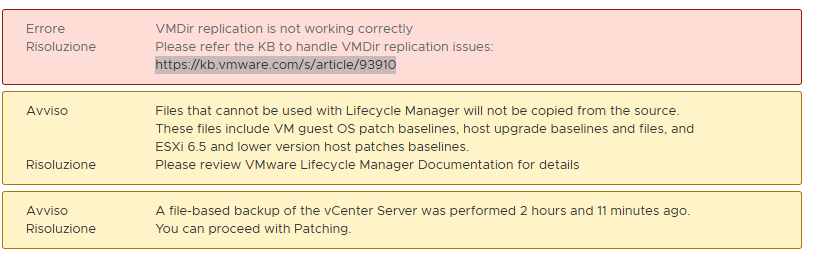
Because I attached another vCenter at the same PSC, it is now broken.
For deleting the missed vCenter:
Take a vCenter snapshot
Check the vCenter name:

The name is vcenter02.pollaio.lan
Remove the old vCenter:


After automatic service restart

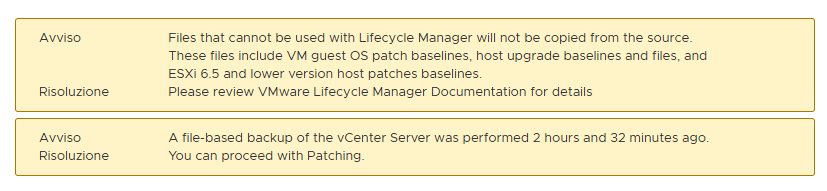
Now the upgrade pre-check does not have an alert message
Reference
vCenter Server Preupgrade check result error: “VMDir Replication between partners is not working”