Horizon Edge Gateway Appliance is required to entitle your environment to Horizon subscription licenses, services and management features hosted in the Horizon Control Plane Services. To enable subscription license entitlement, Horizon Edge Gateway Appliance must be deployed in each Horizon Pod.
The Horizon Edge Gateway Appliance is deployed as a virtual appliance from vSphere® Web Client and paired to one of the Connection Servers in the pod. As part of the pairing process, the Horizon Edge Gateway Appliance virtual appliance connects the Connection Server to the Horizon Cloud Service to manage the subscription license. With a subscription license for Horizon, you do not need to retrieve or manually enter a license key for Horizon product activation.
One of the first checks to do before deploying the Horizon Edge Gateway Appliance is to verify the correct communication with the Omnissa cloud services to which it must connect.
To perform this operation there is a specific tool that “Horizon Cloud Service – next-gen Edge Subnet URL Checker tool”, it can also be used to perform post-installation checks when there are communication problems like this:
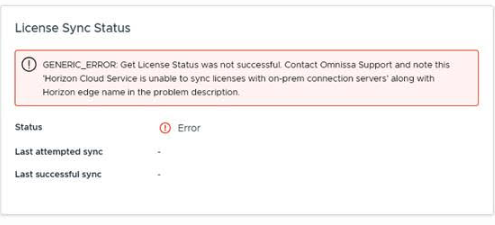
We can download the tool from this link:
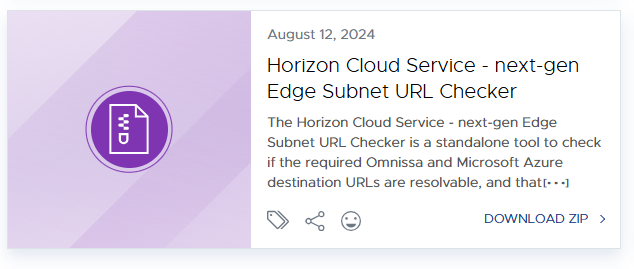
Select the correct tool and download the file zip:

We will copy the file on windows os locate it on the same network subnet where we will locate the Horizon Edge Gateway Appliance
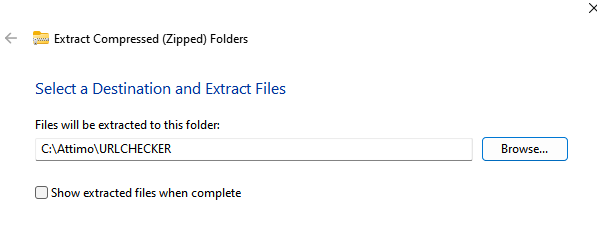
We will extract the compressed file:
We will need lunch the file EXE to start the test

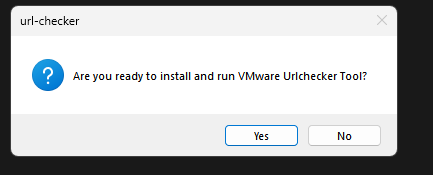
At the end of the execution of the test, the tool will create a folder (c:\WMwareUrlChekerOutput)
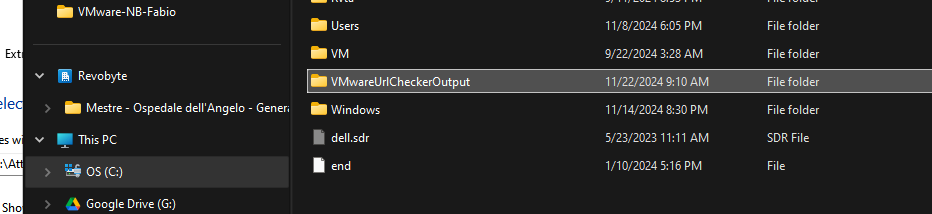
Where we will find the tool output, a file for a region
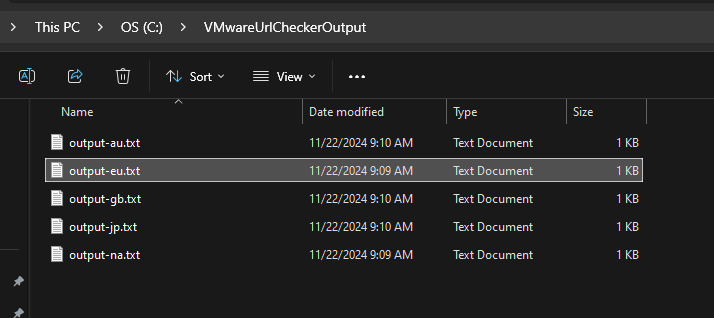
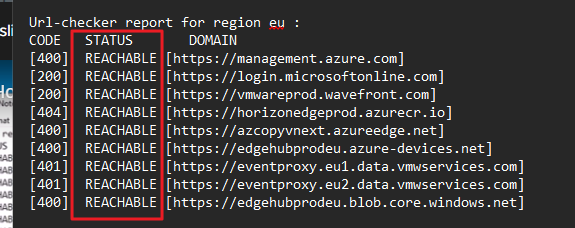
In my case, I checked the EMEA file (EU) and I saw that it is all OK (all URLs are Reachable).