This is a little guide for connecting the VMware Horizon infrastructure to Skyline service.
The requirement is:

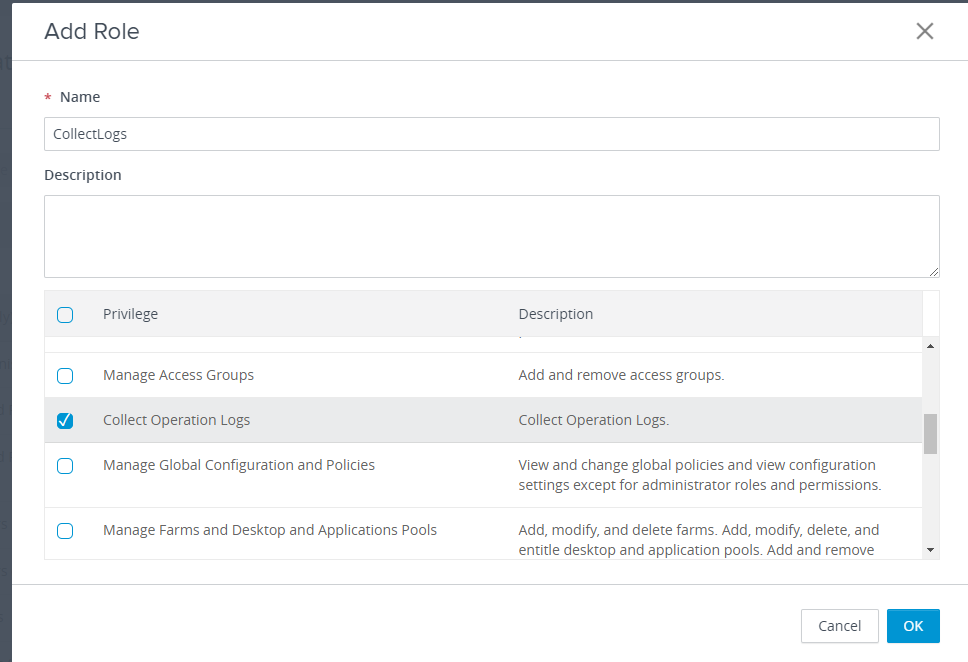
The Administrator (read-only) does not have the Collect Operation Logs Privilege and for this, I need to create a dedicated Role.
We created a service user svcskyline in our Active Directory and now assign it the correct role
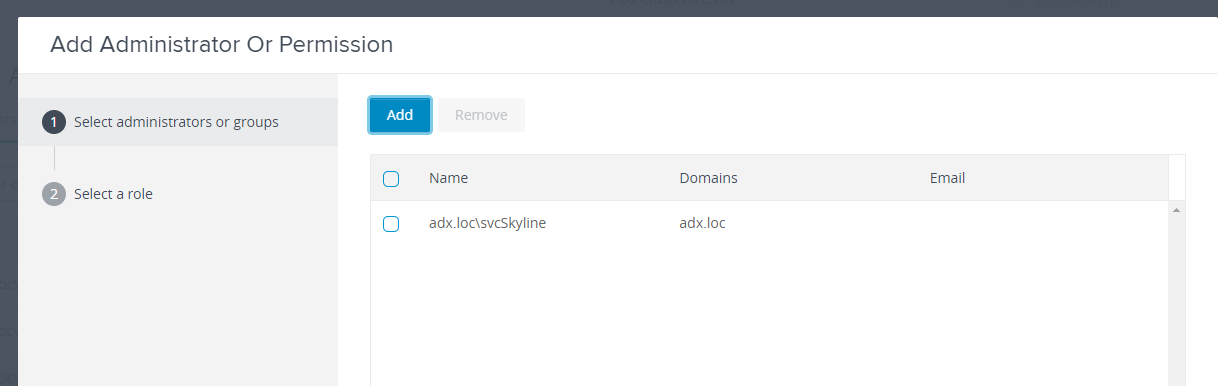
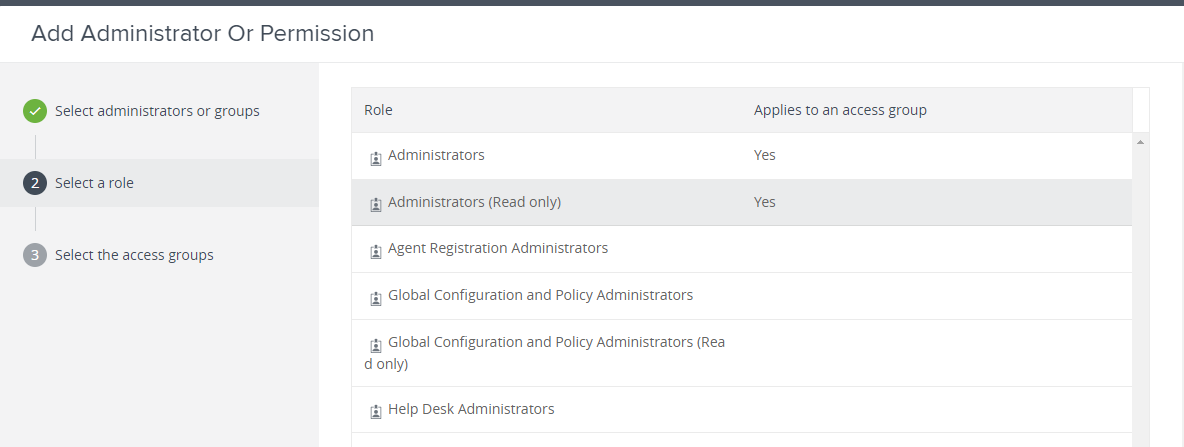
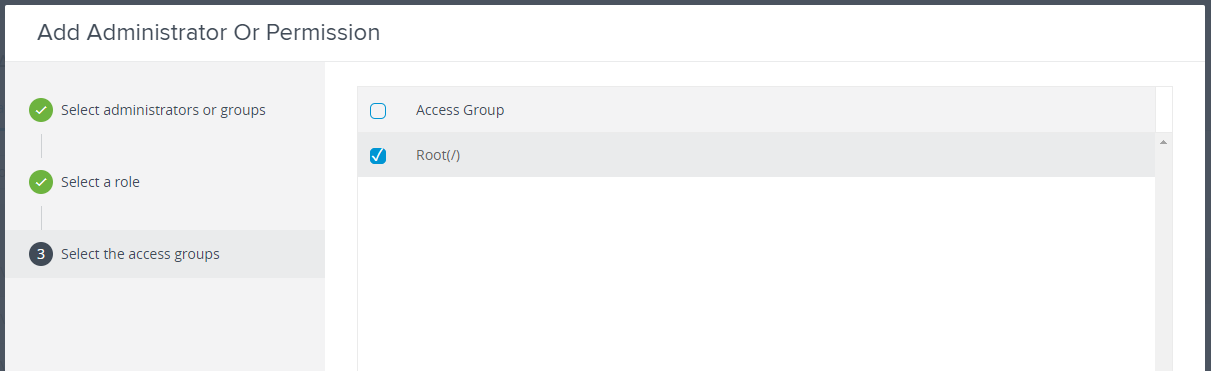
Repeat for CollectLogs Role
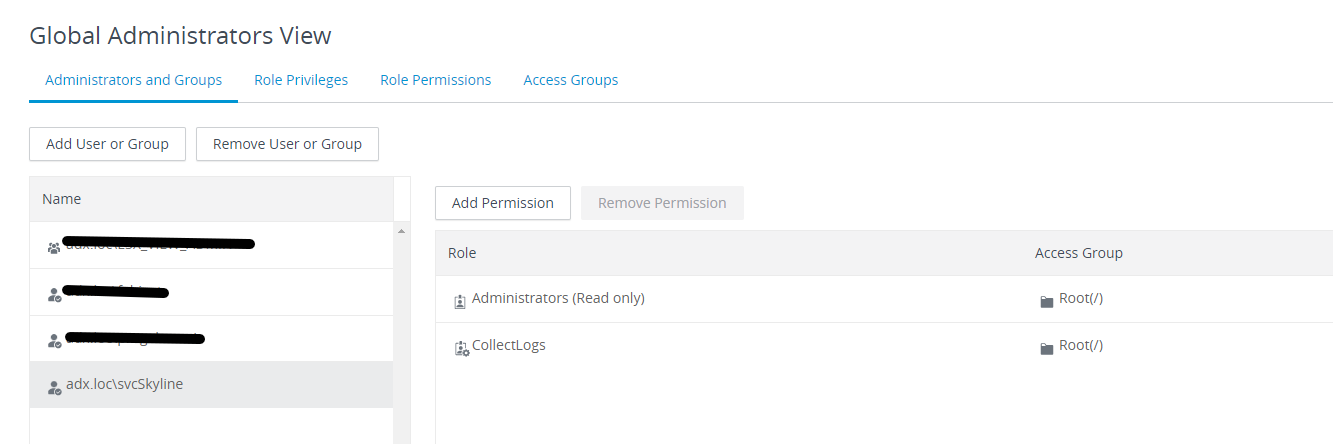
Now add to Skyline Collector the Horizon View
Login to Skyline Collector
https://<fqdnskylinecollector>/
(if you lost the password https://kb.vmware.com/s/article/52652)
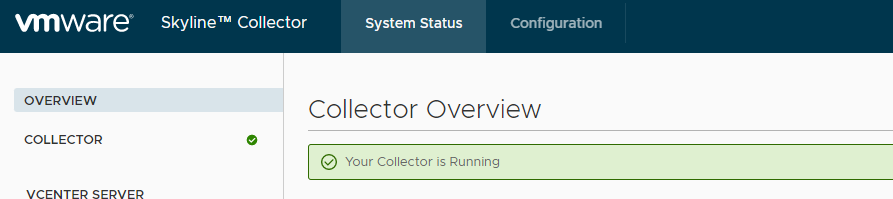
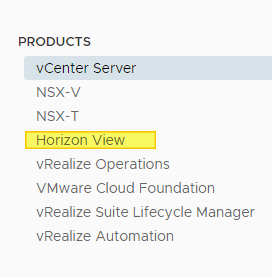
Go to Configuration and select Product Horizon View
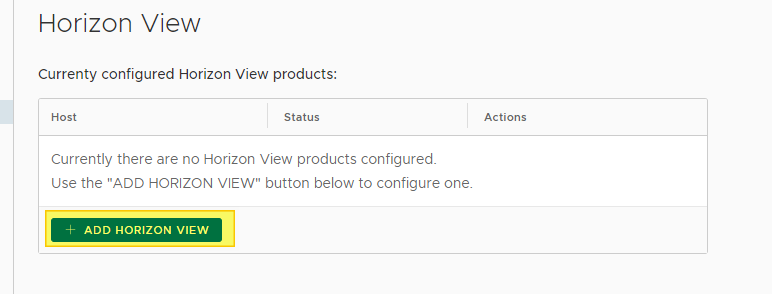
Select +ADD HORIZON VIEW
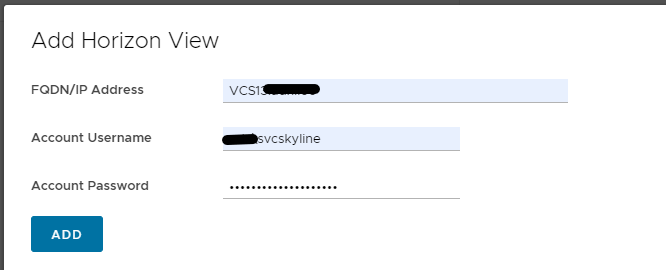
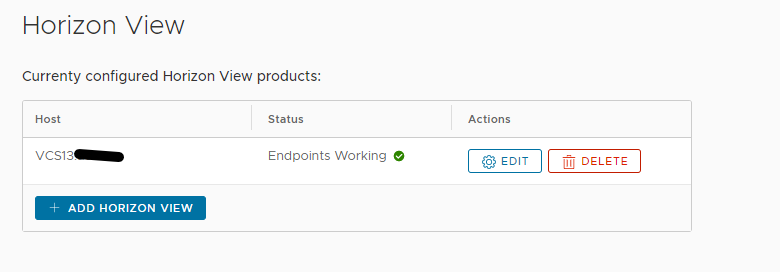
Now on Skyline Advisor Pro console (https://console.cloud.vmware.com/) we have 2 Horizon Connection Server
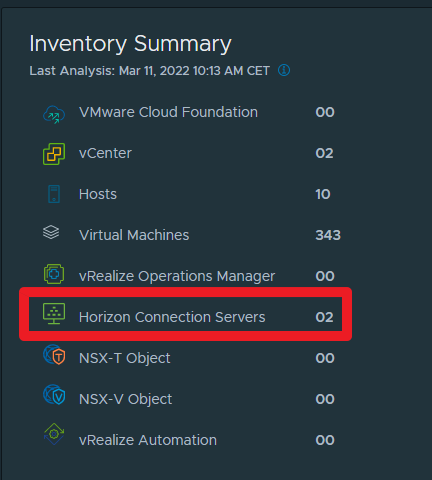
We’ll attend 24 hours to see the information

And after 24 hours we have the first Active Findings
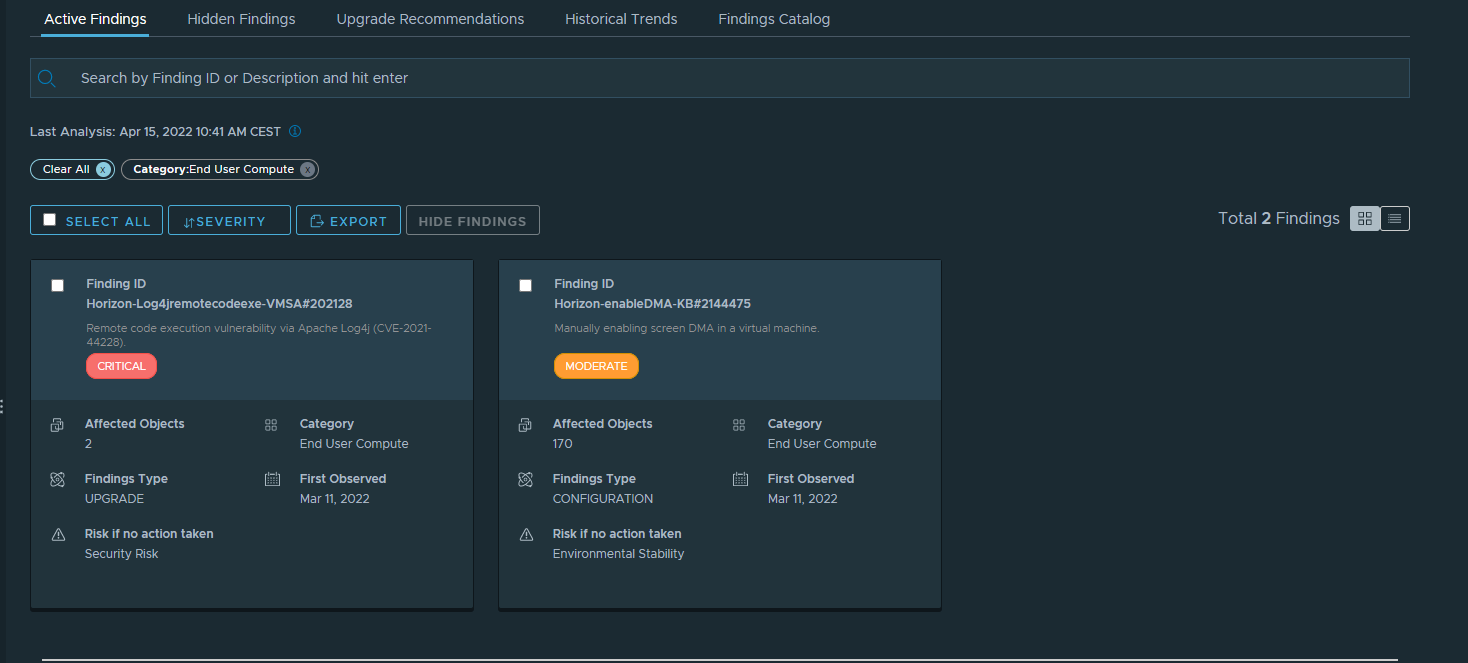
P.S. For the finding ID Horizon-Log4jremotecodeexe-VMSA#202128 I applied the Workaround and Skyline Advisor is unable to check this workaround.
Fonte