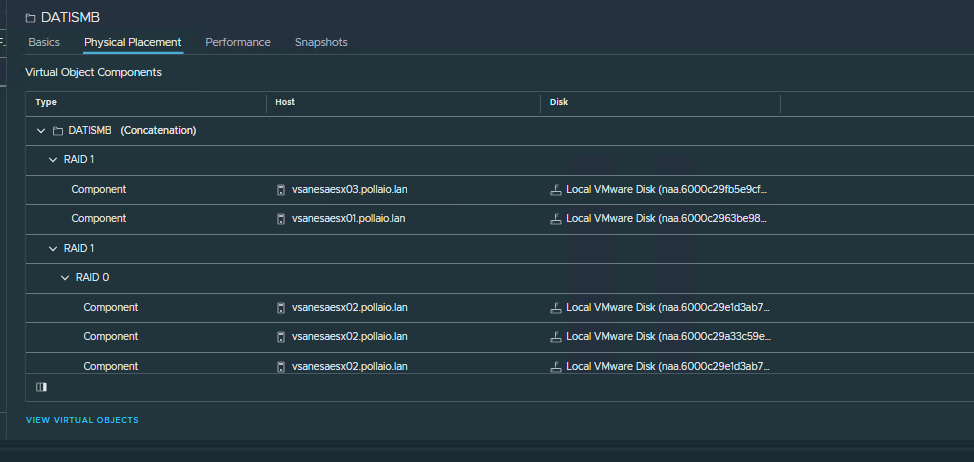
Requirements
Limitations and Considerations
Limitations and Considerations of vSAN File Service
Networking Considerations for vSAN File Service
After deploying and configuring the vSAN ESA we are ready to enable and configure the vSAN file services.
Enable File Service


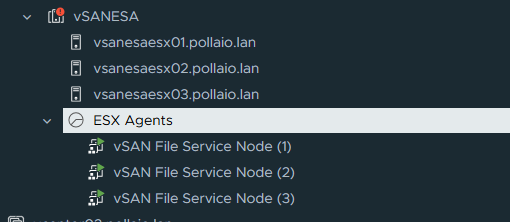
After Enabling the service we will see on the vCenter a new Resource Pool to allocate the File Service Node VM. (One for Each host ESXi)
Configure vSAN File service
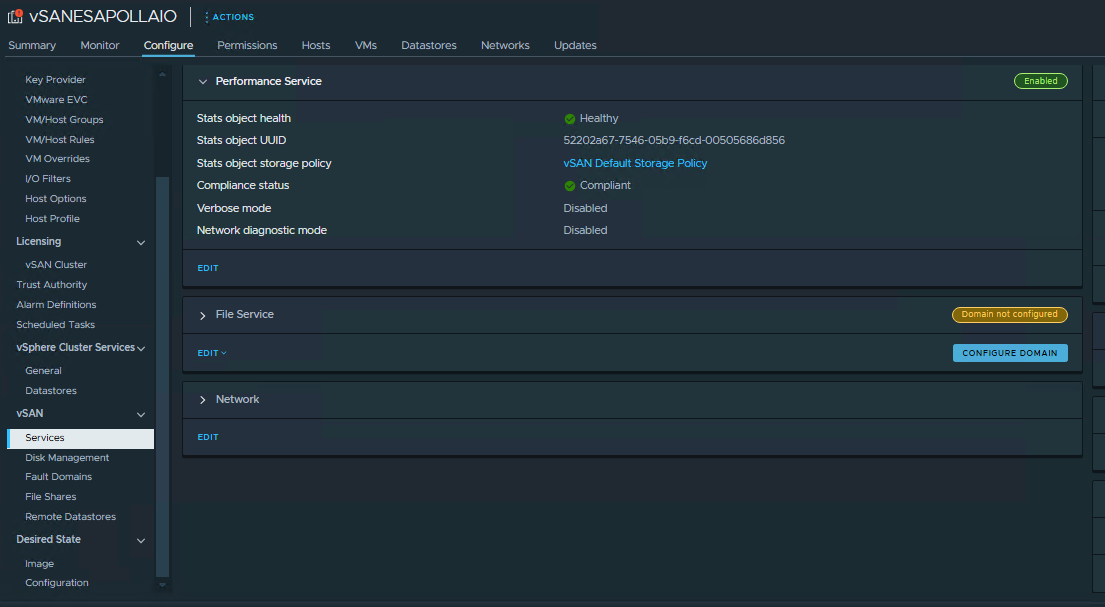
Go to vSAN, Services and under File Service click CONFIGURE DOMAIN


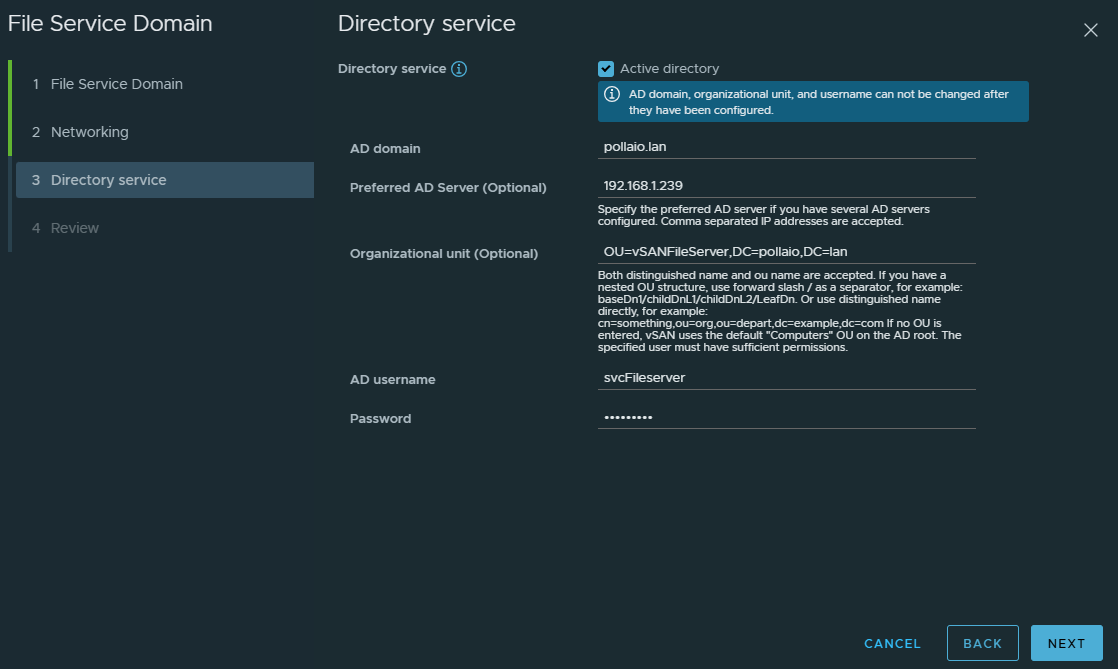
We need to configure the Directory Service to enable SMB share and NFS Kerberos Authentication.
The user identity for configuring the directory service must have the correct permission to do a join AD.
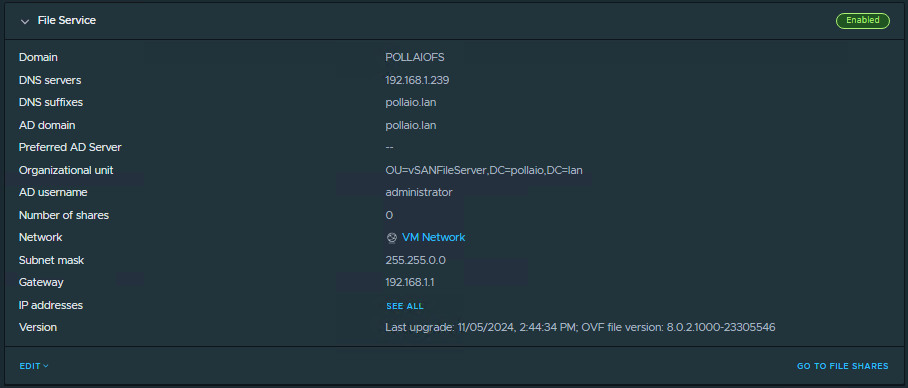
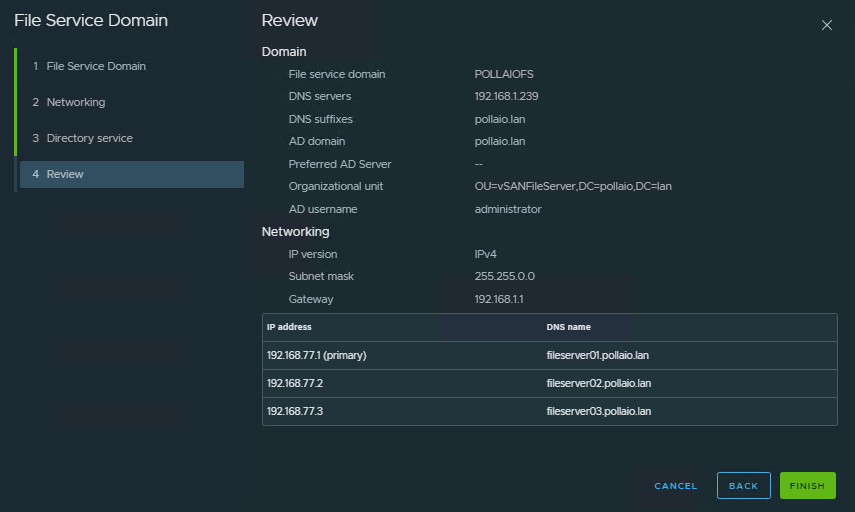
After completing the domain configuration we see the computer accounts in the OU select.

Create File Share
Now we can create the file share
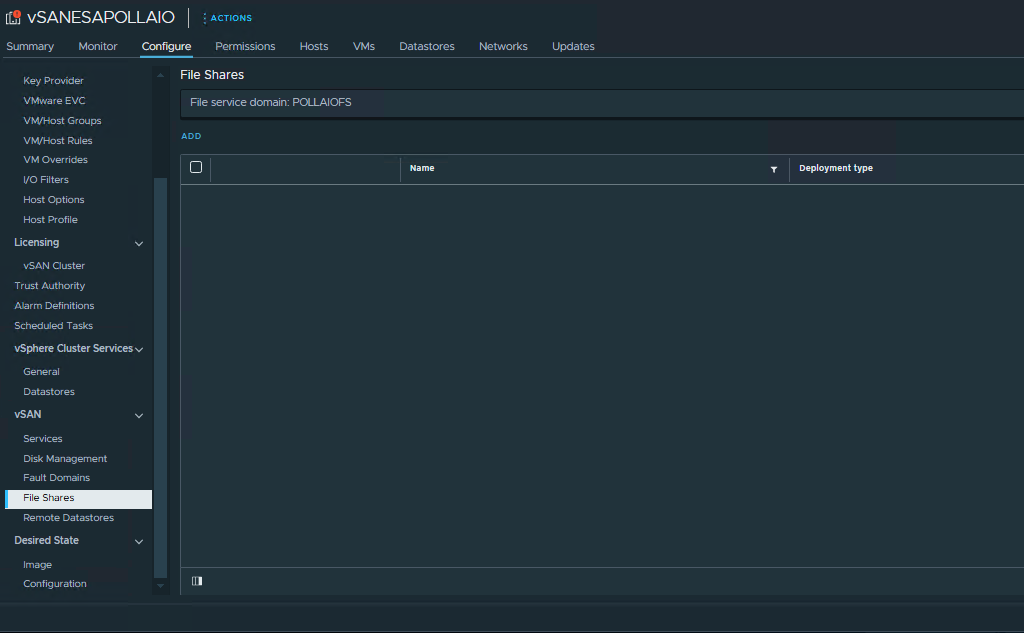
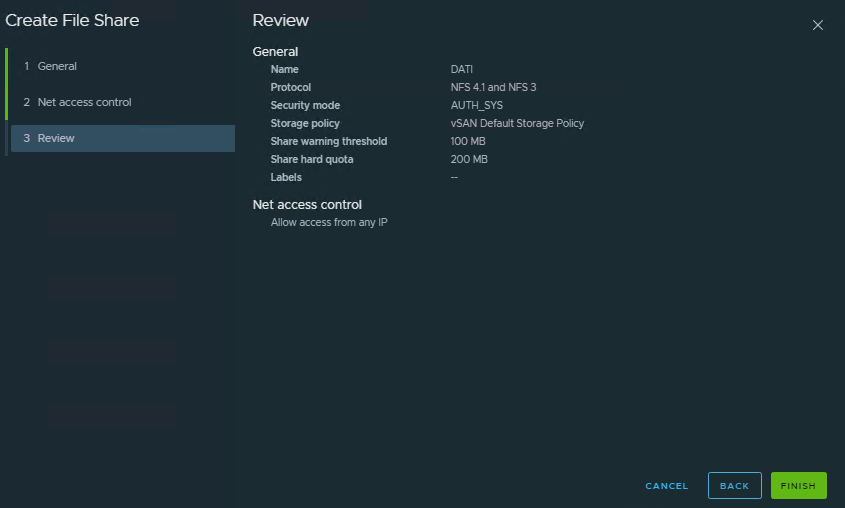
Will can create a NFS share with AUTH_SYS or Kerberos Authentication
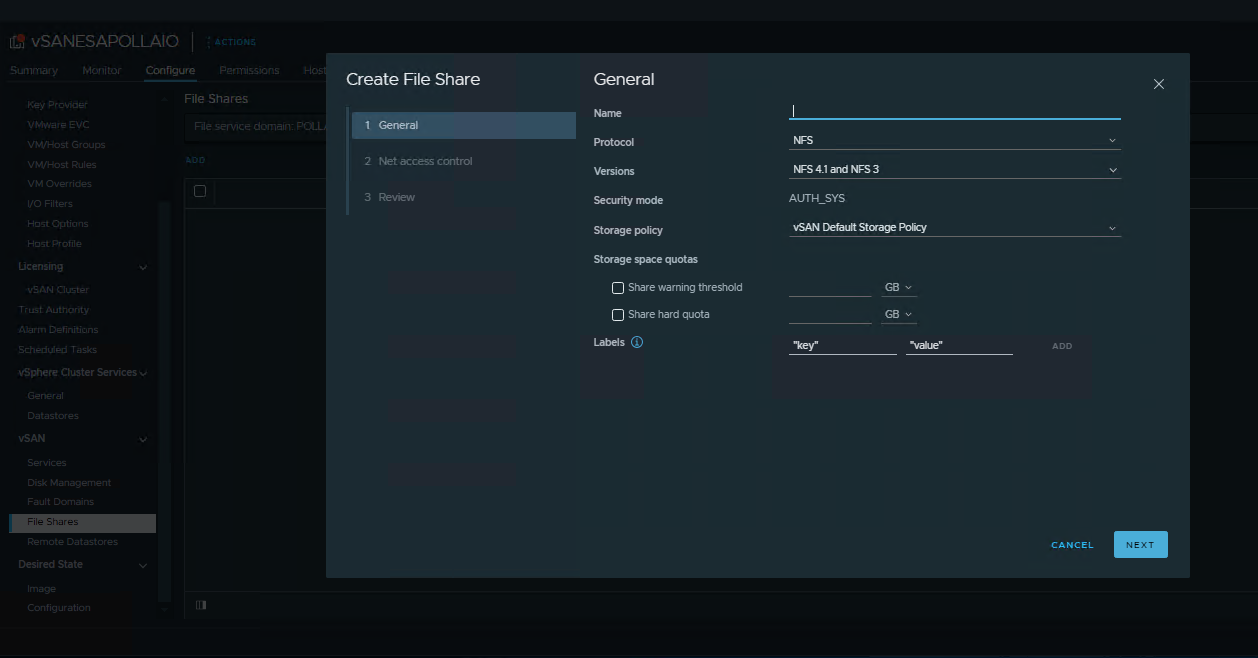



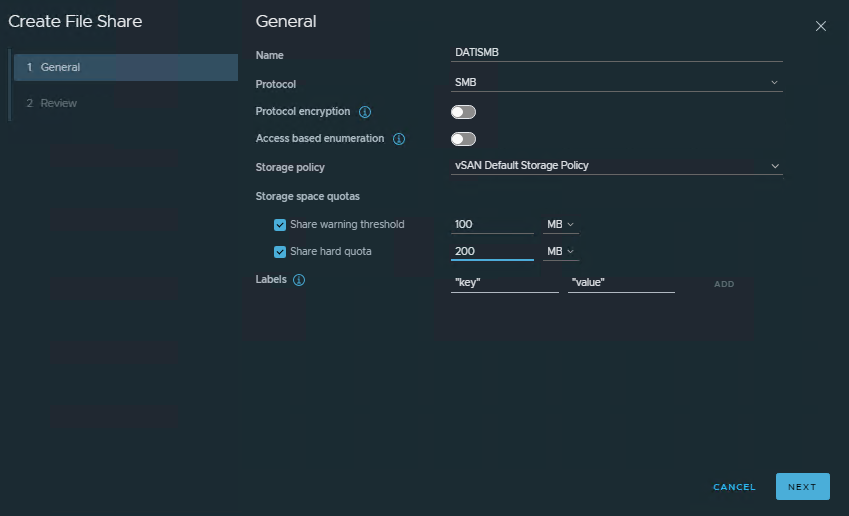
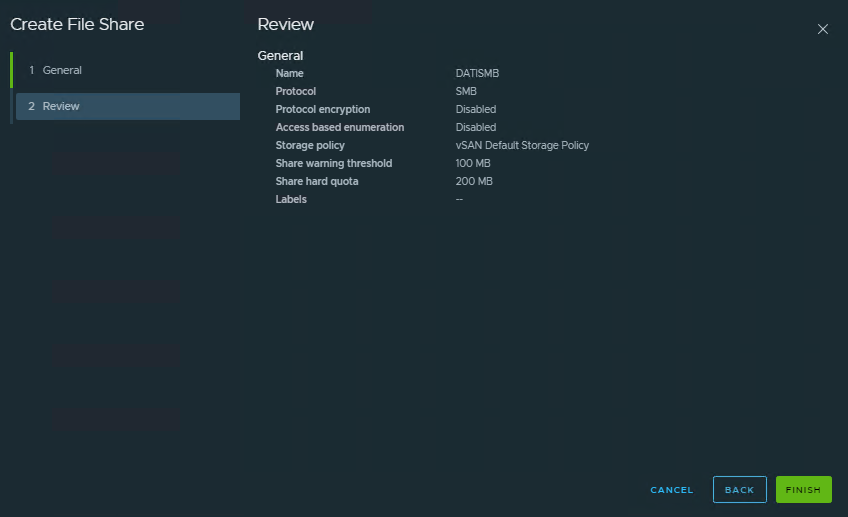
Will can create an SMB share
Configure ACL permission
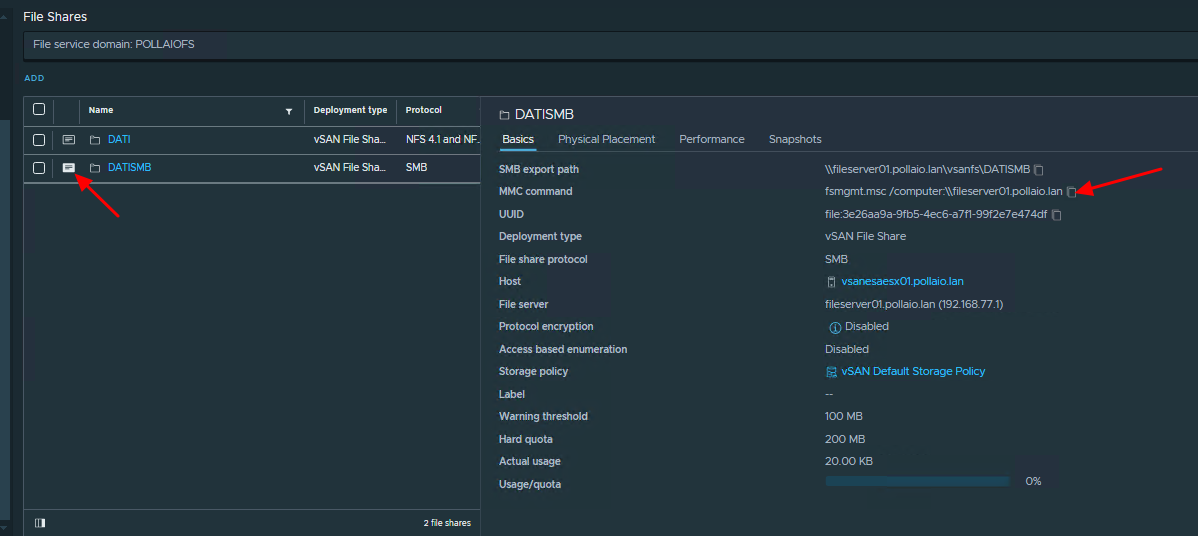
SMB SHARE can configure ACL for access use the FSM MMC from a windows OS.

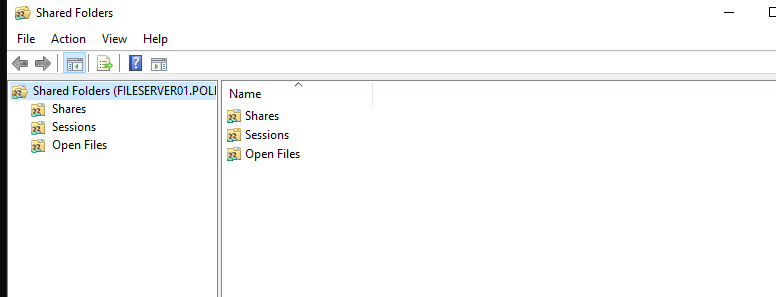
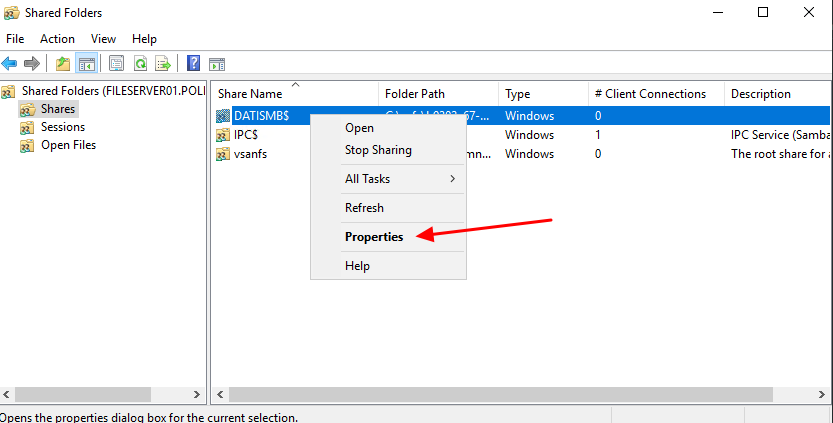
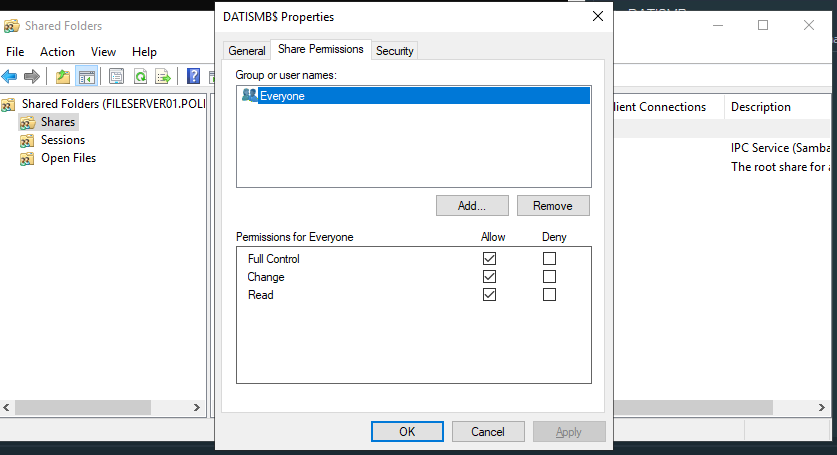
From best practices Microsoft it suggest to user Everyone on Share permission
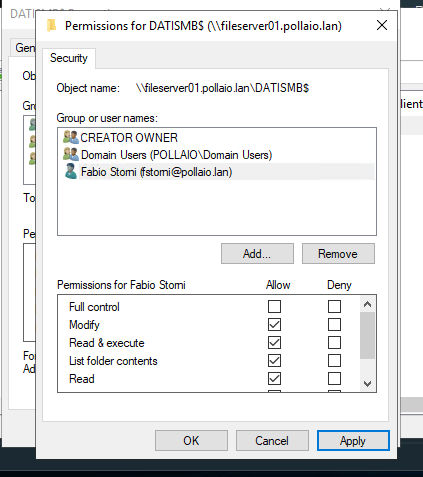
And set the permission on File Level (Security TAB)
Mount Share
On every share proprieties, we can find the path to use for mounting the share (The SMB Export Path)
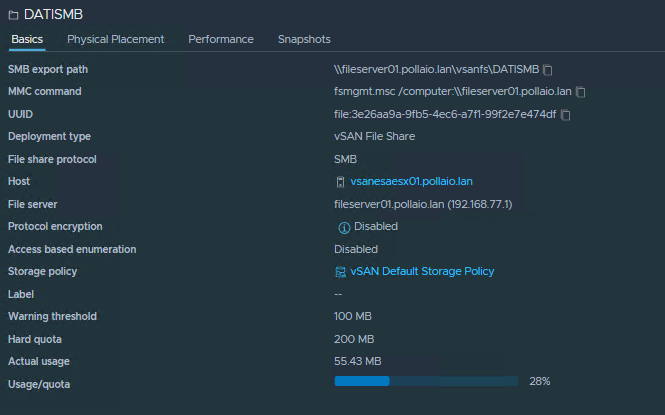
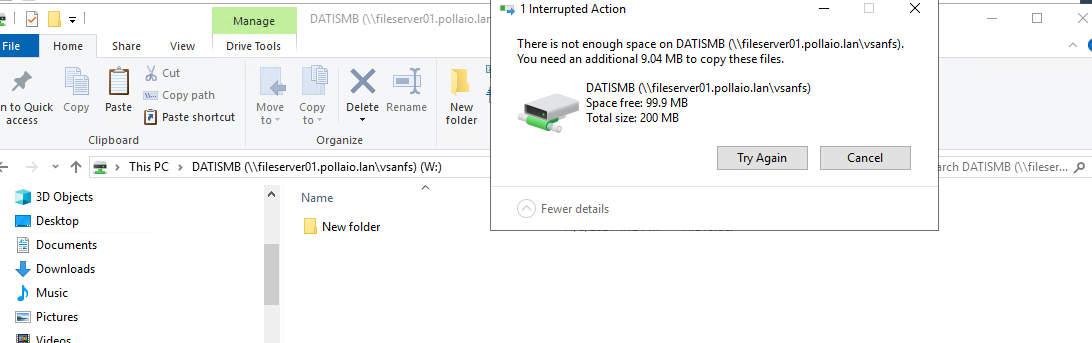
Share quota
The quota control if a specified Share exceed the max space add for it.
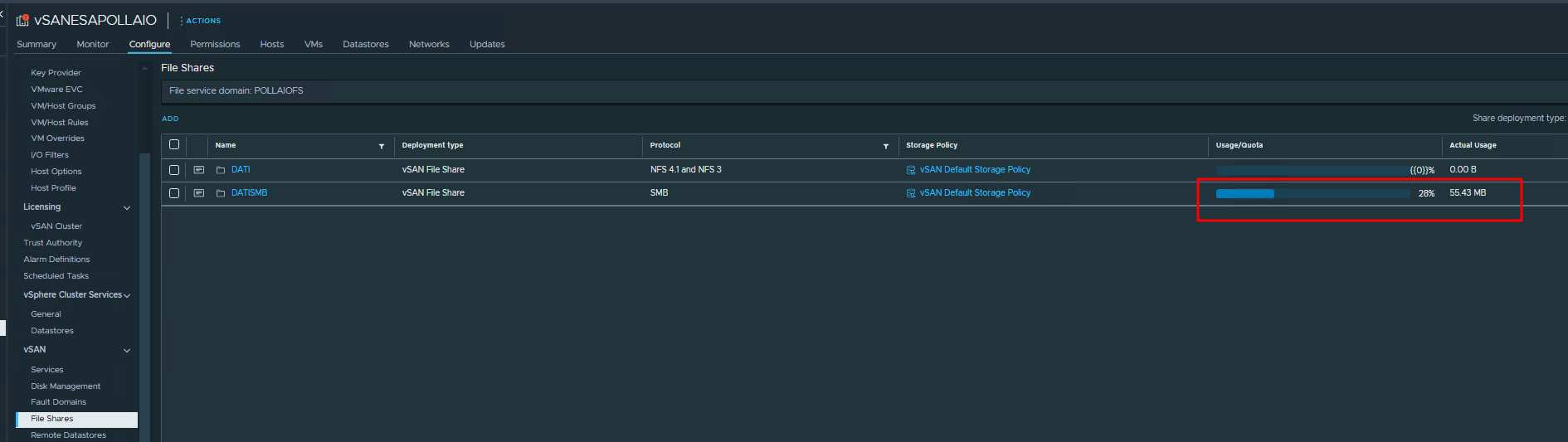
We can control the state of all share quotas from the vSphere console.

SMB Export Path -> The path to use for mounting the share
MMC Command -> The command to use for configuring the ACL