When we upgrade the Horizon Connection Servers or install Windows Patches on Guest OS where we have the Connection Server role, there is information that we can “save live”
This information is about the location of FSMO roles.
Normally the FSMO roles are located in the last installed Connection Server with a replica function.
We can check this location with some simple steps, I can try to explain:
- Create an RDP session with a Connection Server Guest OS
- Start a Command Prompt
- Run the LDP command
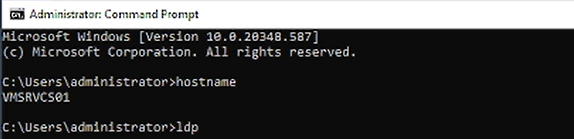
- We connect to LDAP
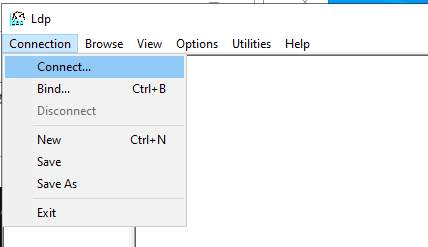
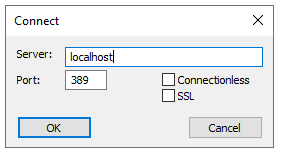
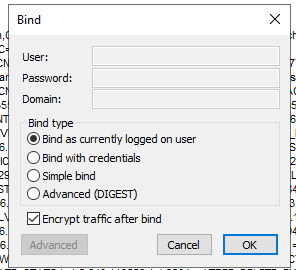
- We Bind as a currently logged user
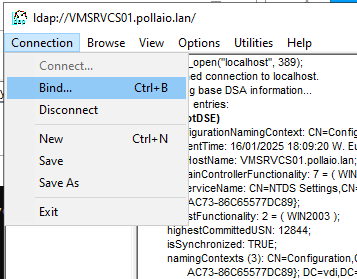
- Insert the BASE DN to show the tree(CN=Schema,CN=Configuration,CN{ID})
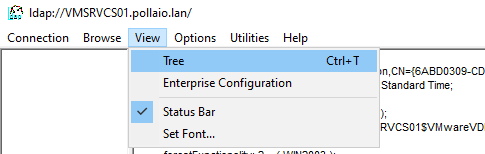
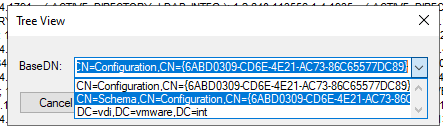
- Now on the right form of LDP we can see the connection server hostname owner FSMO role.
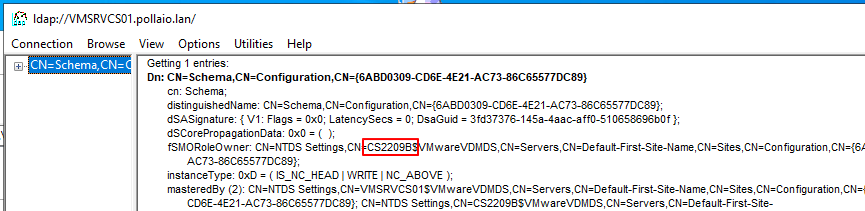
In this case, the FSMO is located on the CS2209B connection server.
The FSMO role is possible to move to another Connection Server with this simple command:
vdmadmin -X -seizeSchemaMaster
To launch the previous command from the Connection Server we want to take the FSMO role
