Because Who Likes Sniffers Anyway?
So you’ve installed Horizon (2503 is last version) and got your Event Database humming along on a shiny SQL Server. But hold on a sec — did you remember to lock down that traffic with TLS encryption? Or are you letting your event logs float around in plain text like it’s still 1999?
Let’s fix that.
Here’s how to set up SSL/TLS encryption between Horizon and your SQL Server, with a proper certificate from your Microsoft CA, and make sure your event data isn’t the low-hanging fruit on your network.
Why bother?
Because:
The Plan
1. Request a certificate from your Microsoft CA
On your SQL Server, create a certificate request:
Use certreq or just the MMC GUI.
Here’s the quick-and-dirty via MMC:
(Example: sql01.contoso.local)
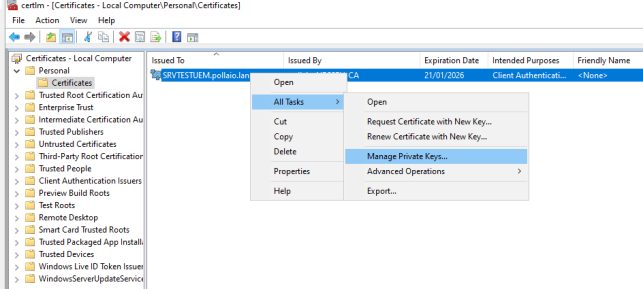
2. Install, verify and assign right permission to the cert
Technically it’s already installed, but verify:
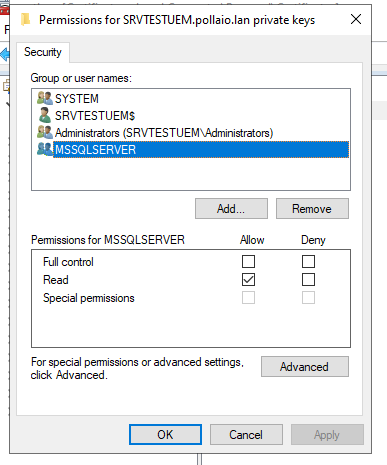
Now we need to assign to the user that starts the SQL server service the permissions to read the private key.
3. Tell SQL Server to use it
Configure SQL Server
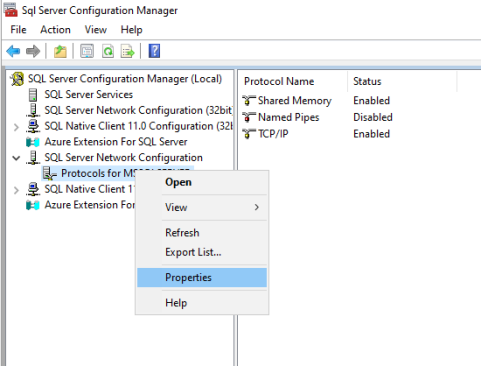
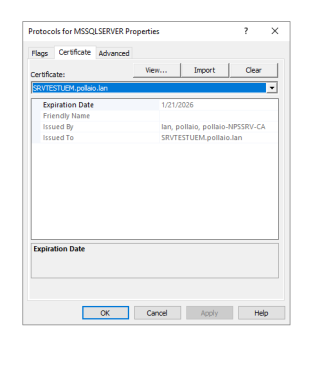
If it doesn’t show up:
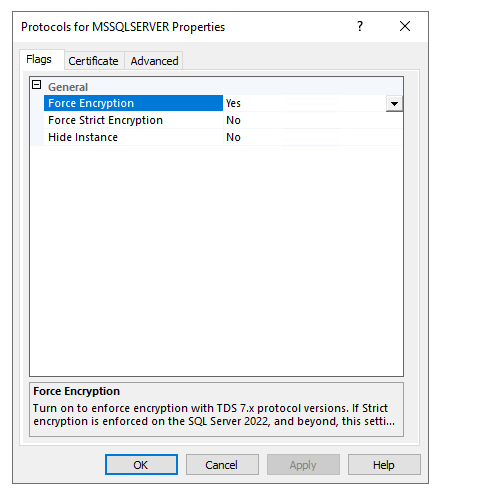
Force encryption (optional but recommended)
Still in Protocols for MSSQLSERVER ➔ Flags tab ➔ Set Force Encryption = Yes.
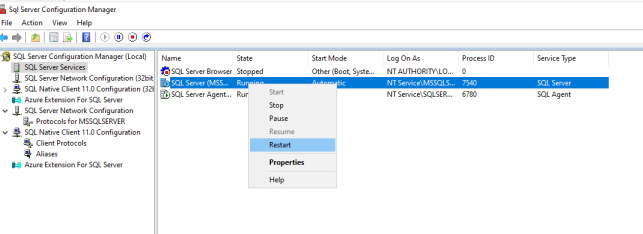
Restart SQL Service
You knew this was coming:
Restart-Service MSSQLSERVER
Testing time
Use SQL Server Management Studio (SSMS) to connect, then run:
SELECT session_id, encrypt_option
FROM sys.dm_exec_connections
WHERE session_id = @@SPID;
If encrypt_option says TRUE, congrats! 🎉
What about Horizon?
Enable SSL with modification in the ADAM DB pae-enableDbSSL and set it to 1
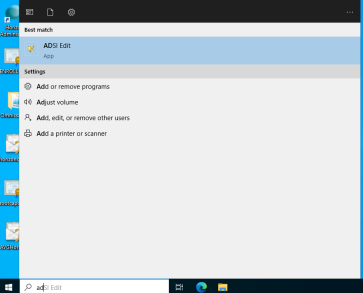
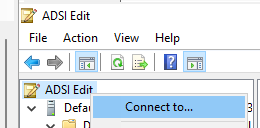
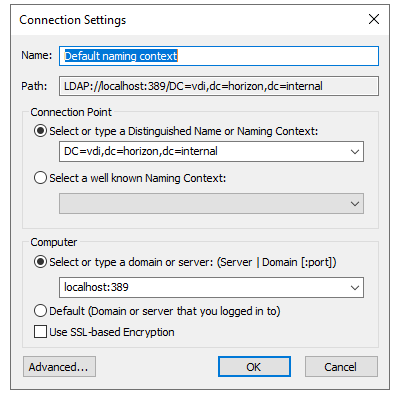
Remember that the Distinguished Name is different if you use the OLD ADAM Schema or the new Schema (the DN indicated in the image is the new schema with the rebranding Omnissa)



When you configure your Event Database settings in Horizon Administrator, it’ll negotiate TLS automatically if your SQL Server is set up for it.
Just make sure:
Done! Enjoy encrypted peace of mind.
Now your Horizon events are zipped up nice and secure in transit.
No more plain-text passwords, no more nosey packet sniffers. You can go brag to your security team and earn those extra donuts.
Bonus topic!
Now I check the traffic from Horizon Connection Server and SQL Server
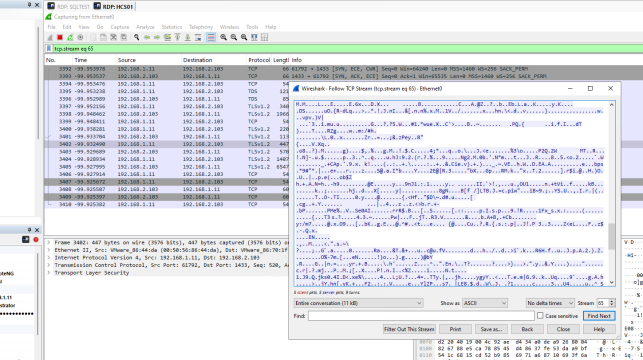
With Wireshark, we can check if the traffic is encrypted:
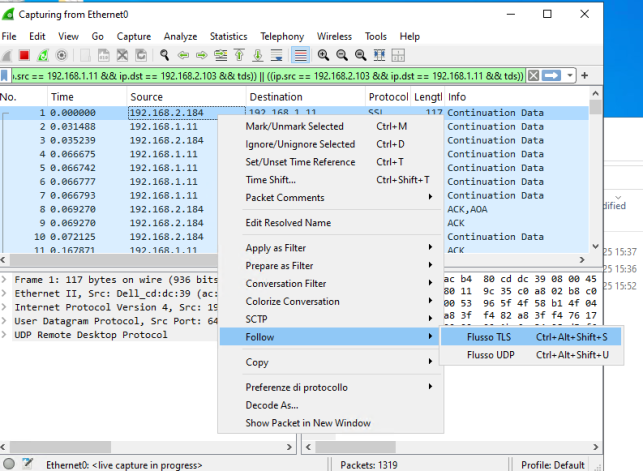
Whitout encryption
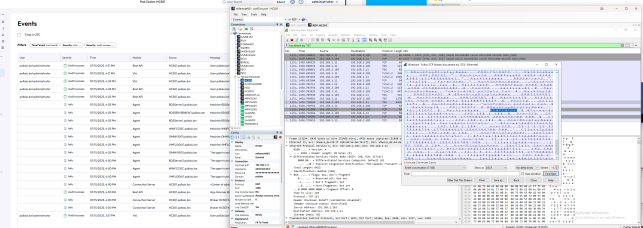
With Encrypted