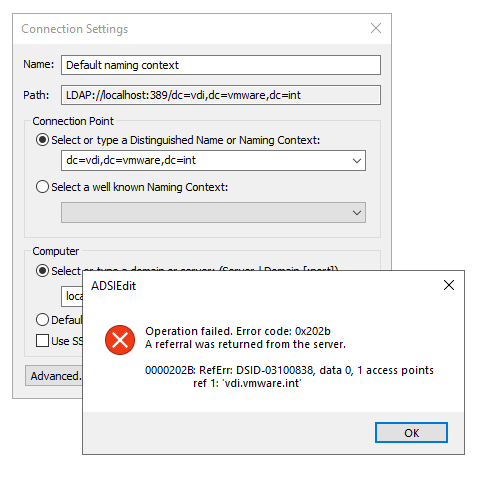
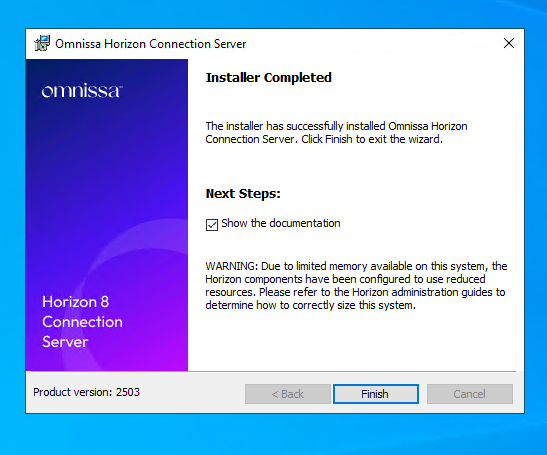
The new version of Horizon (version 2503) continues the renaming started by Omnissa in version 2412 to remove references to the VMware name.
Let’s see in this guide (with a simple environment consisting of a single connection server) the update to version 2503 (from 2412) and the AD LDS Application Partition Migration (to remove references to VMware as well).
It is important to follow the instructions in this KB for partition migration:
Omnissa Horizon ADLDS Migration (6000797)
Upgrade to the 2503
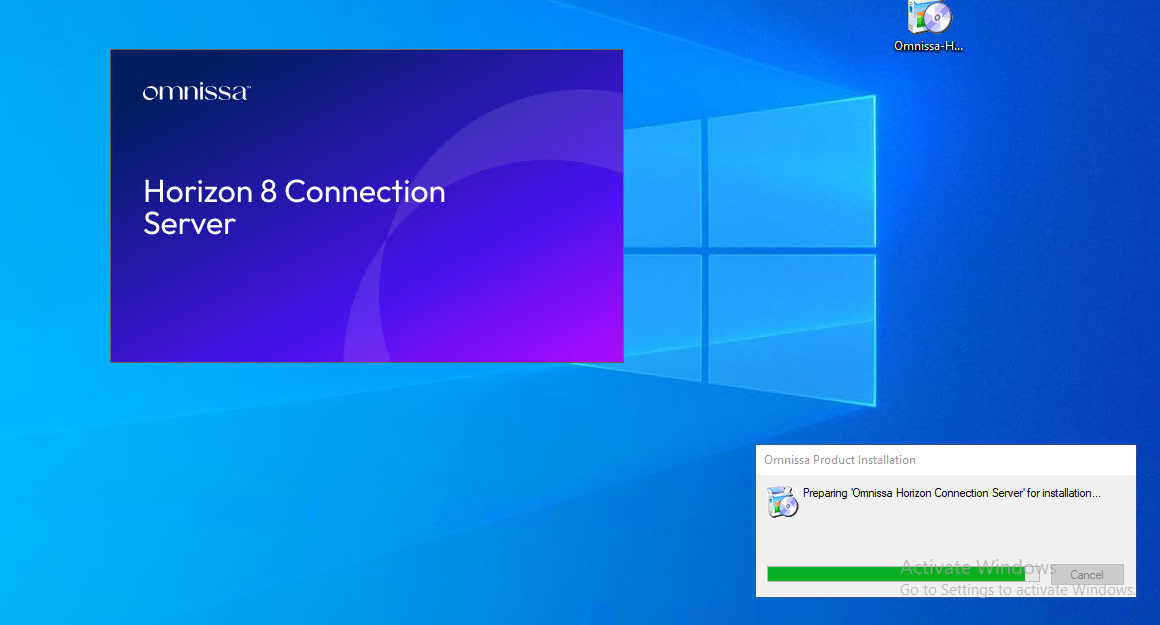
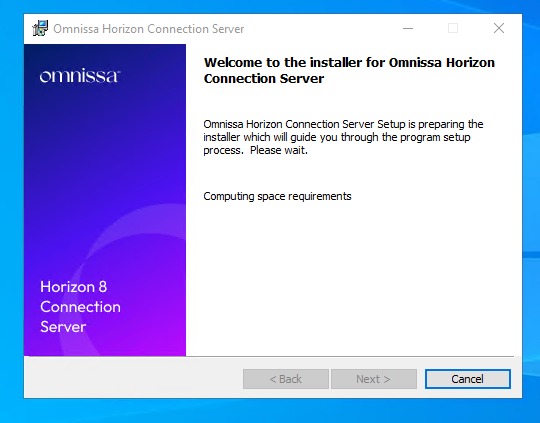
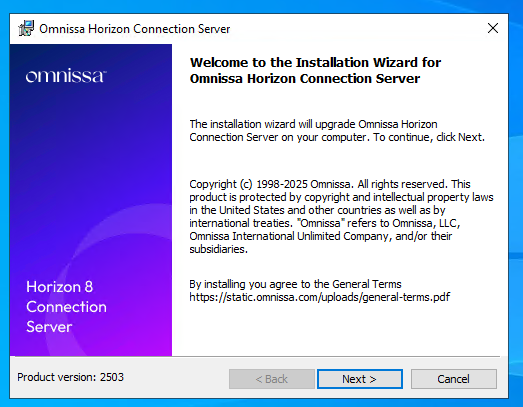
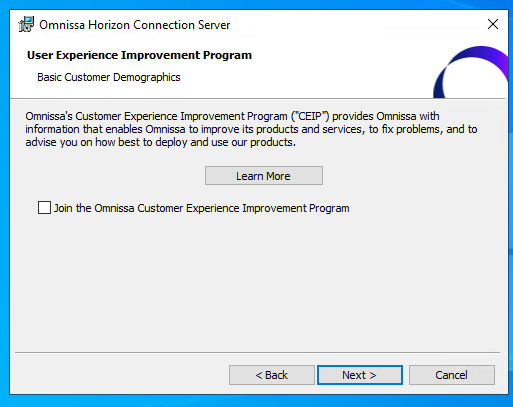
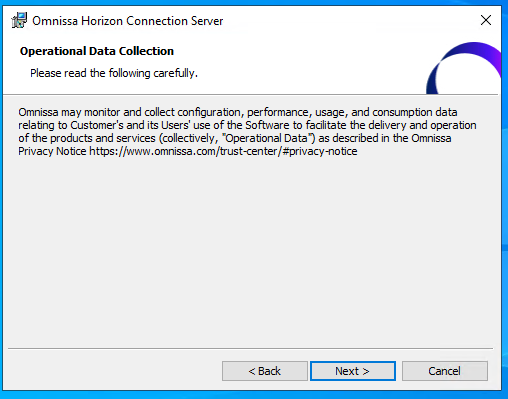
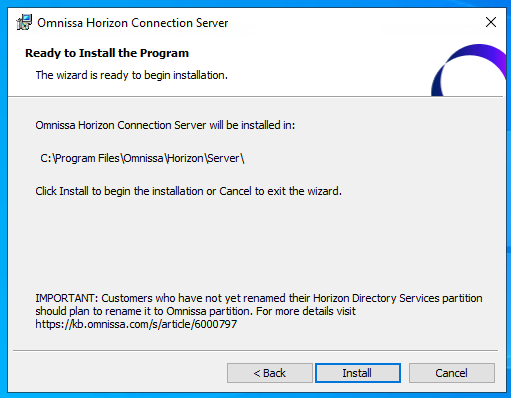
Upgrade to Horizon 2503 from 2412 (I recommend if you are coming from previous versions, to a new installation, whether the target version is 2412 or 2503)
- Backup ADAM DB
- Snapshot Connection Servers
AD LDS Application Partition Migration
Migration of the AD LDS partition (WARNING: at this time, if you have Omnissa Access in your infrastructure, you must wait for the new version of Access before proceeding with the partition migration)
We connect to the LDS AD using the classic references dc=vdi,dc=vmware,dc=int
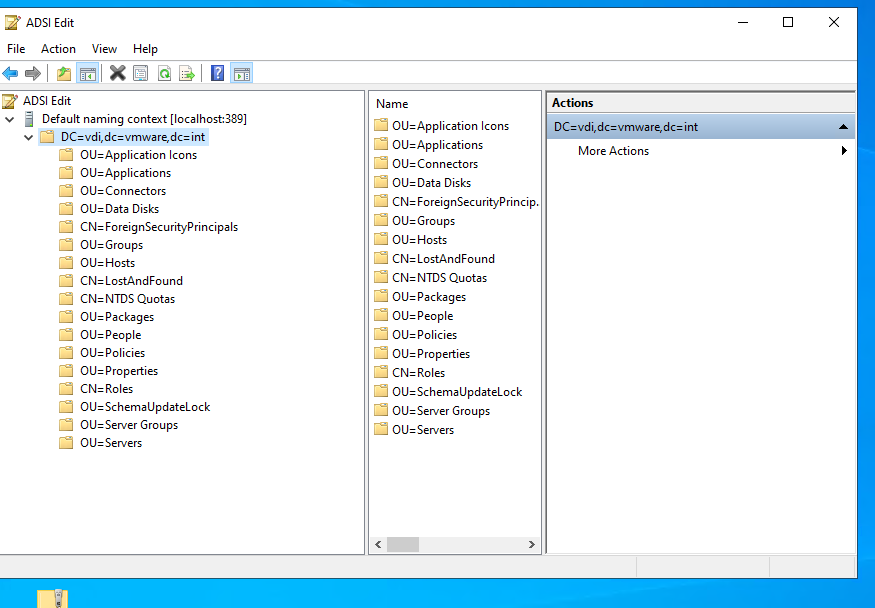
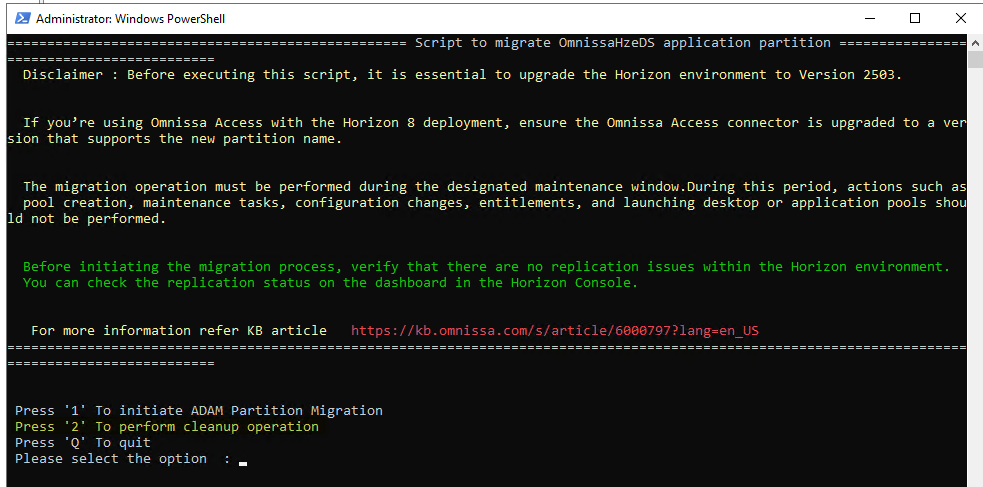
We use the script (OmnissaHorizonPartitionMigration-v1.ps1) attached to the KB previously mentioned (WARNING: you must have a maintenance window)
Run as admin

We test script execution at the policy level (must be RemoteSigned)
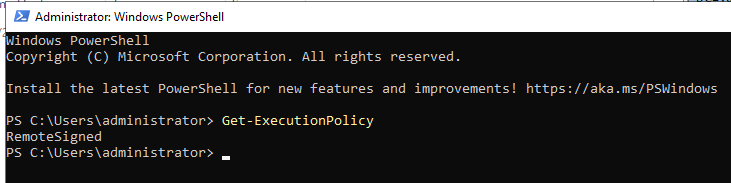
Let’s run the script

We have the choice whether to migrate or clean the old partition (obviously, we do the cleaning of the old partition only after the migration and only after verifying that everything is ok)
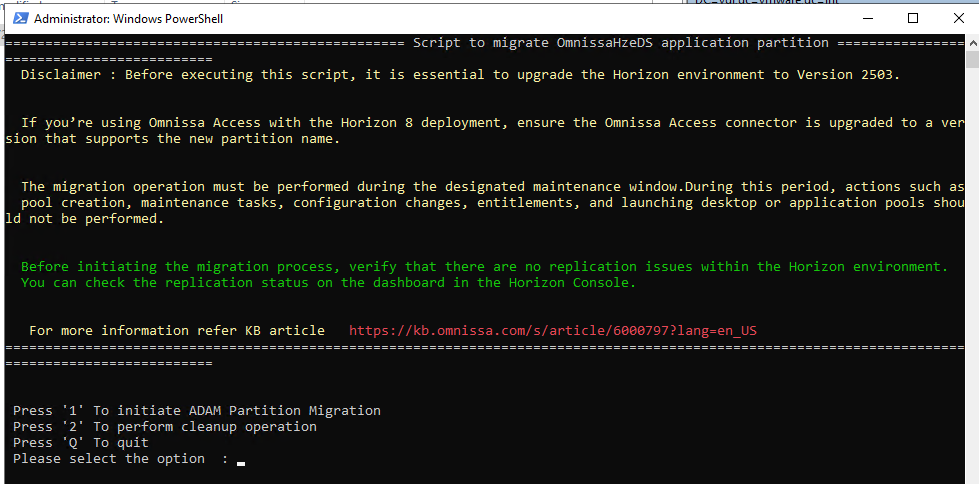
We select 1
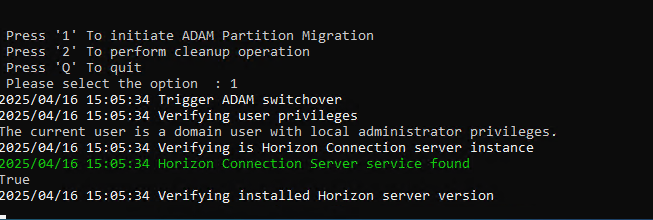
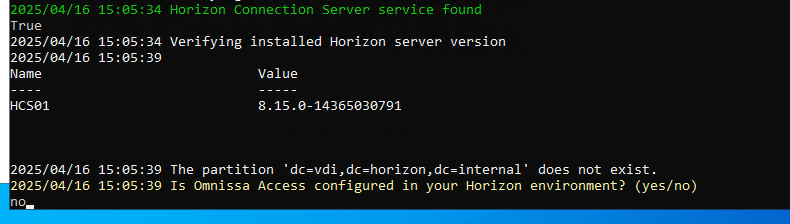
We are asked if we have an Omnissa Access configured in our environment, and in this example, we do not have it (in case you need to update it to the latest version before doing this update)
Then check that all the Connection servers are reachable (we have only one, in the case of multiple connection servers in a single POD, it is enough to run the script only once)
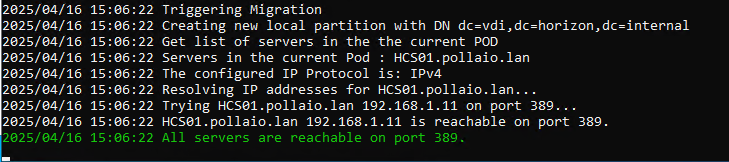
Backs Up
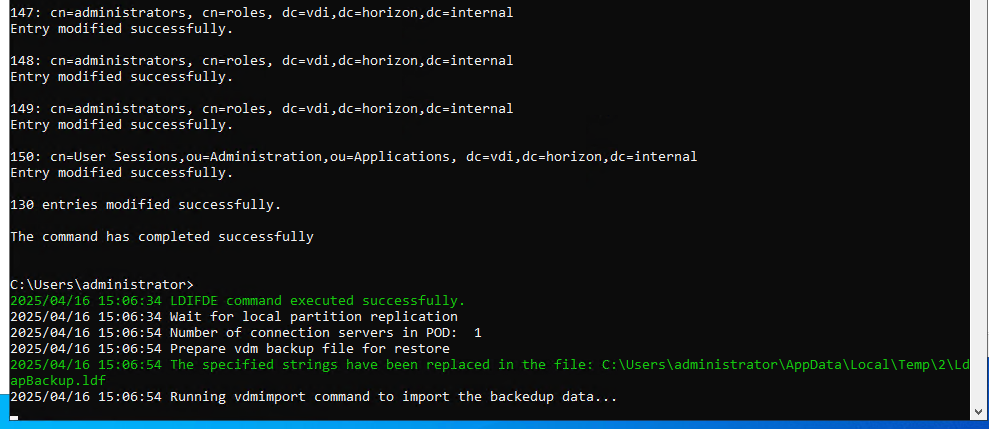
And import the information into the new schema
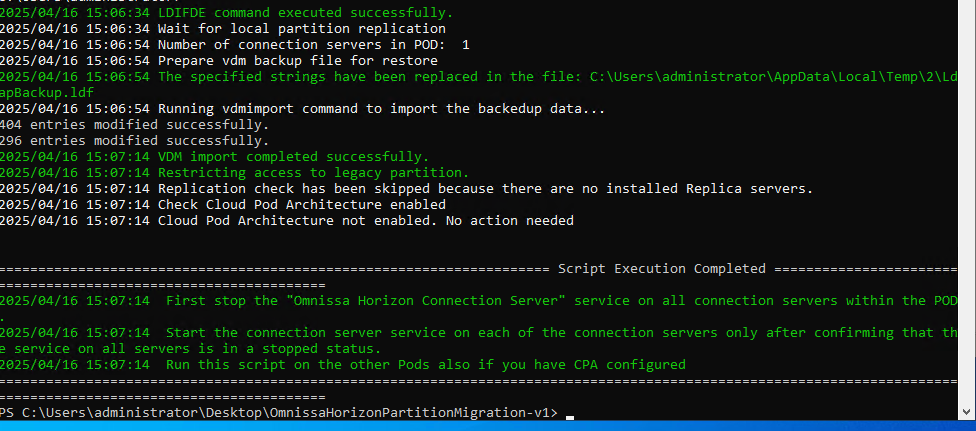
“Once the Script completes execution, stop the “Omnissa Horizon Connection Server” Windows Service on all Connection Servers in the POD. Only once the services on all servers in the pod are stopped, proceed to the next step. Note that rolling service restarts are NOT supported and will result in instability!
Start the Connection Server Service one at a time on all Connection Servers in the POD. You do not need to wait for the Connection server service to fully start up to before finish starting of services on remaining servers in the pod. The first service can wait up to 15 minutes per server in the pod to check back in for replication before allowing the service to start up. “
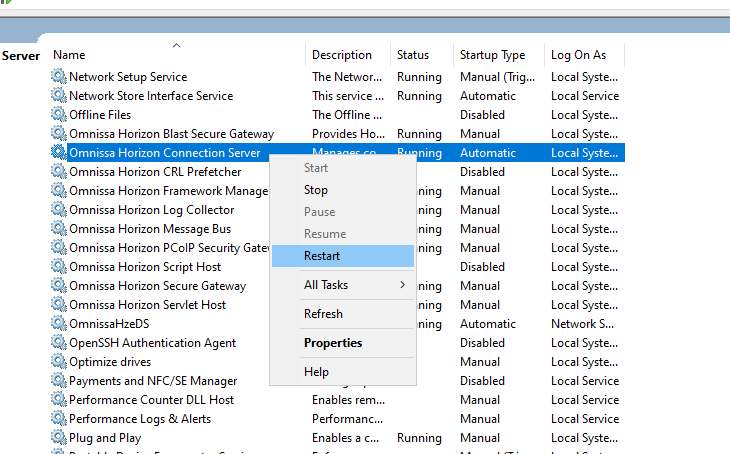
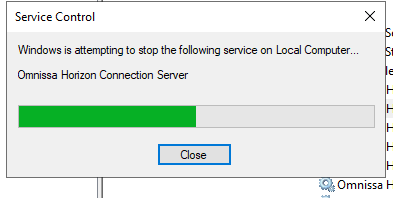
Let’s wait for it to come back up

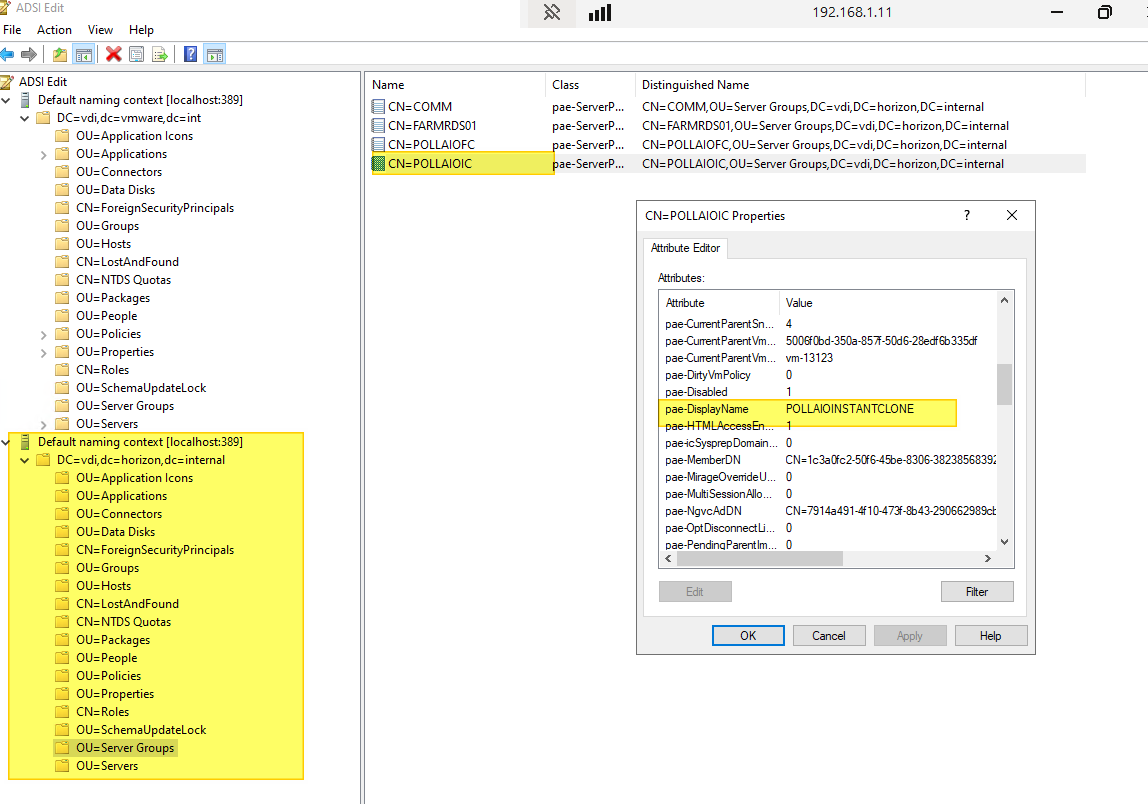
We connect with the ADSI edit using the new scheme dc=vdi,dc=horizon,dc=internal
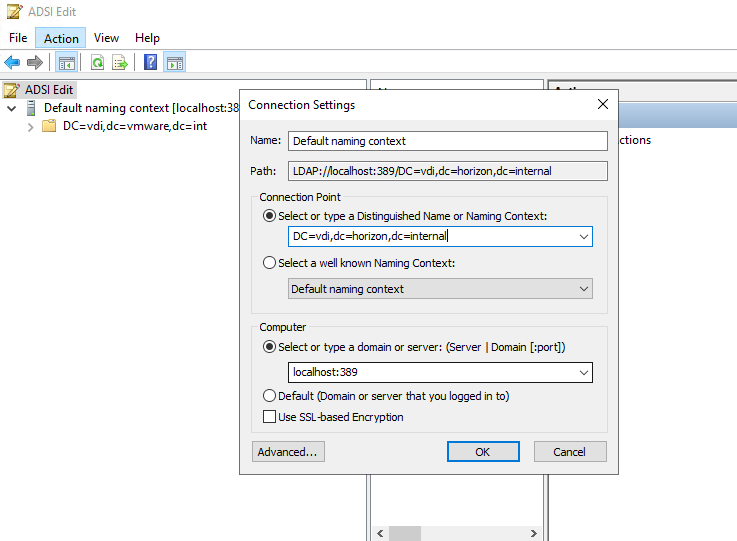
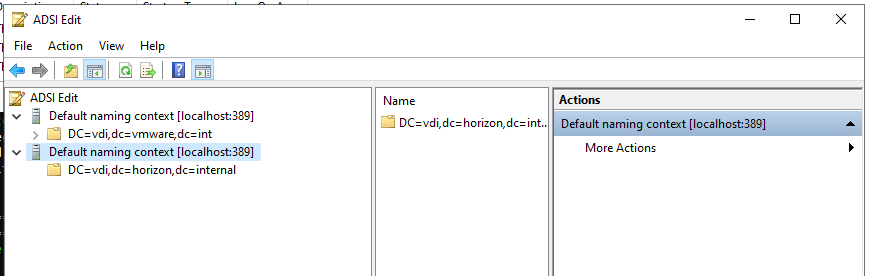
As a test, let’s try to remove a non-existent domain and see which one the change actually applies to (I expect the second)
Let’s change the display name of a pool
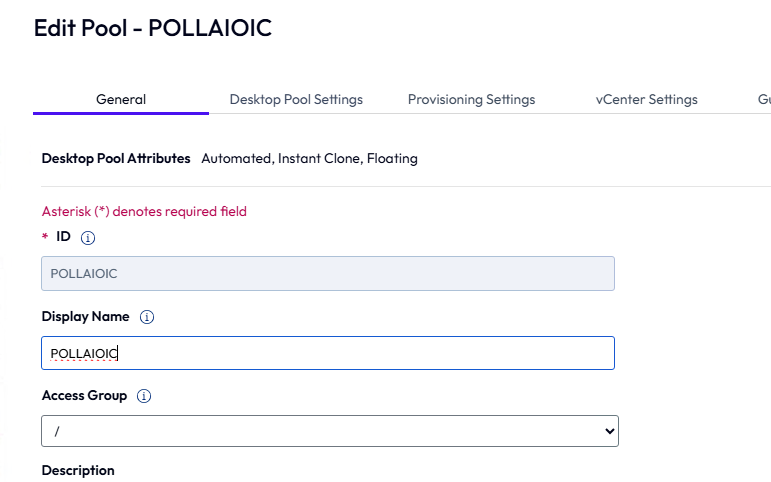
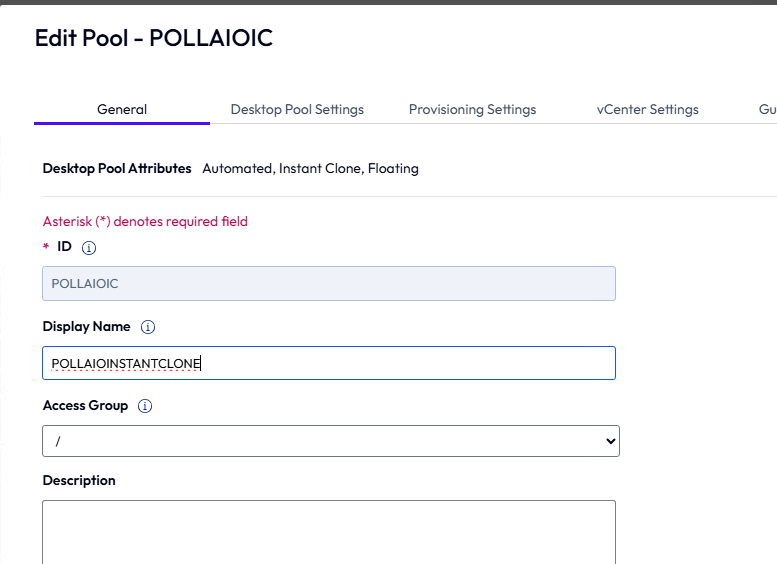
The new has changed
The old has not changed
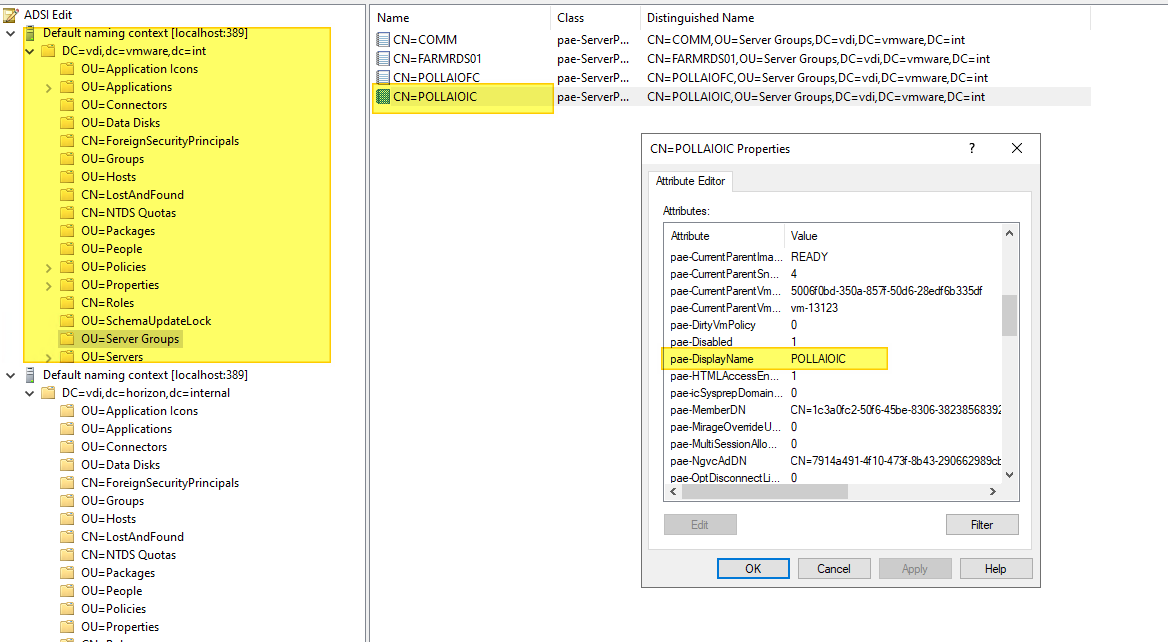
Once we finish the tasks and see that everything is stable, we erase the old pattern
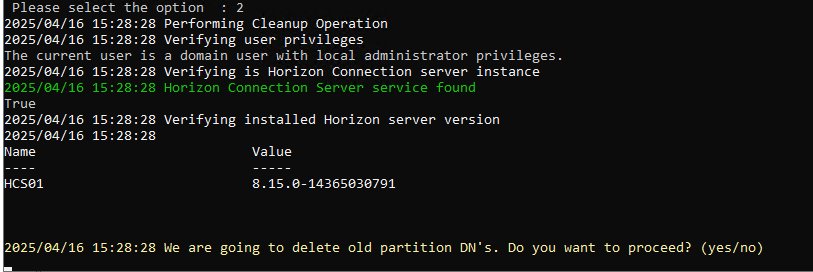


The old scheme no longer exists